
Algomatex Chart
Every market on one chart. Draw, scan and trade free.
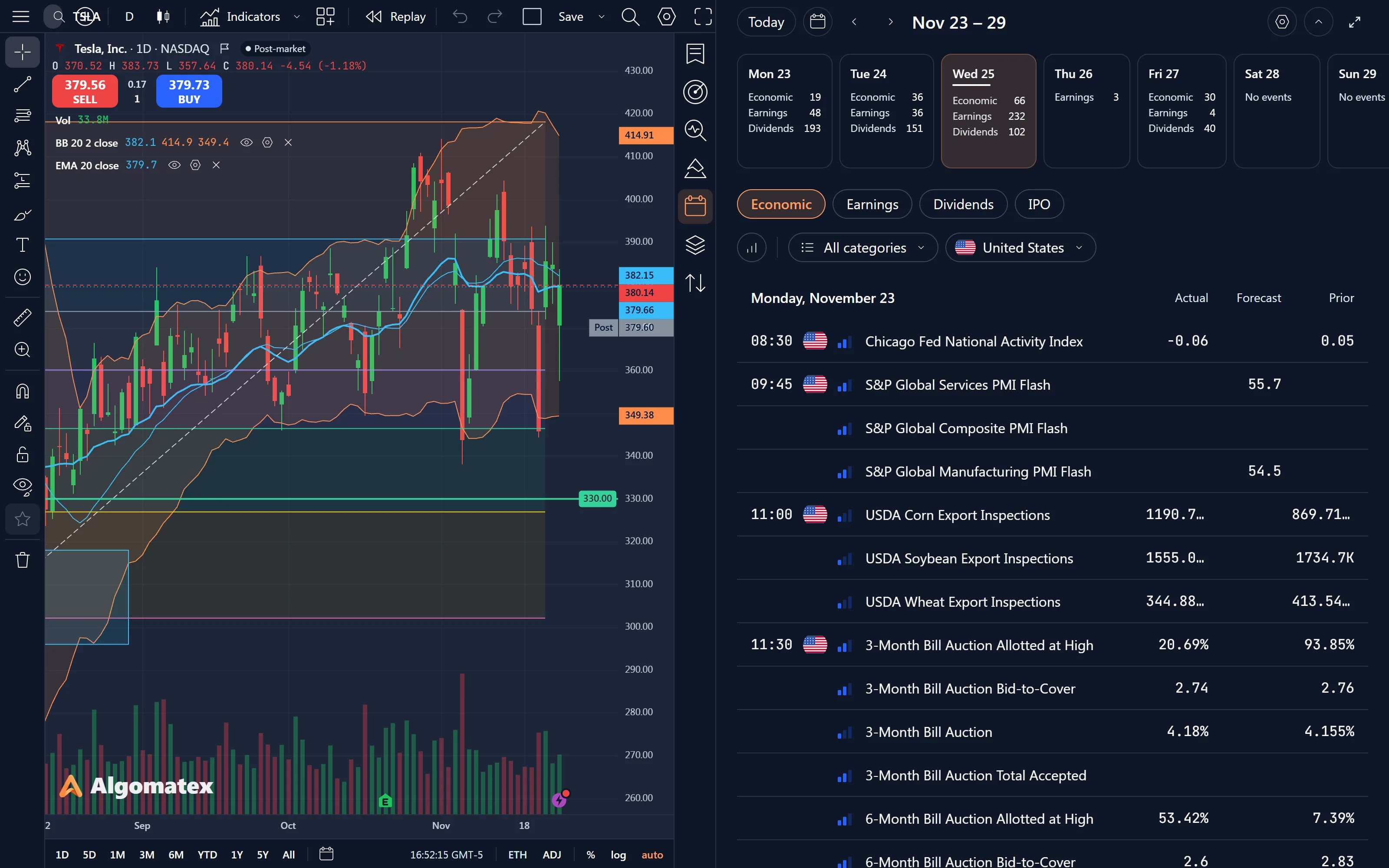
Algomatex Chart is a free charting platform for stocks, crypto, forex and indices: up to 16 charts per layout, 1,000 drawings on each chart, 20 indicators at once, a stock screener, an economic calendar and orders placed straight from the chart at your own broker.
- 1,000 drawings per chart
- Up to 16 charts per layout
- No ads, no card
01The chart
A full charting desk, not a trial of one.
The limits other platforms sell back to you are simply there: draw, stack indicators and split the screen without counting.
- Drawings
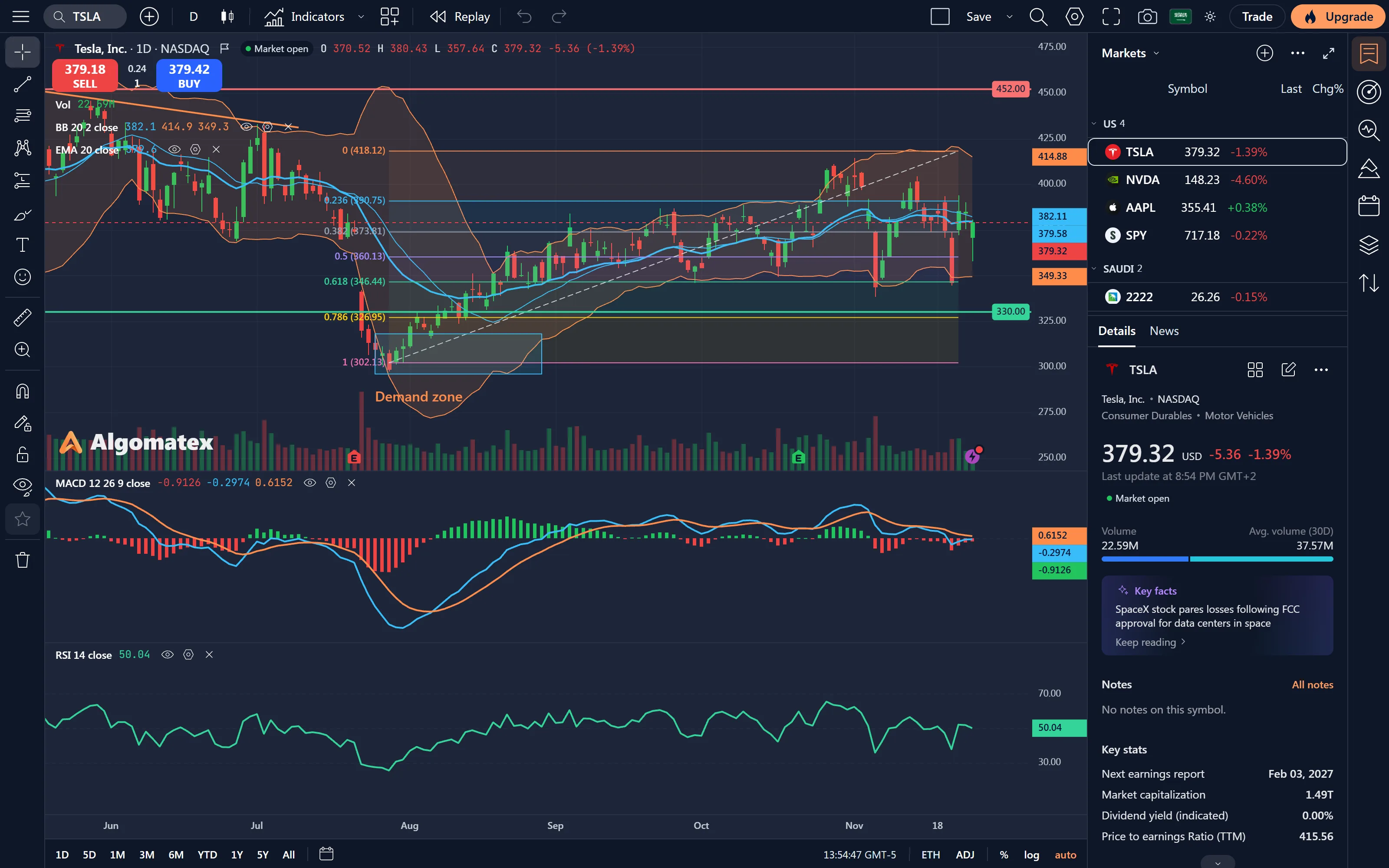
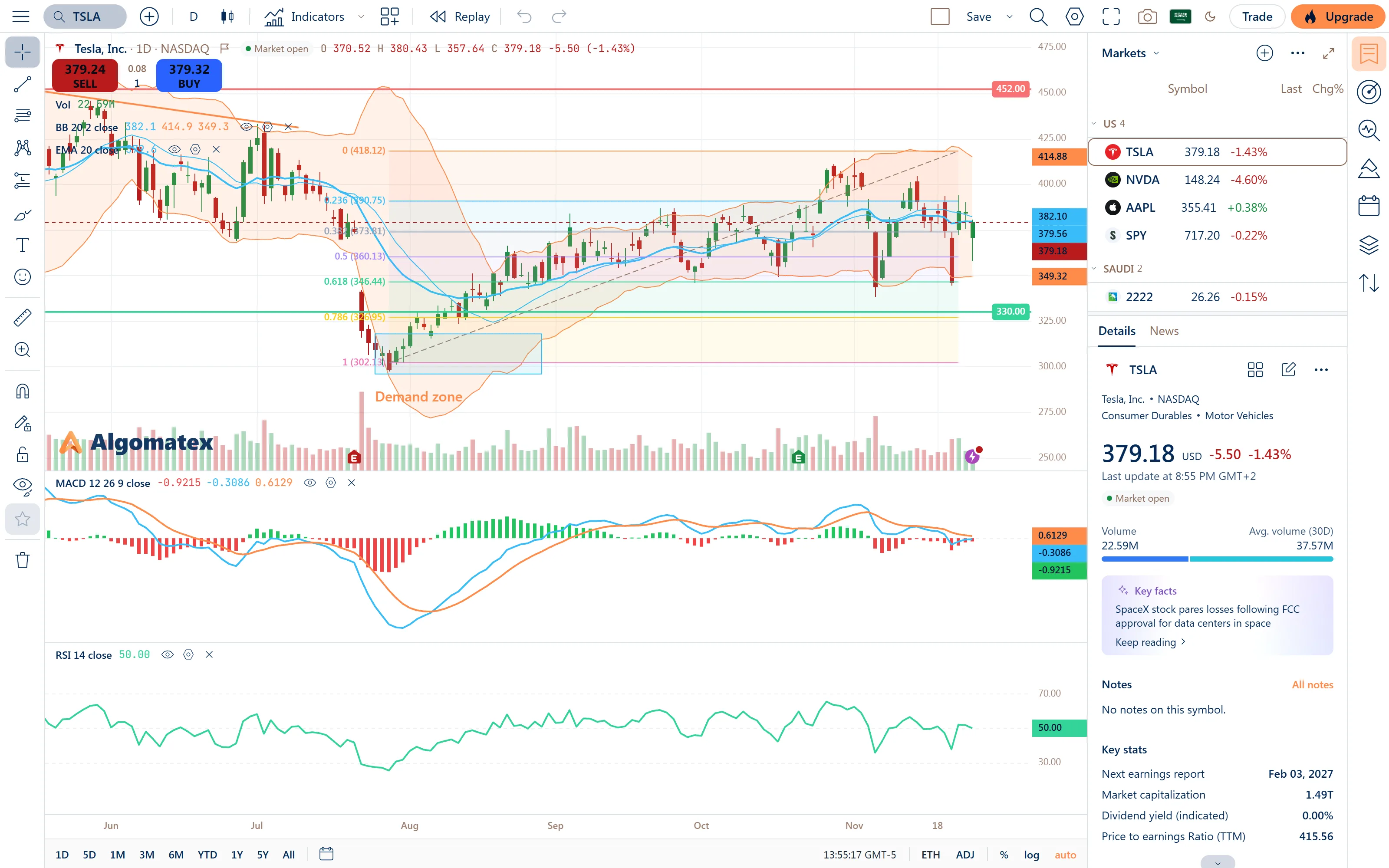
1,000 drawings on every chart
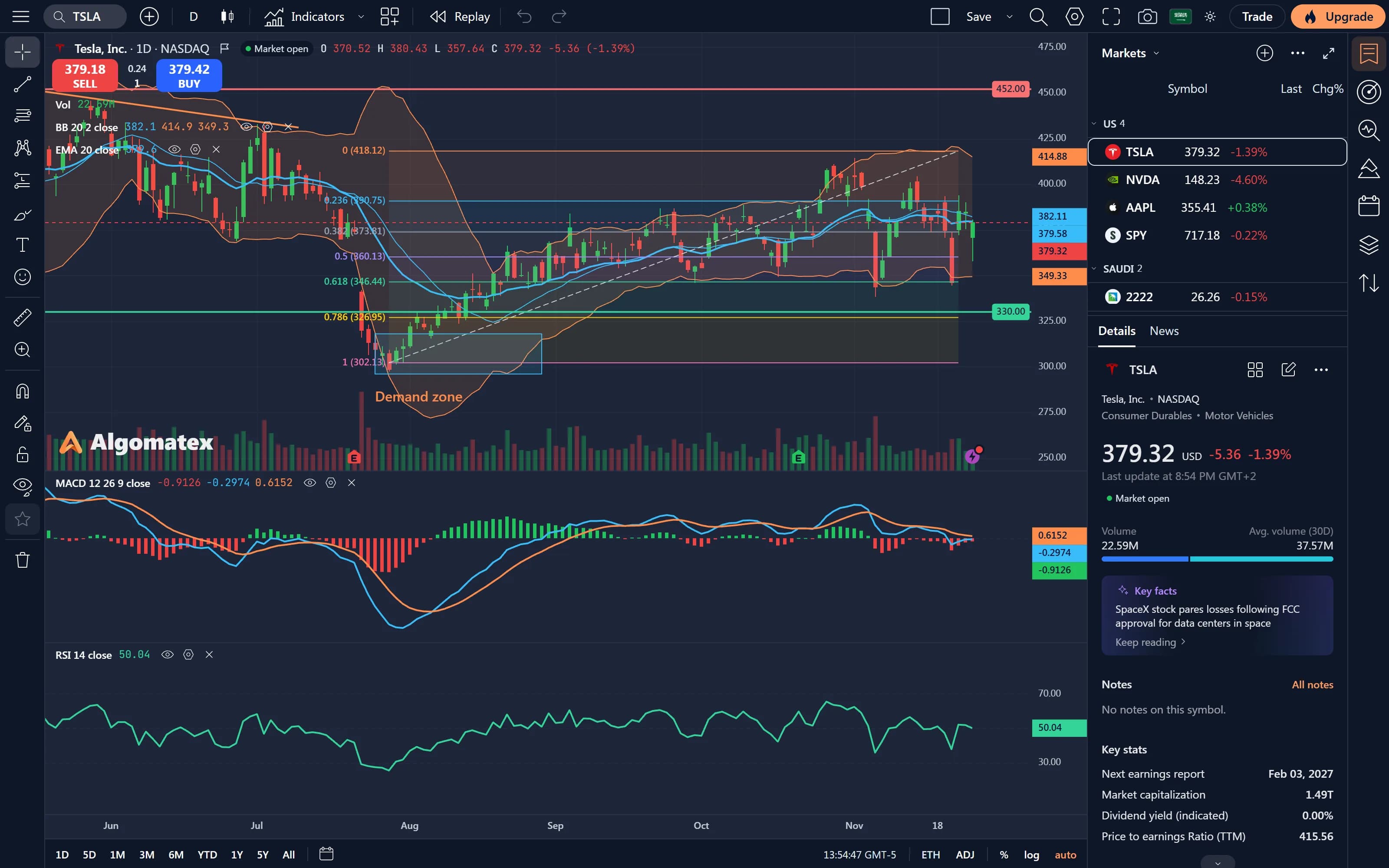
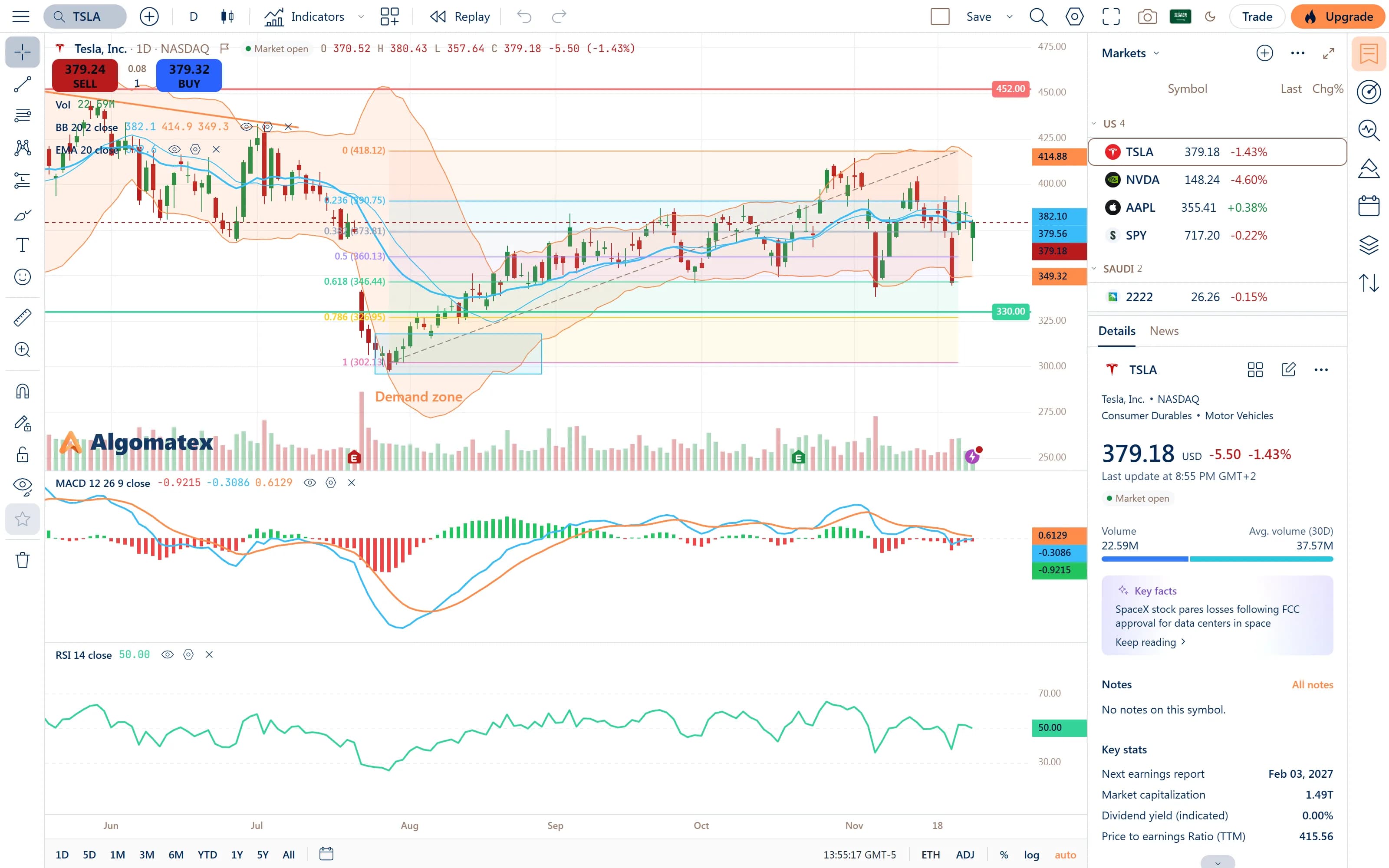
52 drawing tools — trend lines, Fibonacci, pitchforks, patterns, Gann, measures and notes — with a magnet, lock and hide, and styles you save once and reuse.
- Up to 1,000 drawings per chart and symbol
- Favourite tools on their own bar
- Drawings saved to your account, on every device
- Indicators
20 indicators at once — and your own
28 ready indicators run in your browser, up to 20 on one chart. Write your own in Pine Script in the built-in editor, with version history.
- Moving averages, RSI, MACD, Bollinger, VWAP and more
- Your own Pine scripts, saved to your account
- Indicator templates you apply in one click
- Layouts
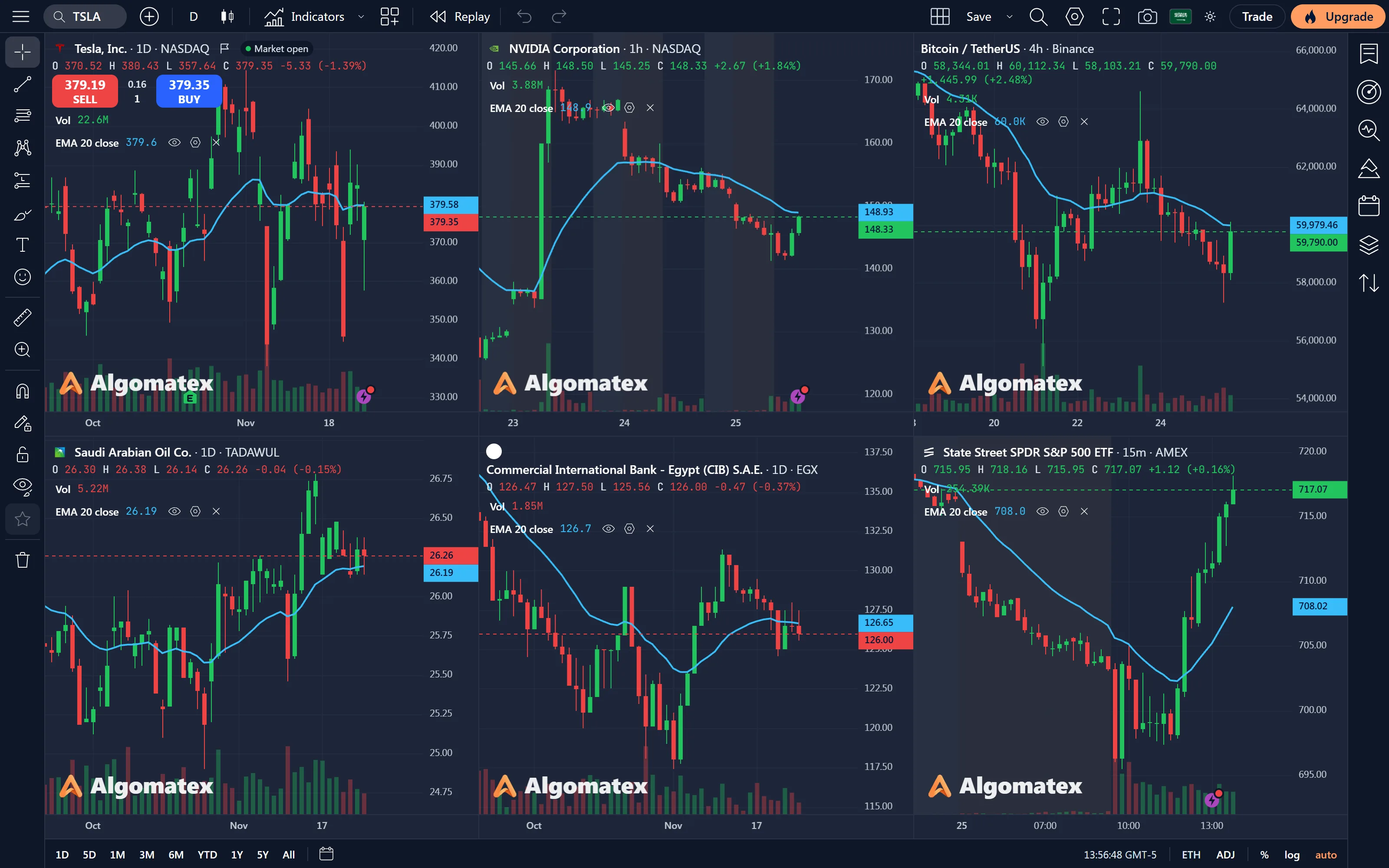
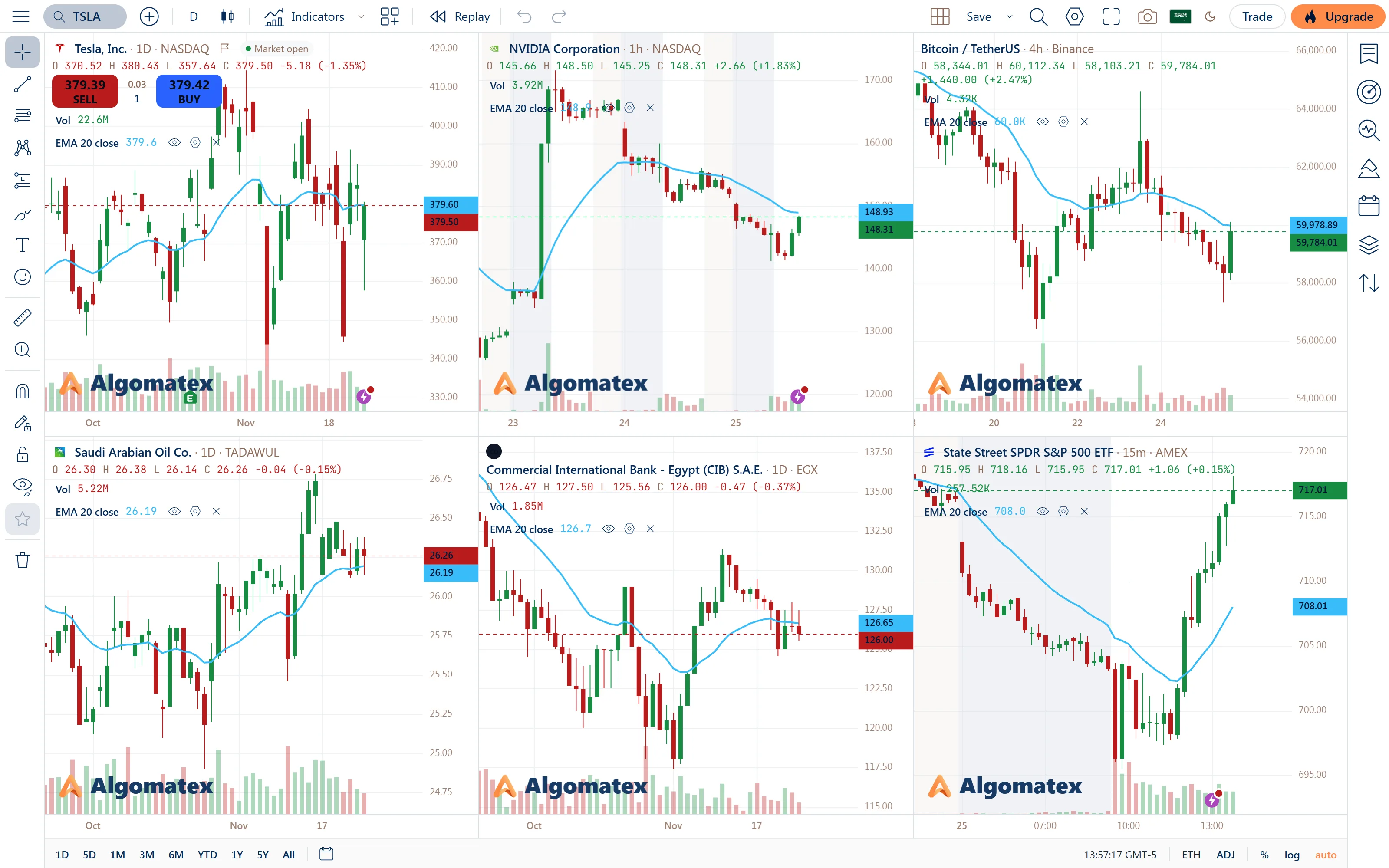
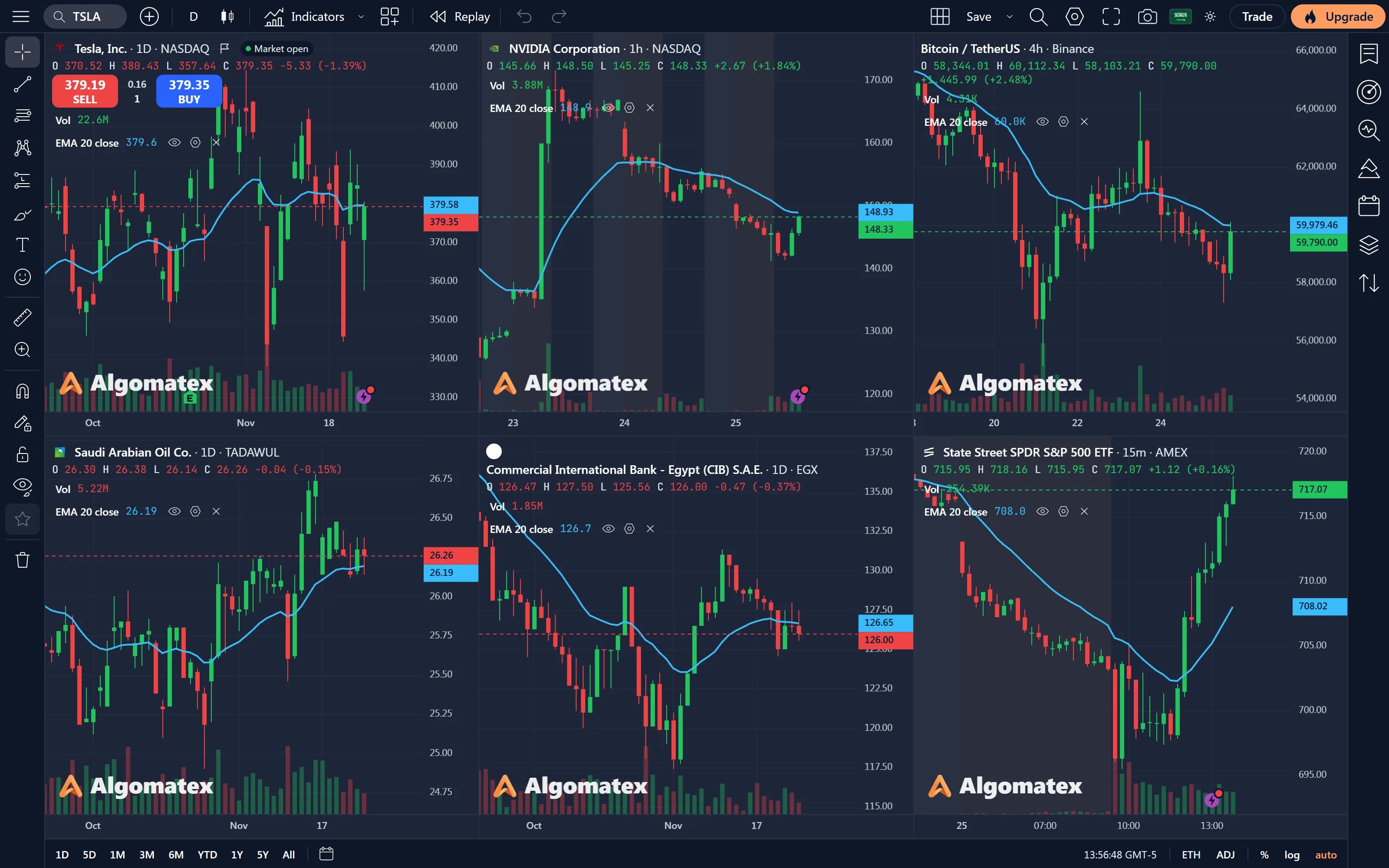
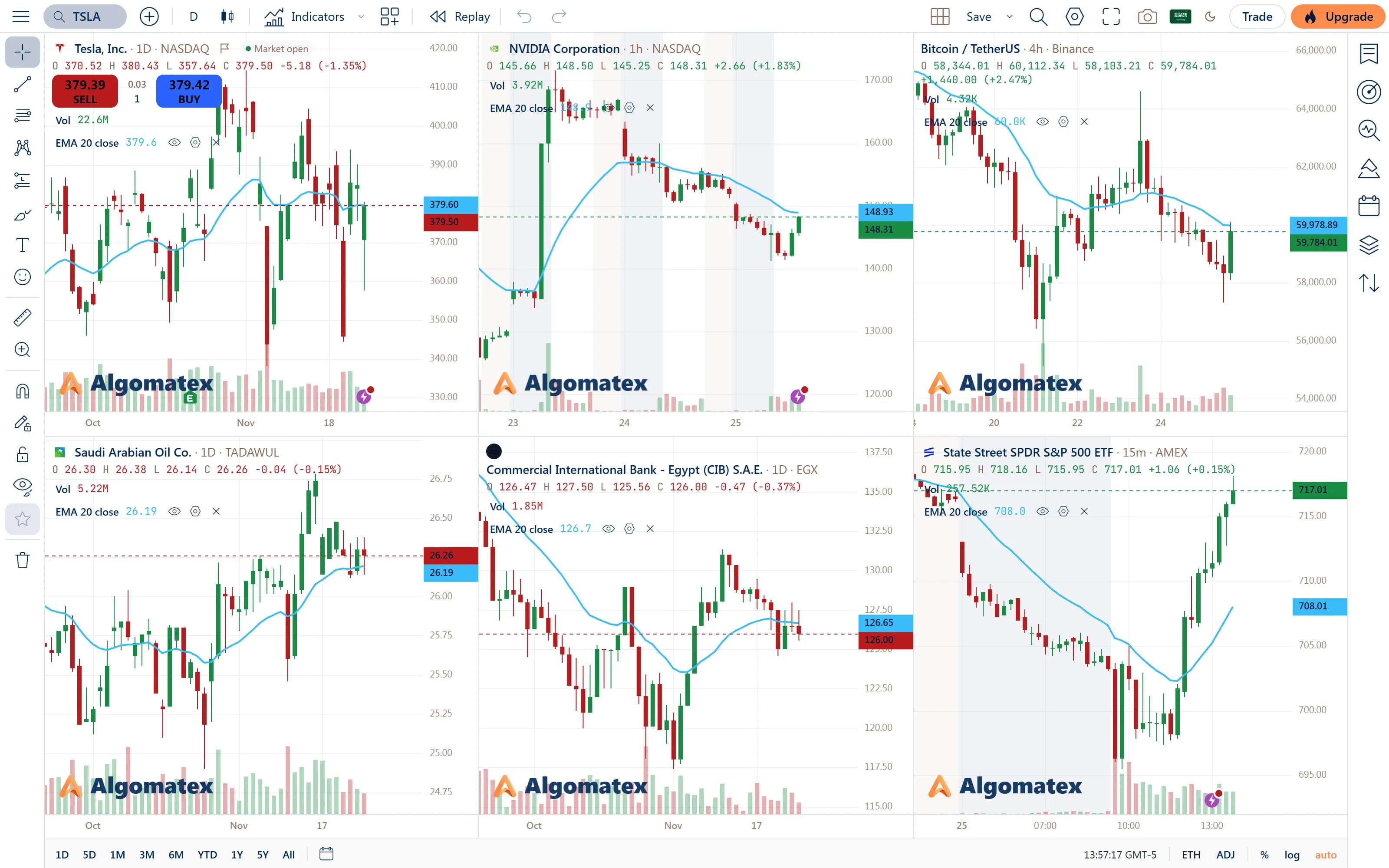
Up to 16 charts on one screen
Split the screen into 42 grid layouts and keep symbol, time and crosshair in sync — or watch 16 different markets side by side.
- 1 to 16 charts per layout, 50 saved layouts
- 19 chart types, including Renko, Heikin Ashi, footprint and volume profile
- Bar replay to practise on past sessions
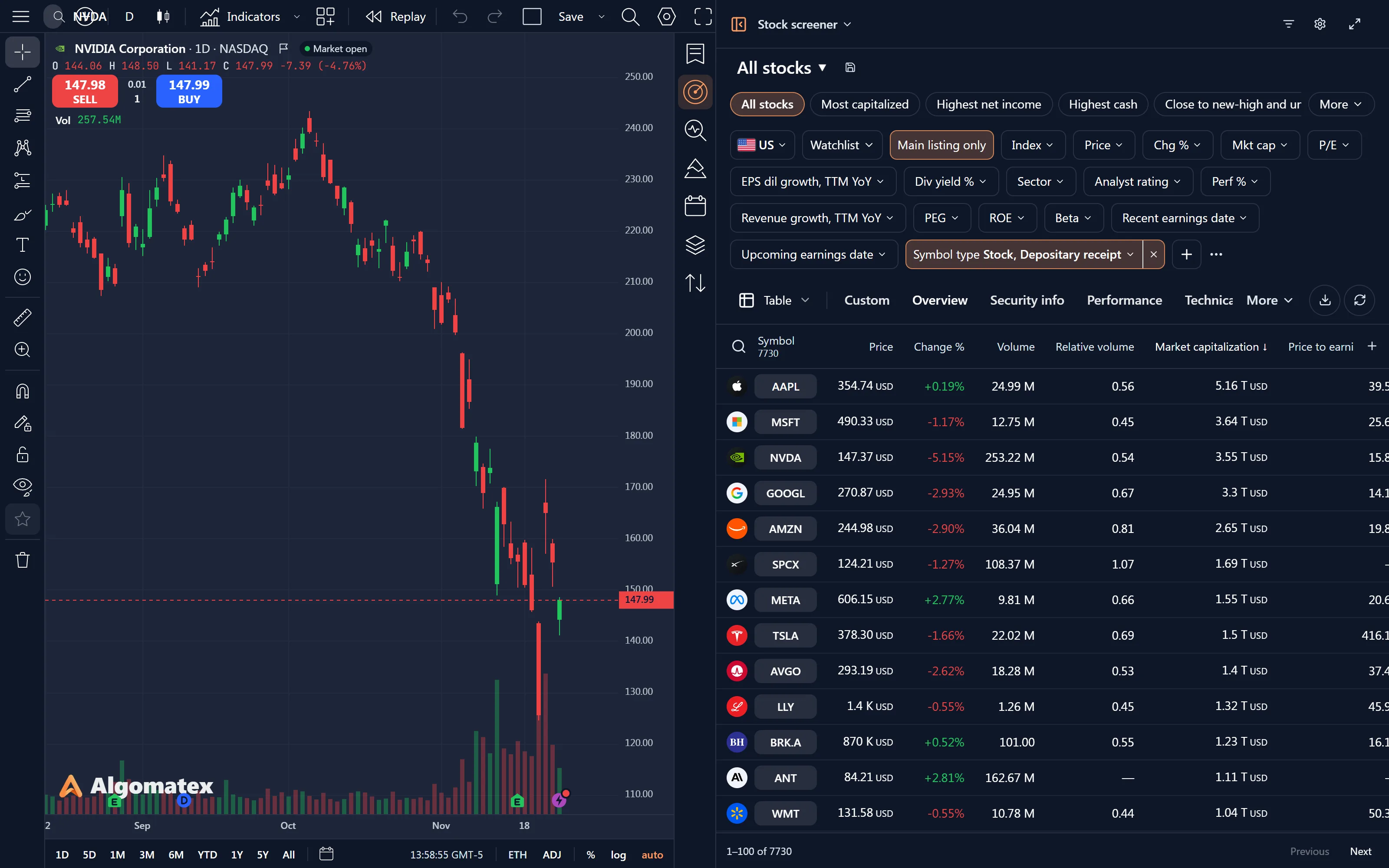
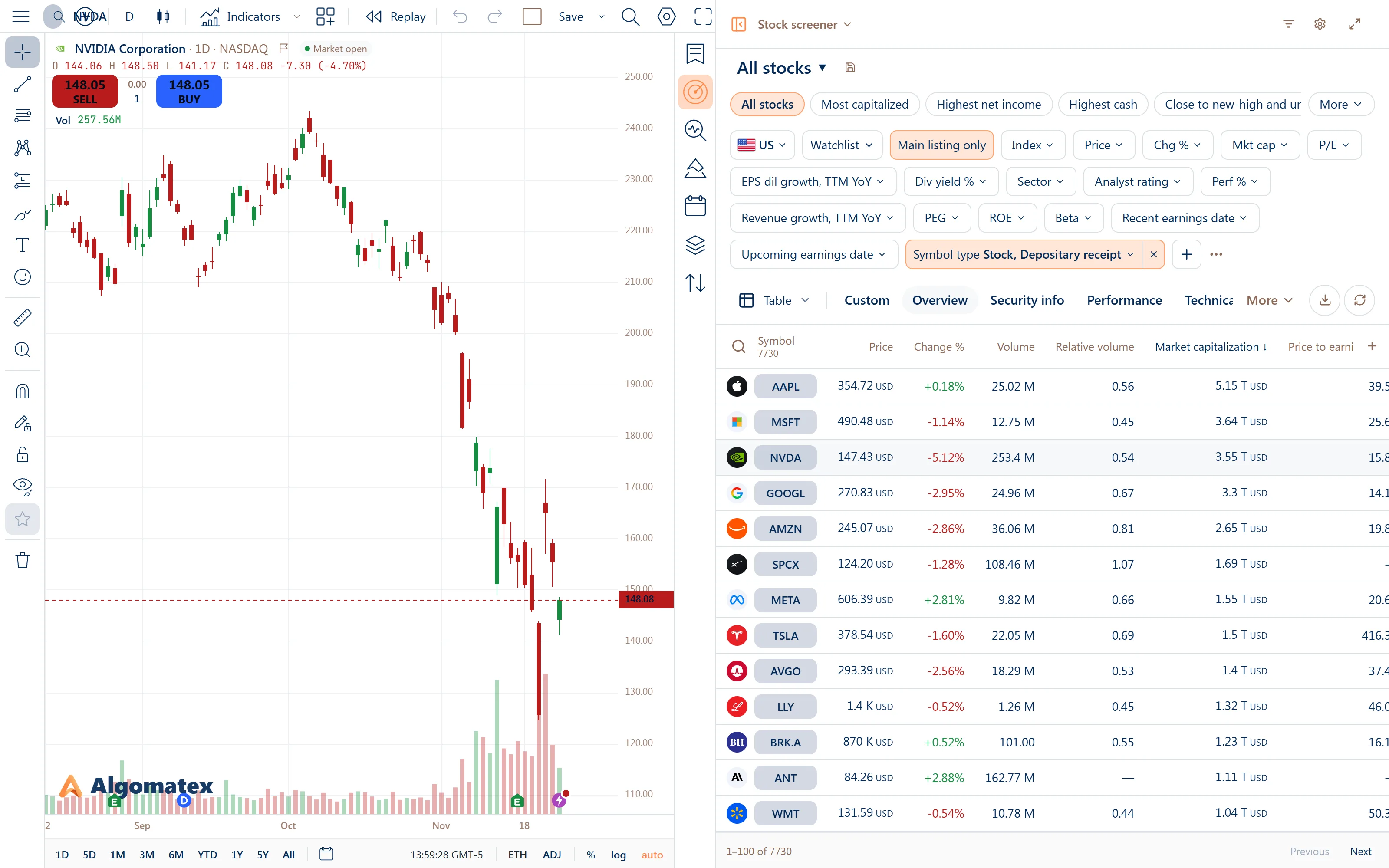
- Watchlist + screener
Find the setup before you draw it
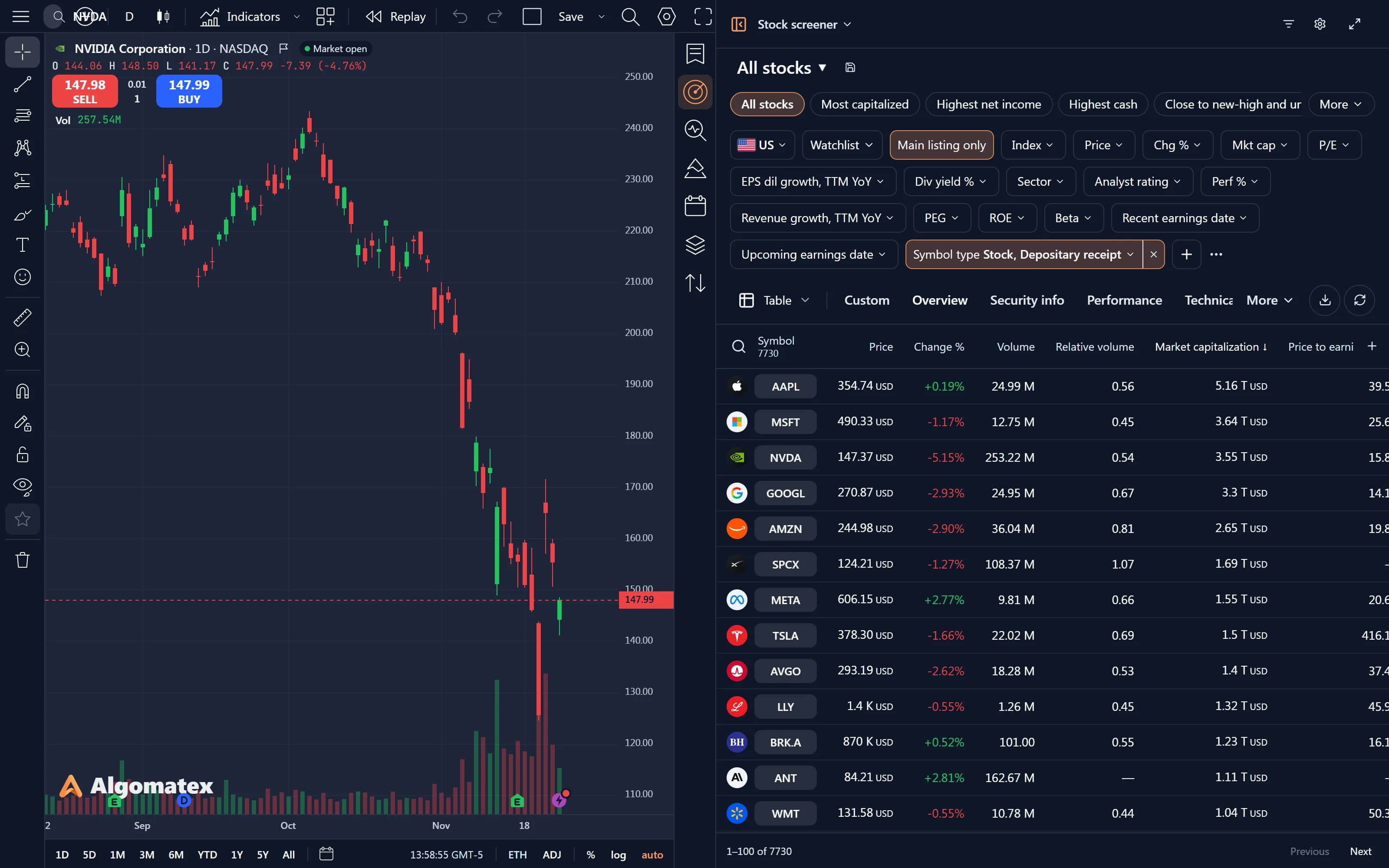
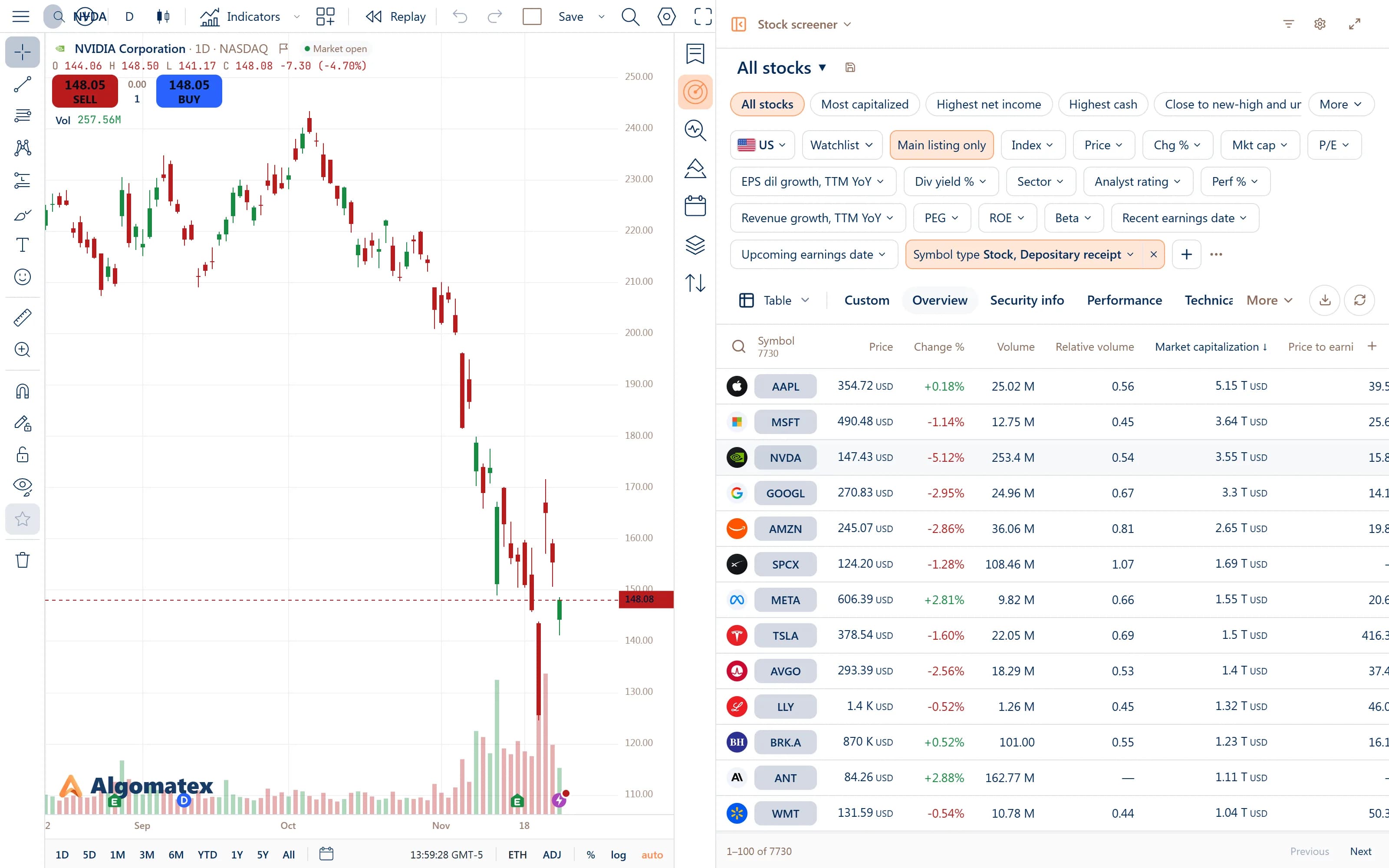
A watchlist with sections and colour flags, the TradingView Stock Screener with saved screens and a heatmap, and the Algomatex Scanner for live pre-market and after-hours movers.
- Watchlists you can share by link
- Saved and shared screens, filters by market
- Live scanners with sound
- Trade from the chart
Place and move orders on the chart
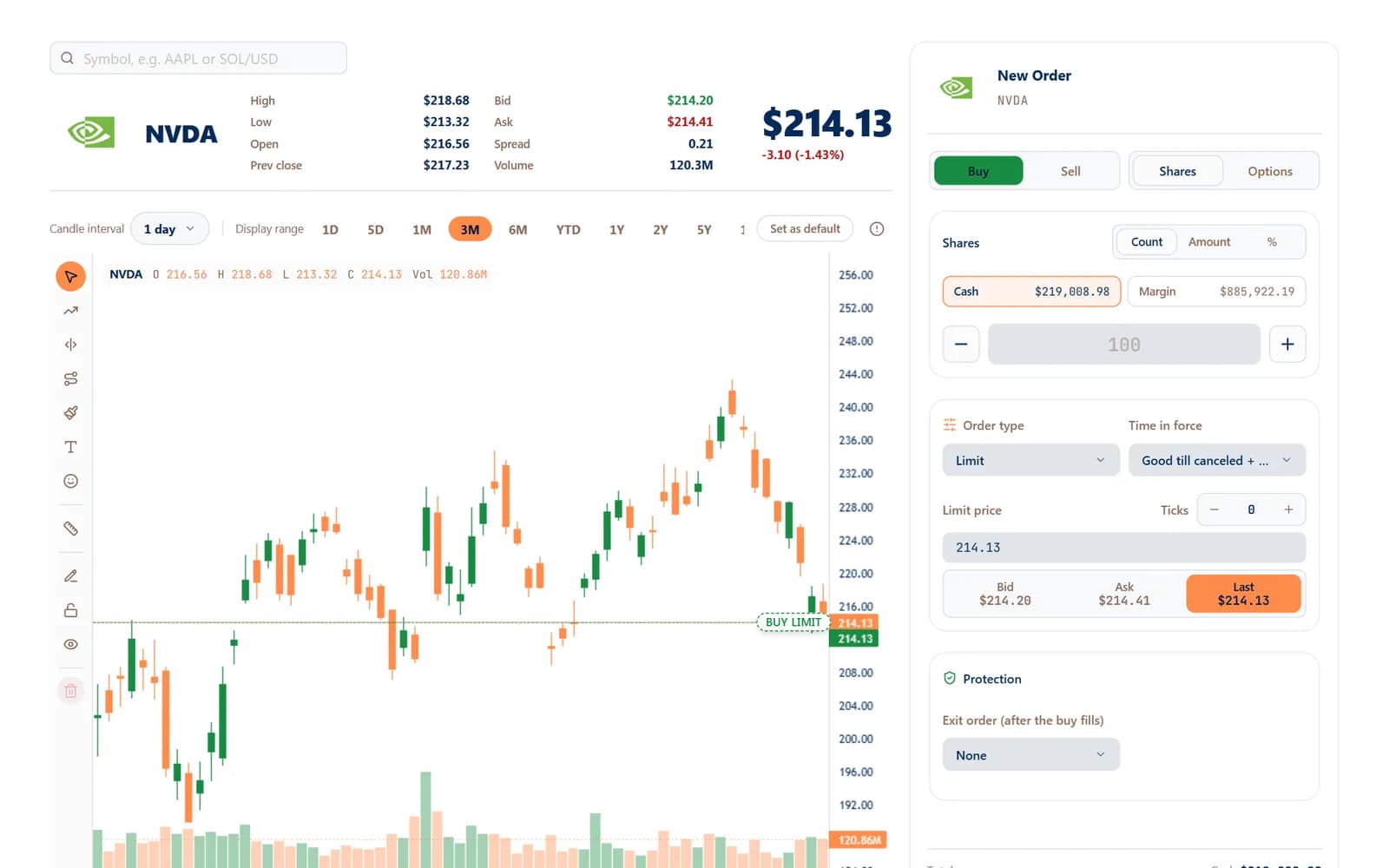
Connect the broker you already use and trade from the order panel beside the chart. Orders and positions are lines you drag to a new price; take-profit and stop-loss ride with the entry.
- Market, limit and stop orders, one-click or with a confirm
- Drag an order or exit line to replace it at your broker
- Only order types your broker really places
- Calendar
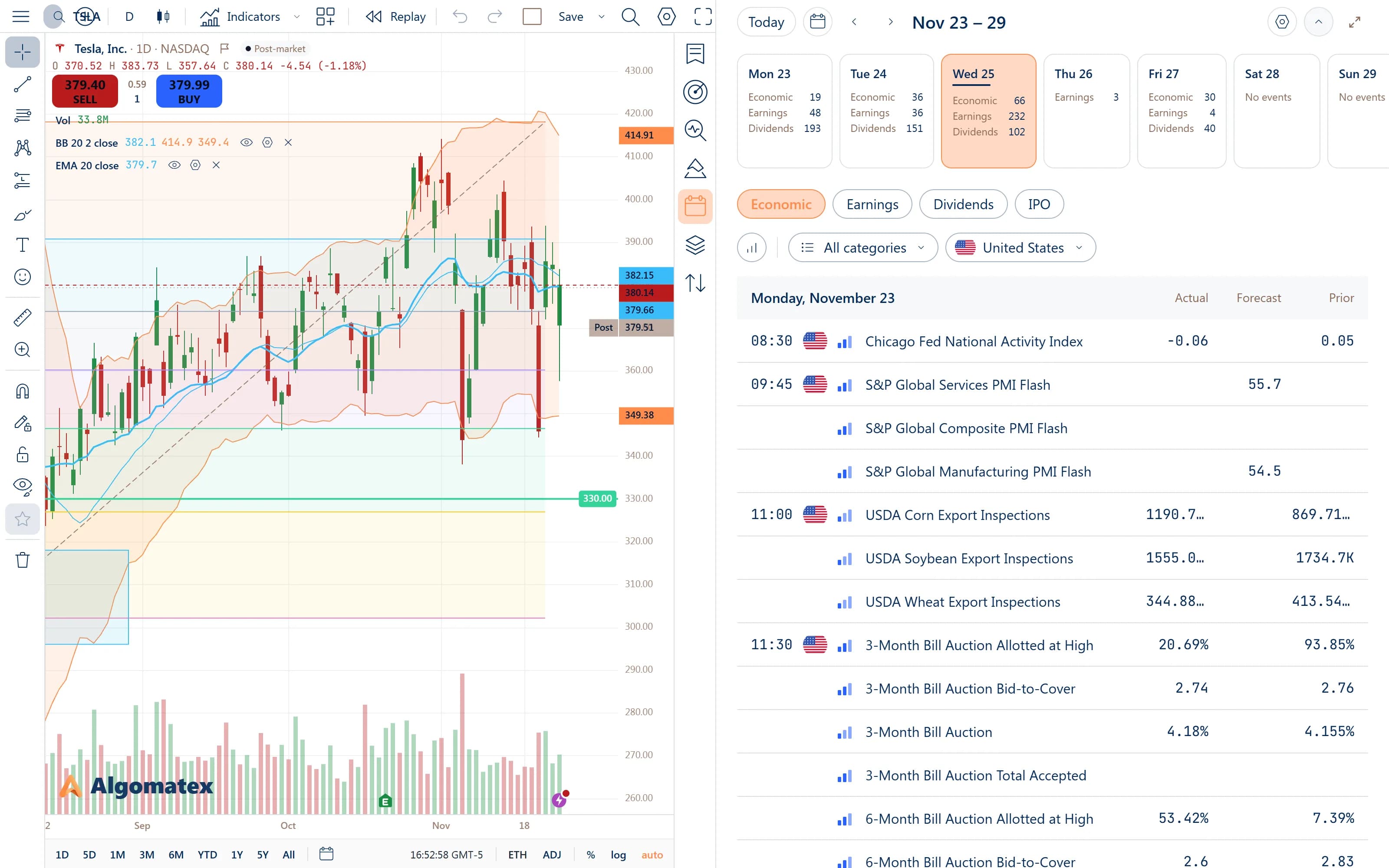
The economic calendar beside your chart
Economic releases, earnings, dividends and IPOs, filtered by country and importance, in a panel next to the chart — so a news candle never surprises you.
- Economic, earnings, dividend and IPO calendars
- Filters by country and importance
- Opens in a panel beside the chart
02Also on the chart
Small things that save a trader's day.
Everything below is on the free chart, for every signed-in account.
Every market
US stocks and ETFs, the Saudi and Egyptian exchanges, crypto, forex, indices and more — search by exchange and country.
Compare symbols
Lay up to five symbols on one percent axis to see who leads.
Options chain
A full options page with the chain, volatility and volume by strike.
Bar replay
Replay past sessions bar by bar at nine speeds, and practise orders while it plays.
Automate it
Turn your strategy's signals into broker orders with Algomatex AutoTrade, in the same account.
Share and export
Share a layout or a watchlist by link, snapshot a chart, export the data to CSV.
03Get started
Your first chart in three steps.
- 1
Create a free account
Sign up in a minute — no card, no trial clock.
- 2
Open the chart
Search any symbol, pick a layout and start drawing.
- 3
Connect a broker (optional)
Link the brokerage account you already own to trade from the chart.
04FAQ
Questions, answered.
Is Algomatex Chart free?
Yes. The chart, its drawings, indicators, layouts, watchlist, screener and calendars are free with a free Algomatex account, with no ads and no card. Trading needs a connected broker, and the automated products have their own plans on the pricing page.
How many drawings can I put on a chart?
Up to 1,000 drawings on each chart and symbol, from 52 drawing tools. They are saved to your account, so they are there on every device you sign in on.
How many indicators and charts can I use at once?
Up to 20 indicators on one chart and up to 16 charts in one layout, with 42 grid layouts to choose from and up to 50 saved layouts.
Which markets can I chart?
Stocks and ETFs in the US and on exchanges worldwide — including the Saudi exchange (Tadawul) and the Egyptian Exchange (EGX) — plus crypto, forex and indices. Search by exchange or country to find a symbol.
Can I write my own indicators?
Yes. The chart has a Pine Script editor: write a script, save it to your account with its version history, and add it to any chart. It runs a subset of Pine, so some scripts written for other platforms need small changes.
Can I trade from the chart?
Yes, at the broker you connect. The order panel places market, limit and stop orders, and orders and positions show as lines you can drag to a new price. You only see order types your broker really accepts.
Does Algomatex Chart have price alerts?
Not today. The chart focuses on analysis and trading; for automated orders from your own signals, use Algomatex AutoTrade.
Does it work on mobile?
Yes. The chart runs in the browser with layouts for phones and tablets, and installs to your home screen as an app.
05Chart guides
More answers about Algomatex Chart.
Each guide answers one question with figures, a table and its sources.
Free TradingView alternative
Every free-plan limit side by side, and where TradingView is still ahead.
Read the guideTradingView's 30-drawing limit
What the cap is, who it hits, and a free chart with 1,000 drawings.
Read the guideTradingView's indicator limit
2 indicators on the free plan; 20 on Algomatex Chart, free.
Read the guideFree stock screener
20 filters, 50 saved screens and auto-refresh, beside the chart.
Read the guideSaudi stock chart
Tadawul symbols with the full drawing set, in Arabic.
Read the guideEgyptian Exchange chart
EGX symbols with indicators, drawings and the screener.
Read the guide
06Keep exploring
One account. Every way to trade.
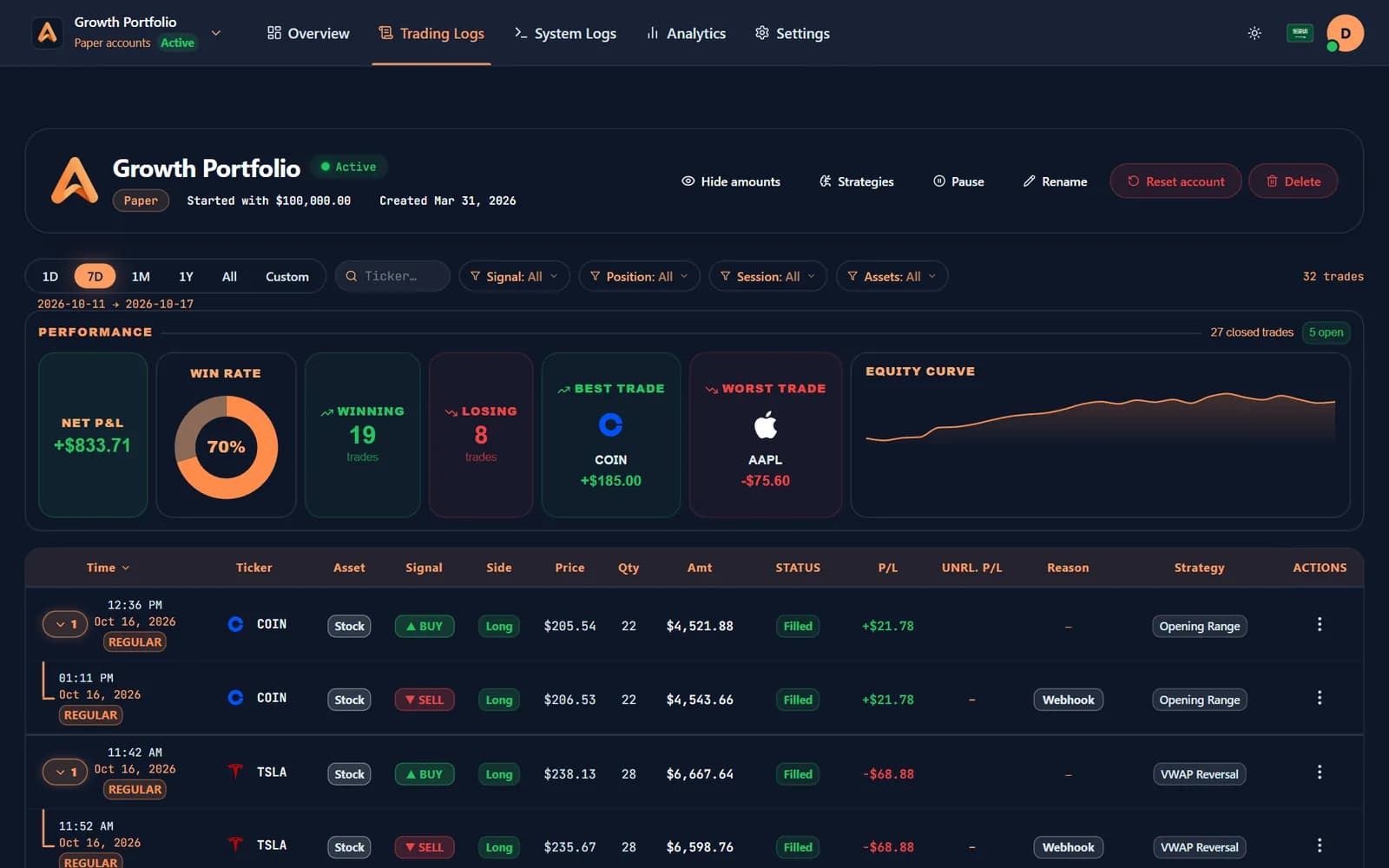
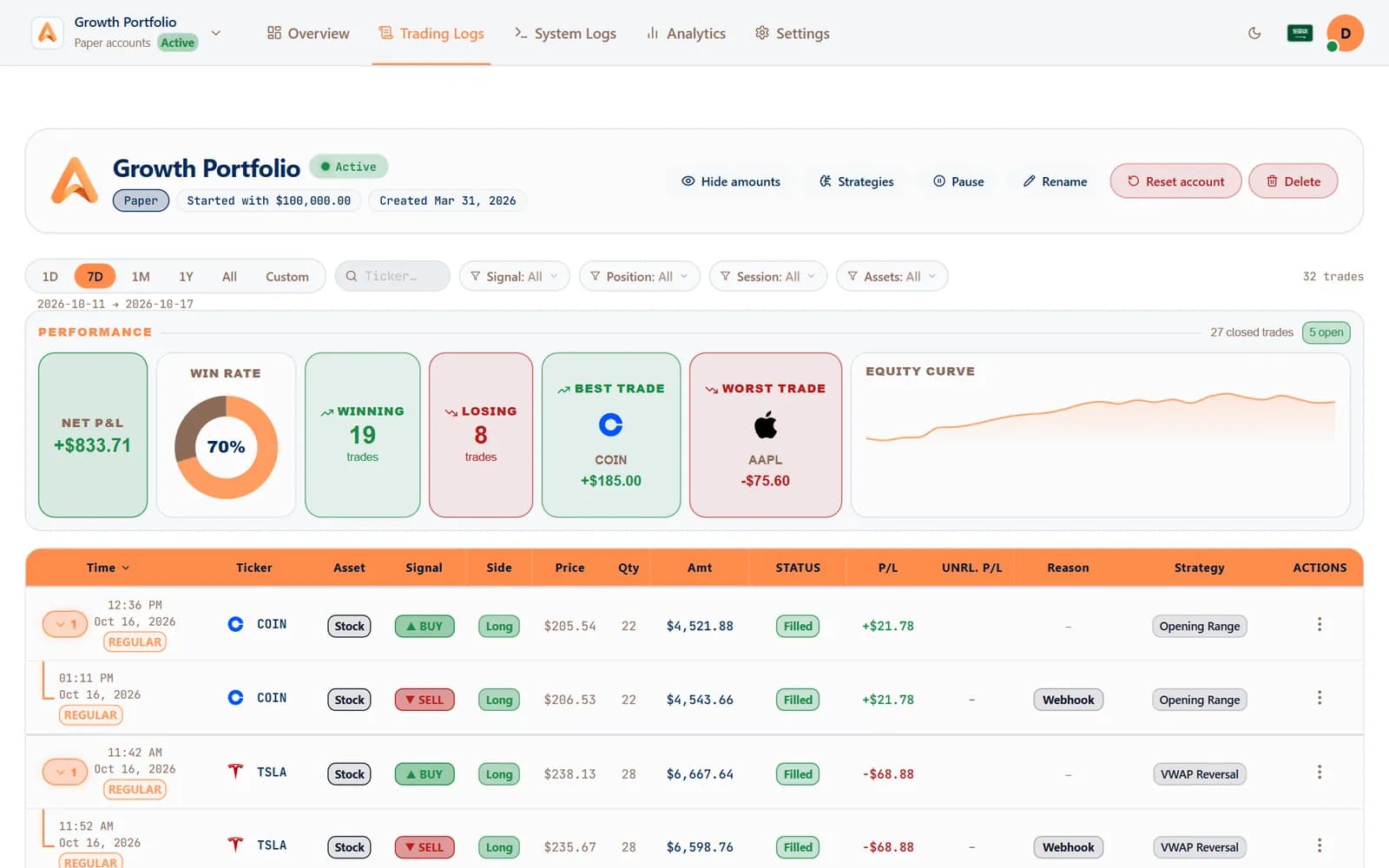 AutoTrade
Trade while you live your life
Every alert placed with its exits while you're away from the screen, checked by 14 gates first.
Learn more: AutoTrade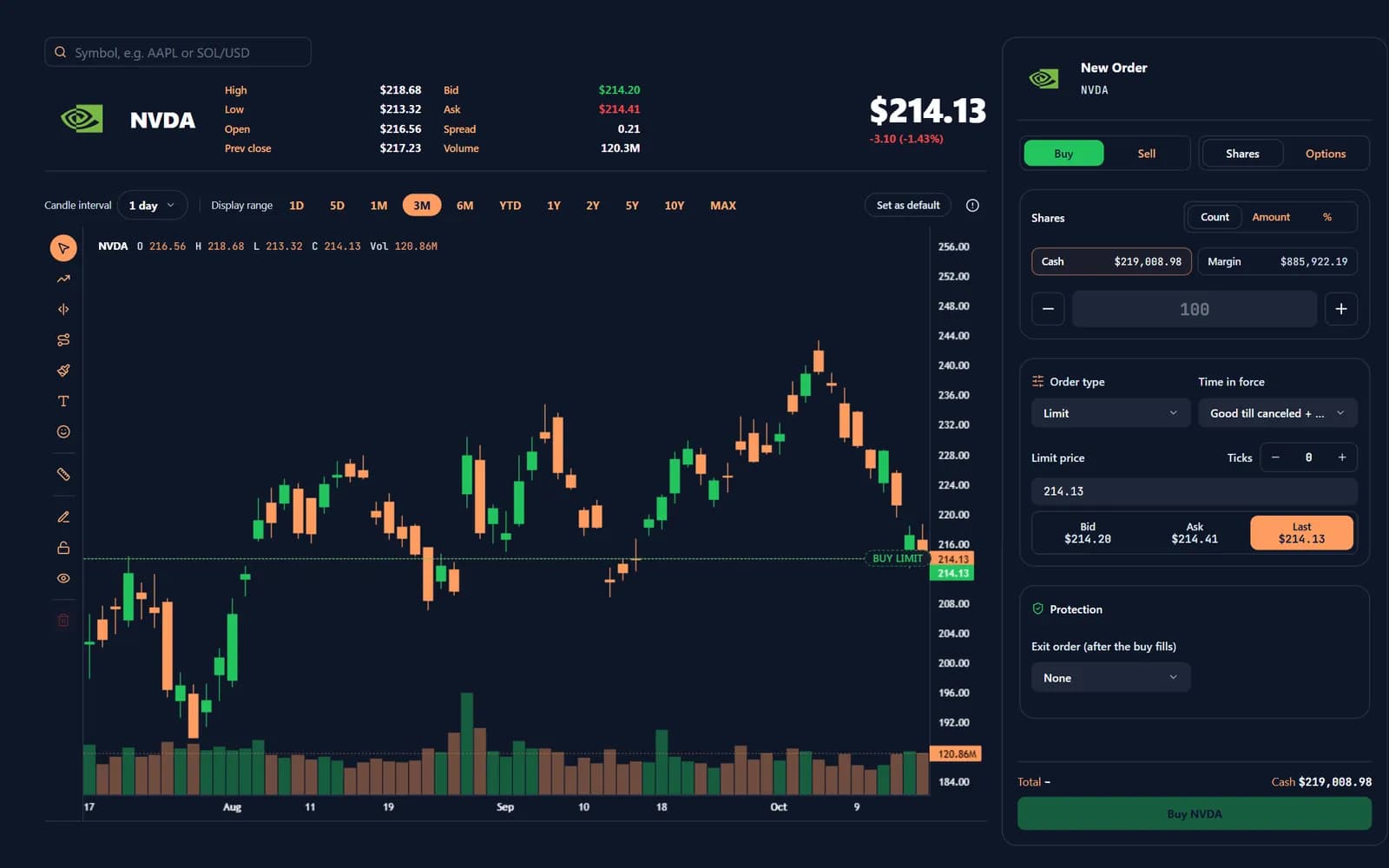
 Manual Trade
Click the button yourself
A fast ticket, a live chart and drag-to-edit orders — with protection on every entry.
Learn more: Manual Trade


 AI Connect
Ask any AI about your trades
ChatGPT, Claude, Gemini and any MCP app read your accounts — read-only, revocable.
Learn more: AI Connect
Open the chart. Draw without counting.
A free account gives you the full chart — every market, 1,000 drawings per chart and up to 16 charts at once.
Free paper trading · No card needed