How it works
From alert to order in under 400 ms.
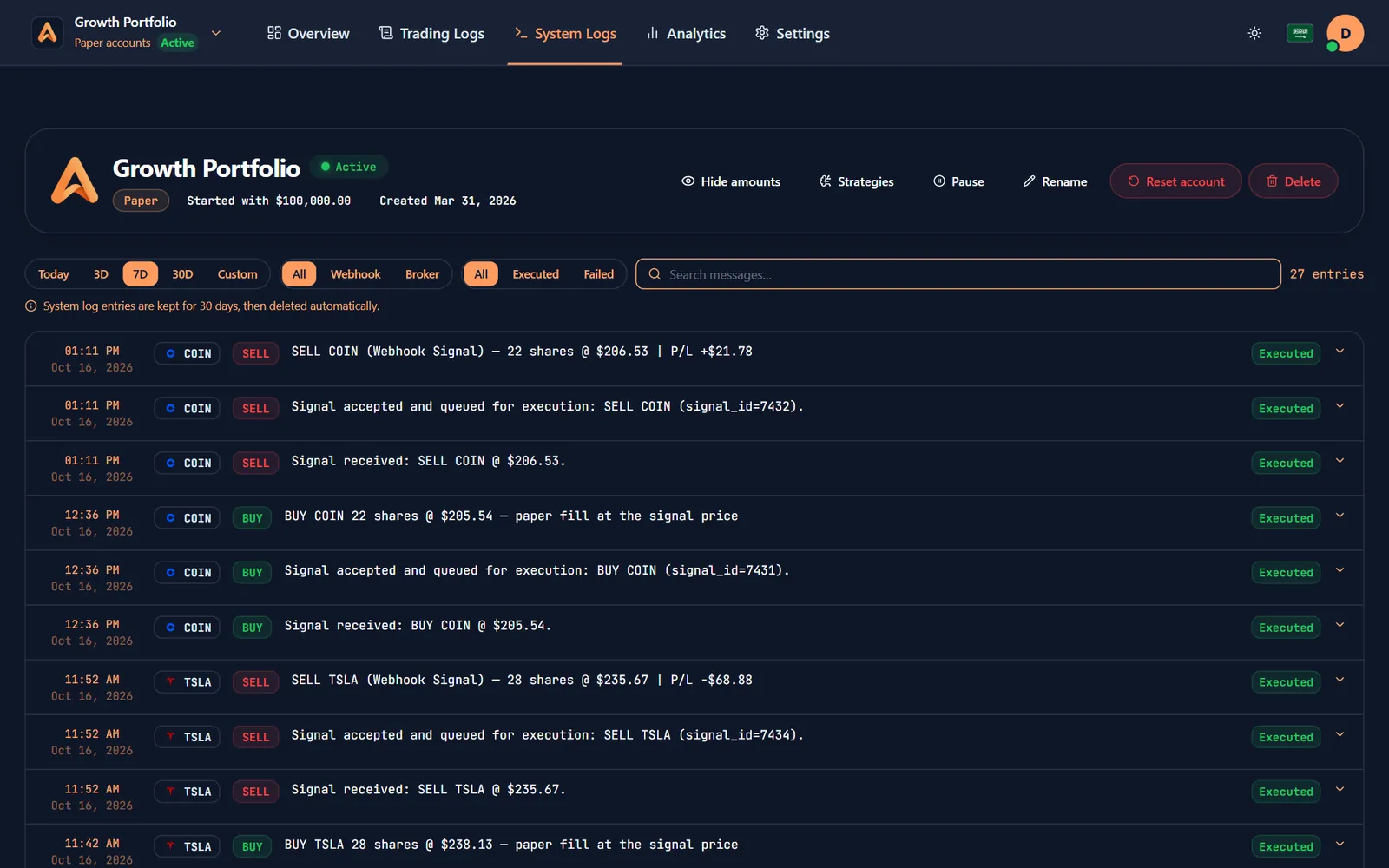
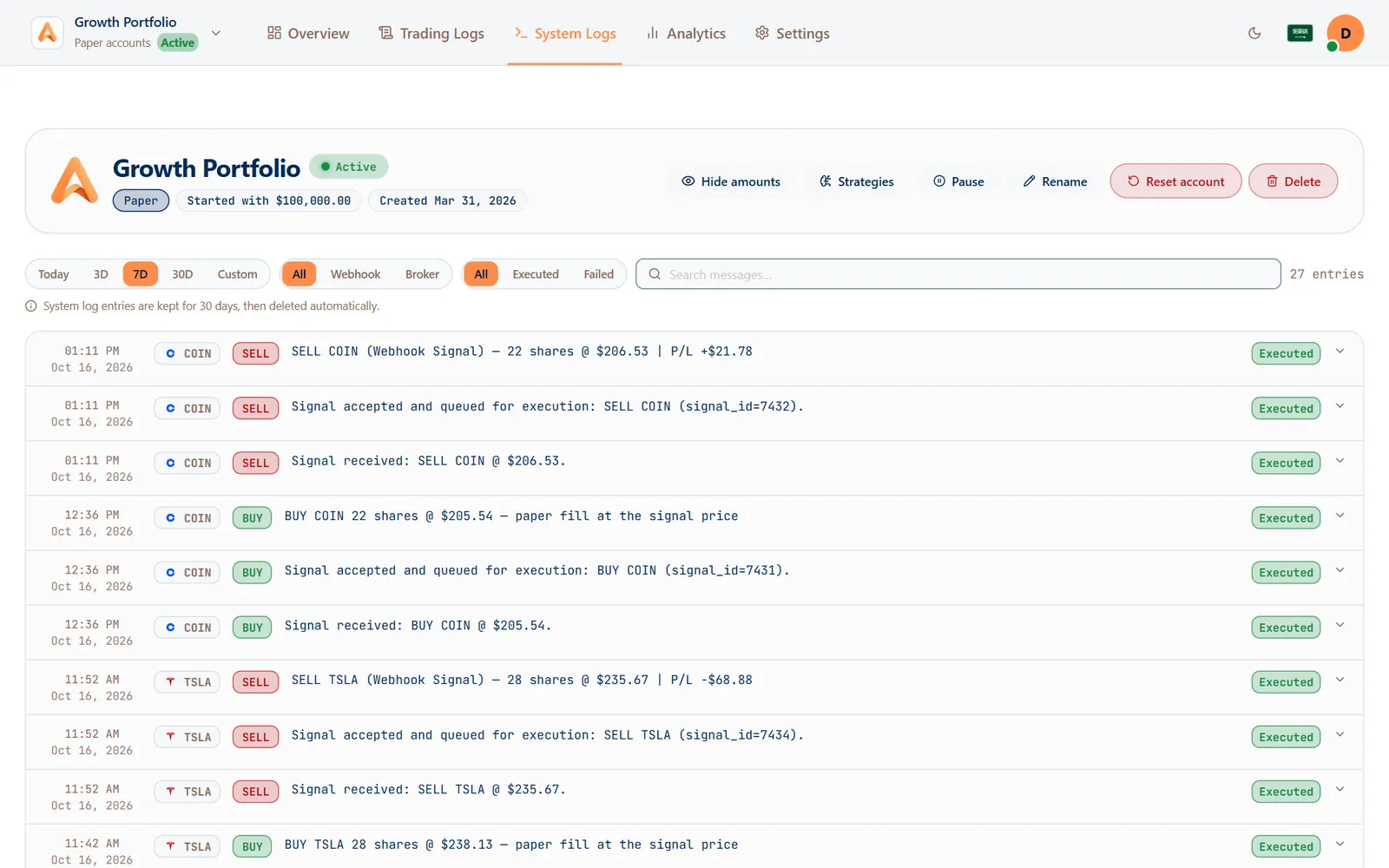
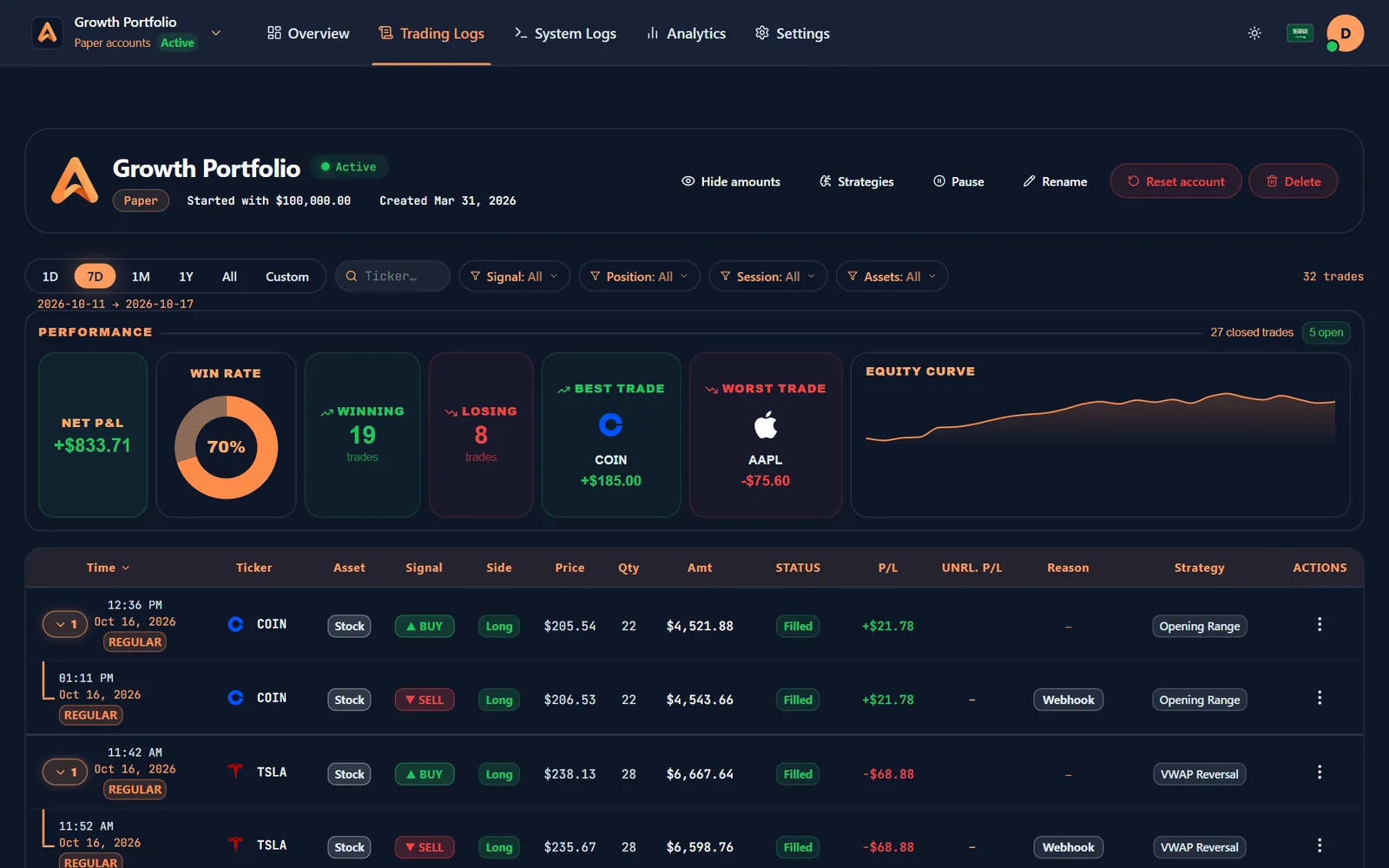
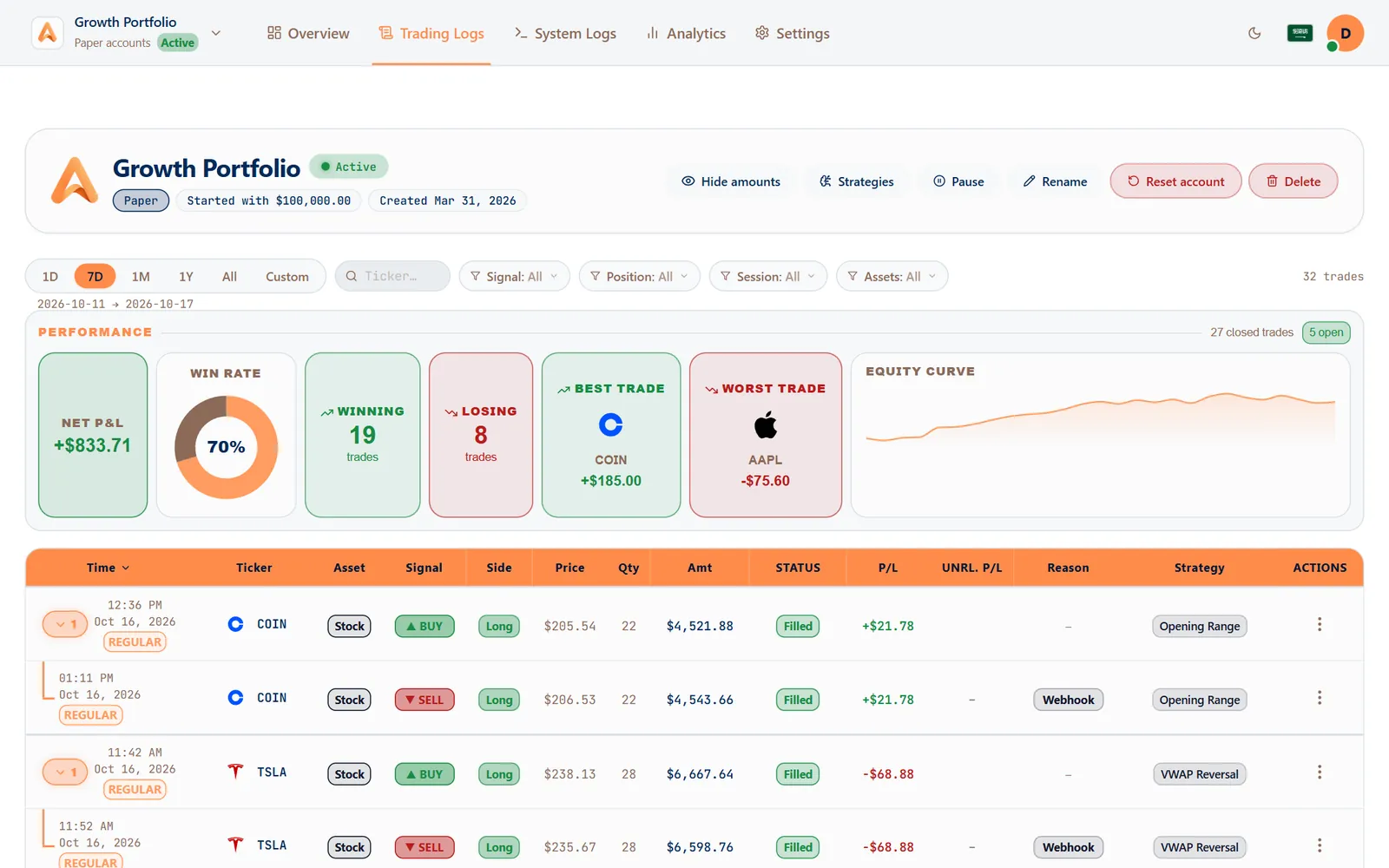
Follow one signal through Algomatex: it arrives, it's checked against your rules, it's placed at your broker with its exits, and it lands in your log — whether you're at your screen or away from it.
- No servers
- No code
- No copying orders by hand
01How it works
Three steps from idea to order.
No servers, no code, no copying orders by hand. Set it up once and every alert after that trades itself.
- 1
Create
Describe the trade once in the Signal Builder.
- Size by shares, dollars or % of buying power
- Take-profit, stop-loss and trailing exits per leg
- Copy a ready JSON alert — no code to write
- 2
Connect
Link the brokerage account you already own.
- Stocks, ETFs and options brokers
- Your money never leaves your broker
- Keys encrypted with a key made for your account
- 3
Send
Paste one webhook into TradingView. That's it.
- Every alert is checked before it trades
- Approve trades on Telegram first, if you like
- Every fill lands in your journal
 ibkr
ibkr tastytrade



02Between alert and order
What every signal passes through.
Before anything reaches your broker, Algomatex checks the signal against the rules you set. If it fails, you're told why.
Daily limits
Trade counts and profit and loss limits per strategy, per day.
Trading hours
Regular or extended hours, your own windows, and no new buys near the close.
News blackout
No new entries around high-impact economic events.
Duplicates
The same alert twice is caught, not traded twice.
Opposite positions
A buy against an open short, or a sell with nothing held, is stopped.
Kill switch
Pause a broker or every strategy at once, instantly.
03Any alert source
Send an alert from anywhere.
Charts, scanners, no-code automations or your own AI agent — if it can send a webhook, Algomatex turns it into an order at your broker.
- Charting & scannersAlerts straight from the charts and scanners you already use.
- Automation platformsNo-code flows that fire a trade on any trigger you choose.
- AI agentsLet your own AI agent decide — and send the trade itself.

Charting & scanners

Automation platforms


04FAQ
Questions, answered.
How long does setup take?
Usually under five minutes: create an account, connect your broker and paste one webhook into TradingView.
Do I need a server or a VPS?
No. Algomatex runs in the cloud; your alerts are received and placed even when your computer is off.
How fast is an alert placed?
Usually in under 400 ms from the moment Algomatex receives the alert to the order reaching your broker.
What happens if a signal is blocked?
It isn't placed. The system log shows which gate stopped it and why, in plain words, and you can be alerted on Telegram.
Can I use sources other than TradingView?
Yes — TrendSpider, Trade Ideas, Chartink, Zapier, Make, n8n, your own AI agent or any tool that sends a webhook.
Can I practise first?
Yes. Point the same alert at a free paper account; it passes the same gates and books at the alert's price.
05Keep exploring
One account. Every way to trade.
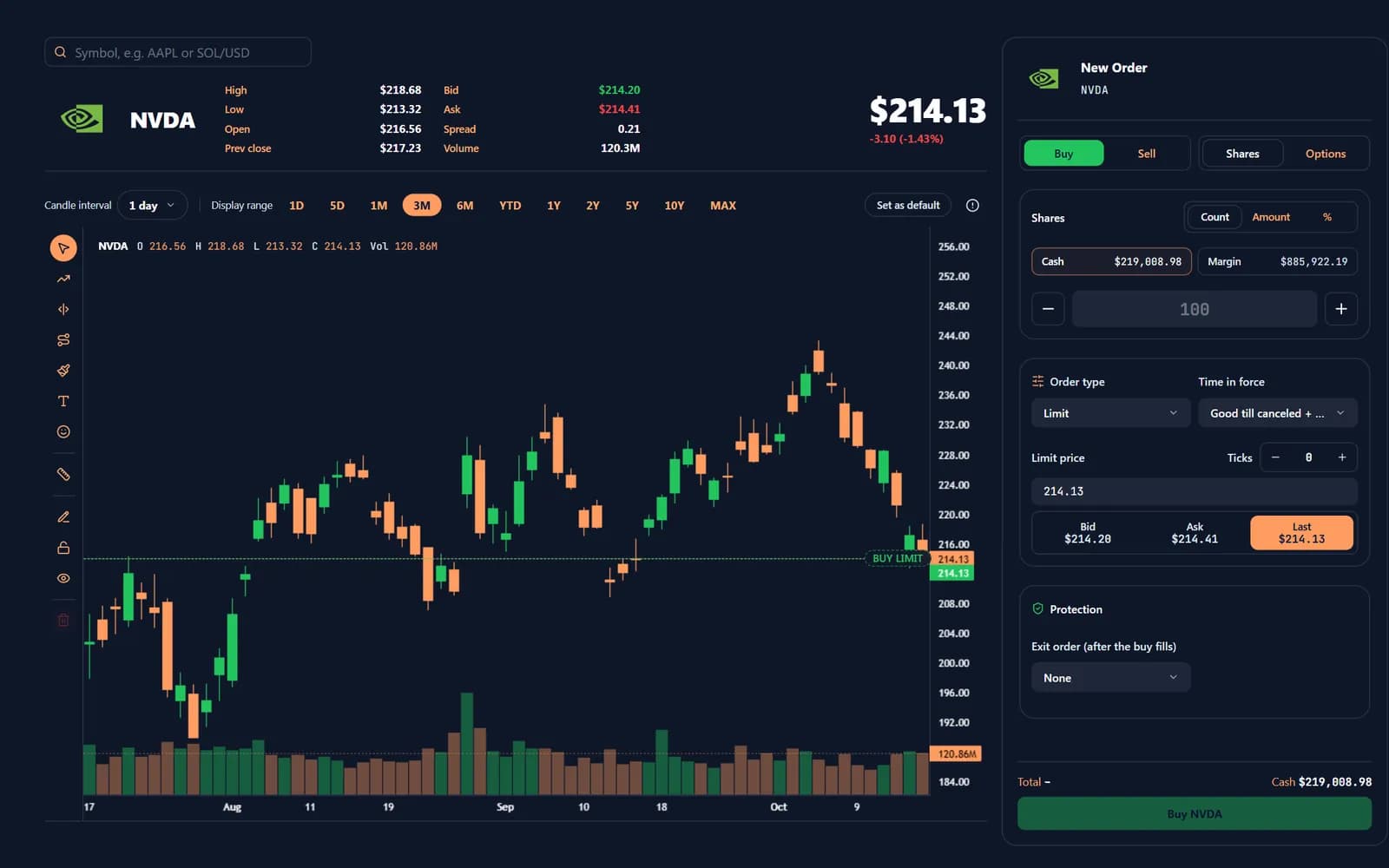
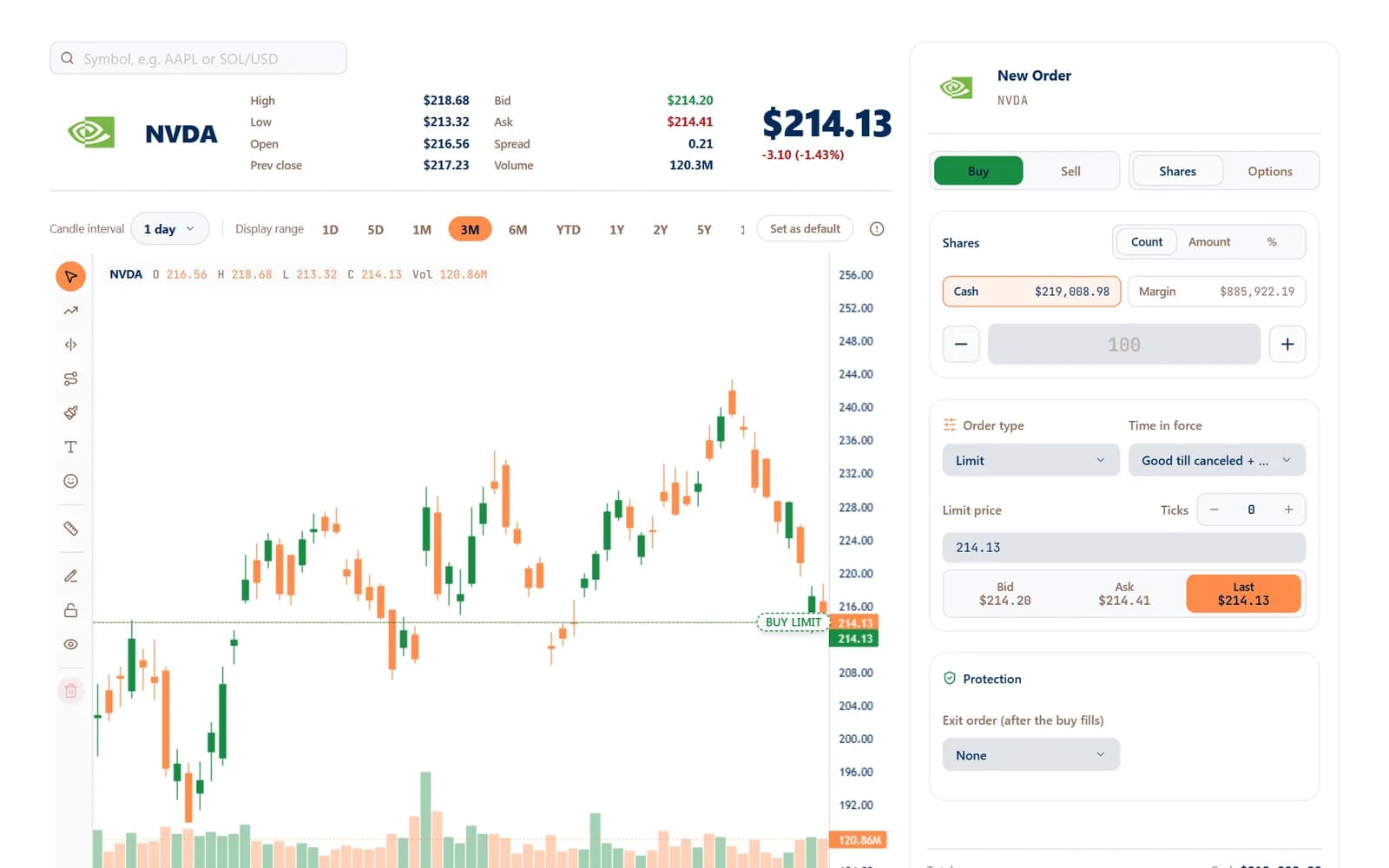 Manual Trade
Click the button yourself
A fast ticket, a live chart and drag-to-edit orders — with protection on every entry.
Learn more: Manual Trade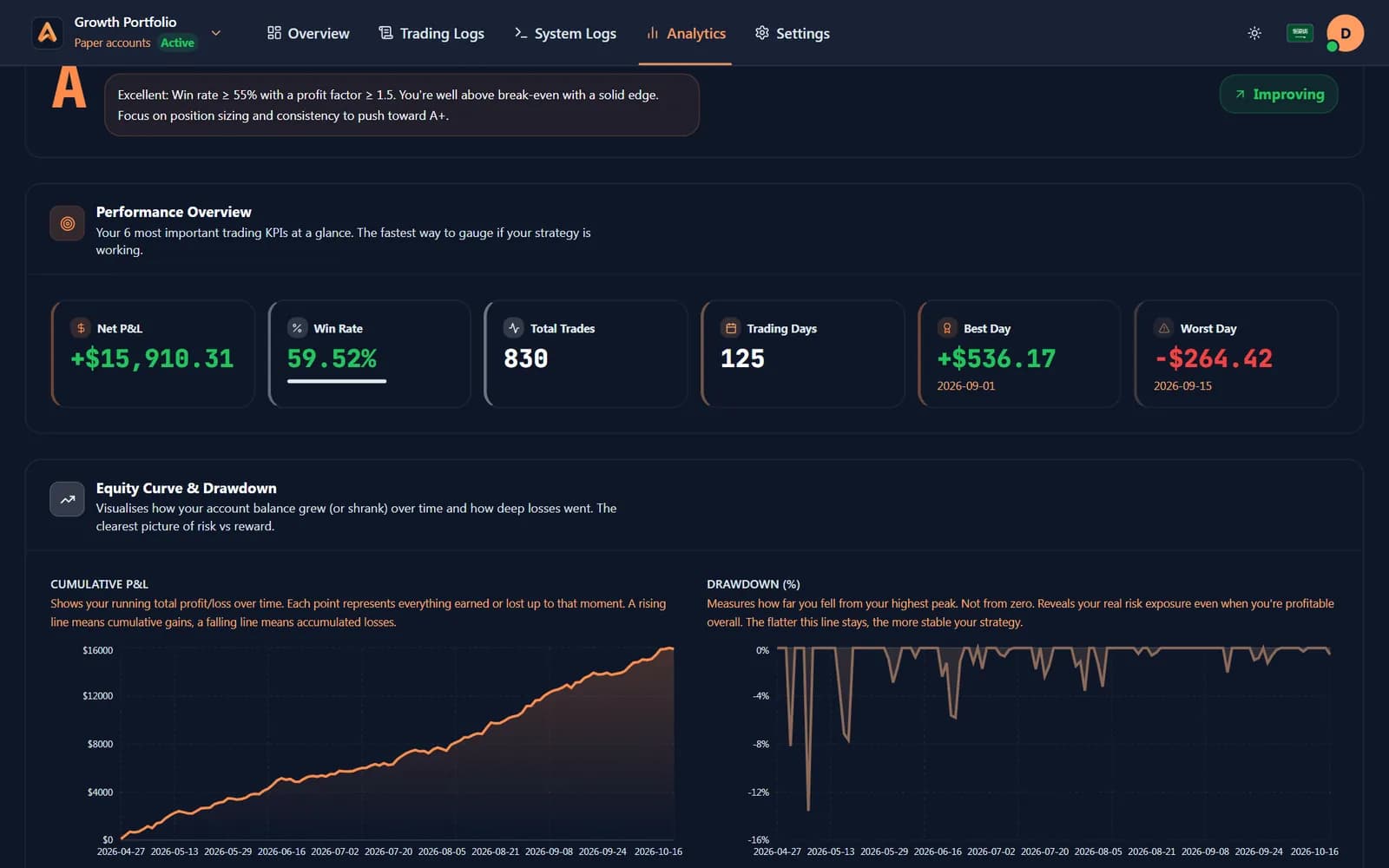
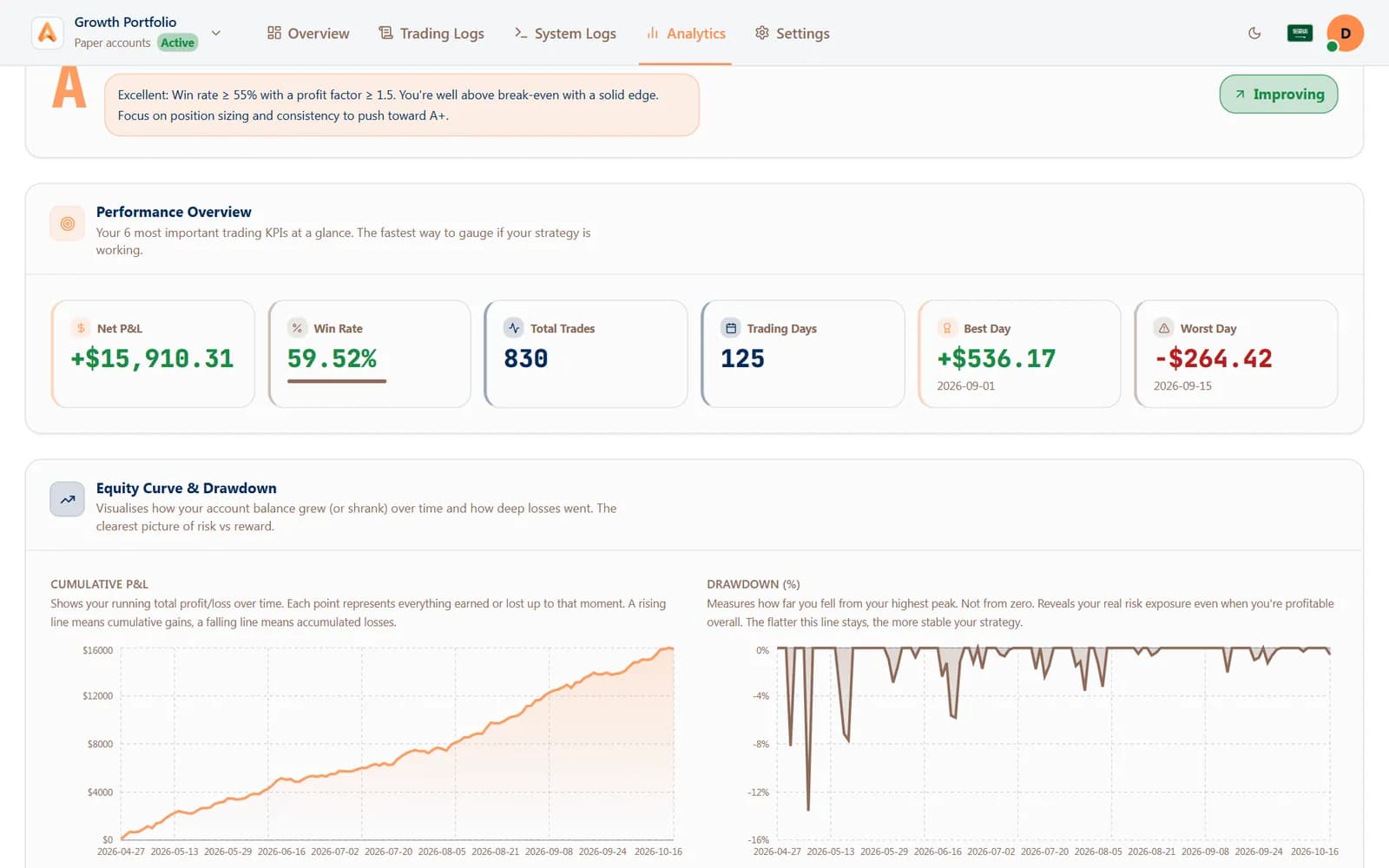 AI Connect
Ask any AI about your trades
ChatGPT, Claude, Gemini and any MCP app read your accounts — read-only, revocable.
Learn more: AI Connect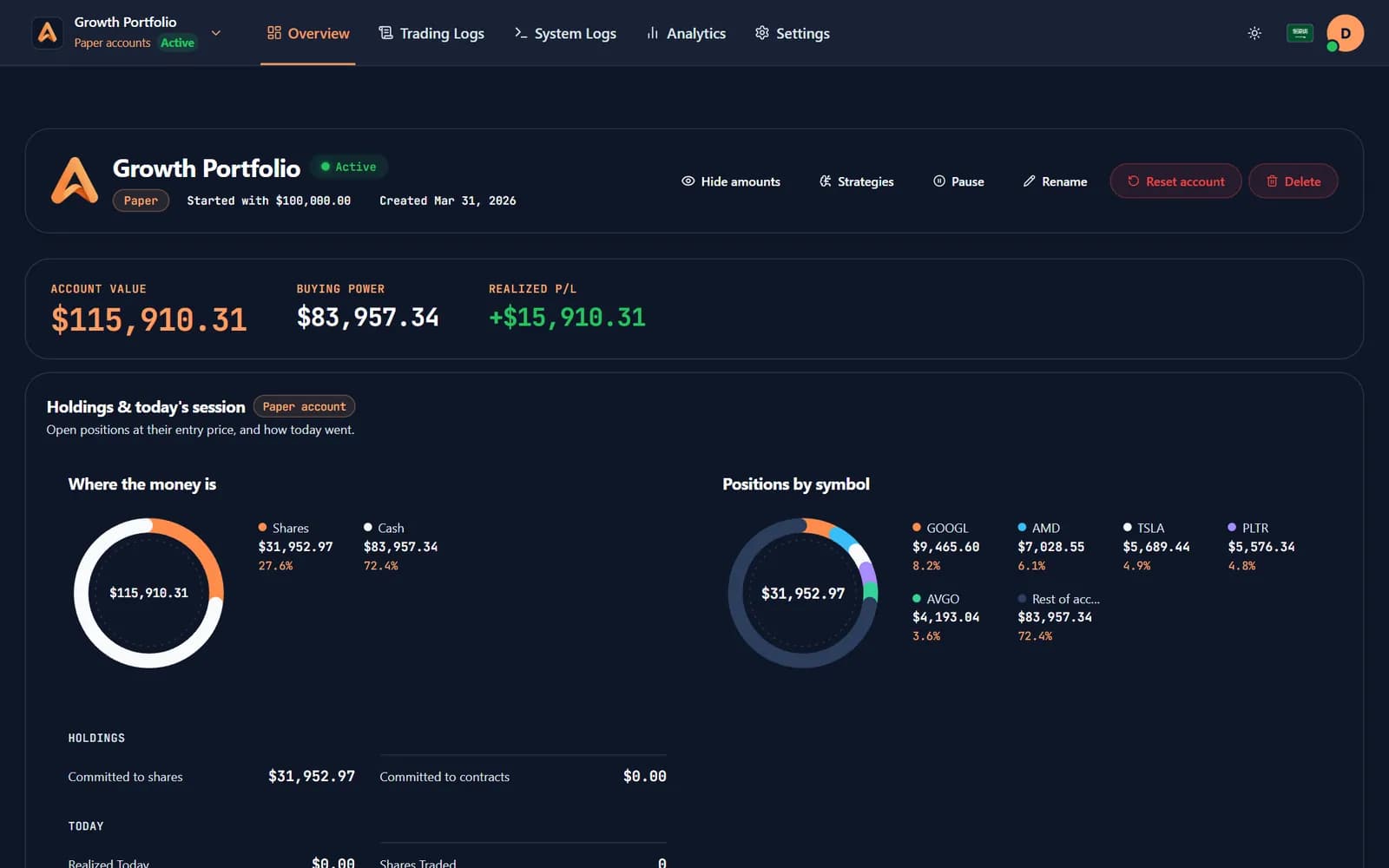
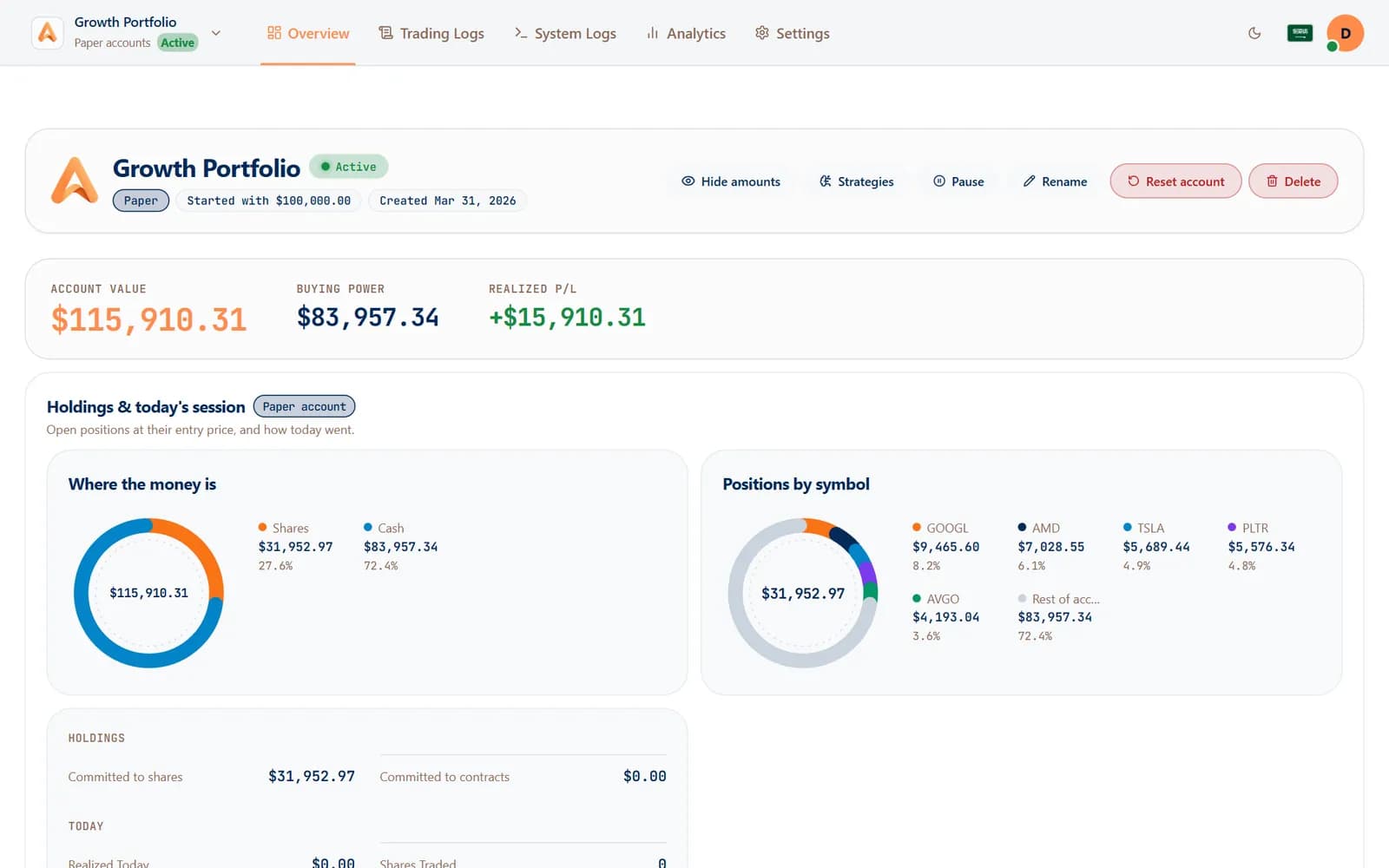 Paper trading
Prove it before real money moves
Paper accounts run the same engine on virtual money, so a strategy earns its place first.
Learn more: Paper trading
Set it up once. Every alert follows your rules.
Create a free account and send your first signal today.
Free paper trading · No card needed