
Manual Trade
Your trade, your click. Protected from the start.
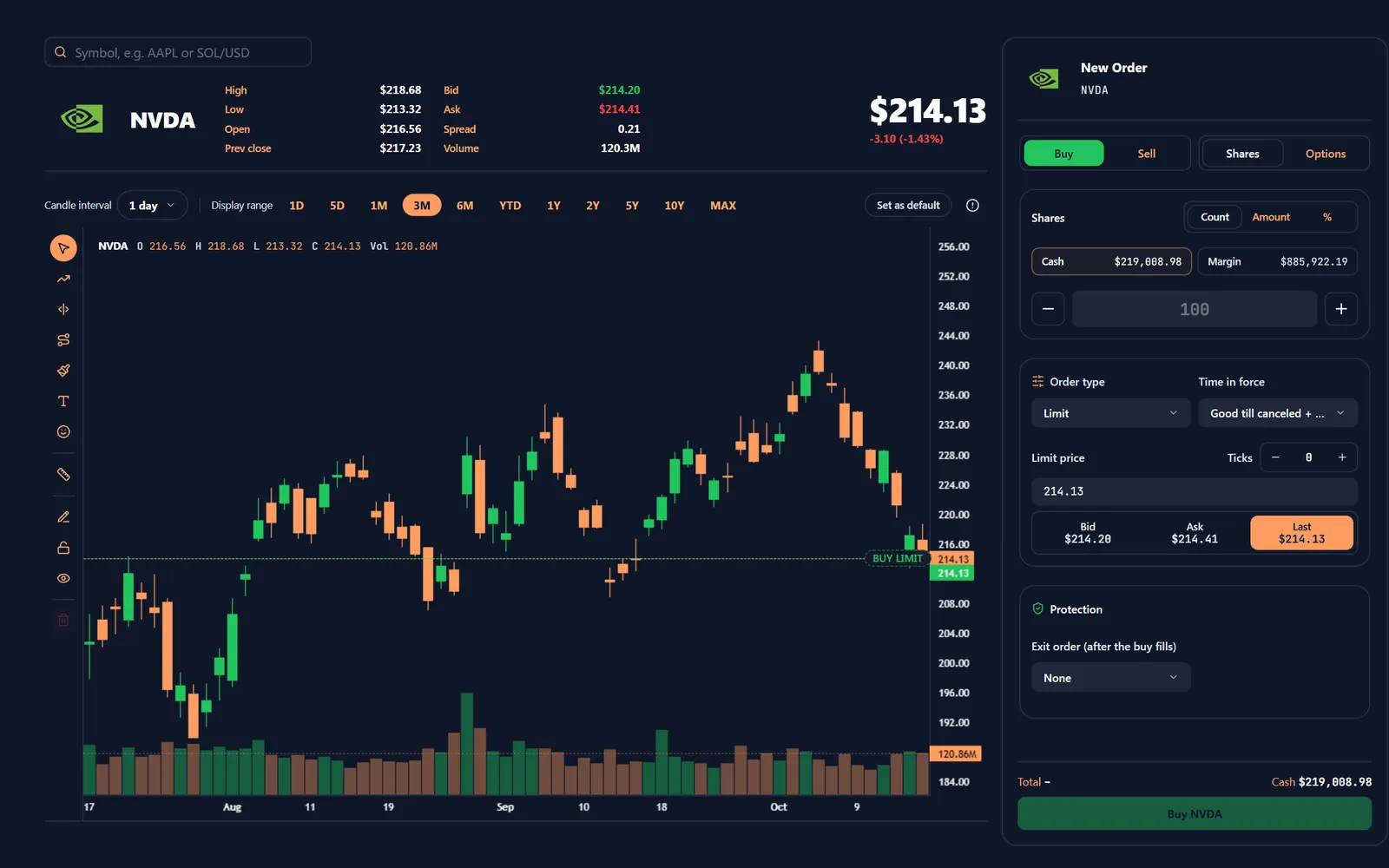
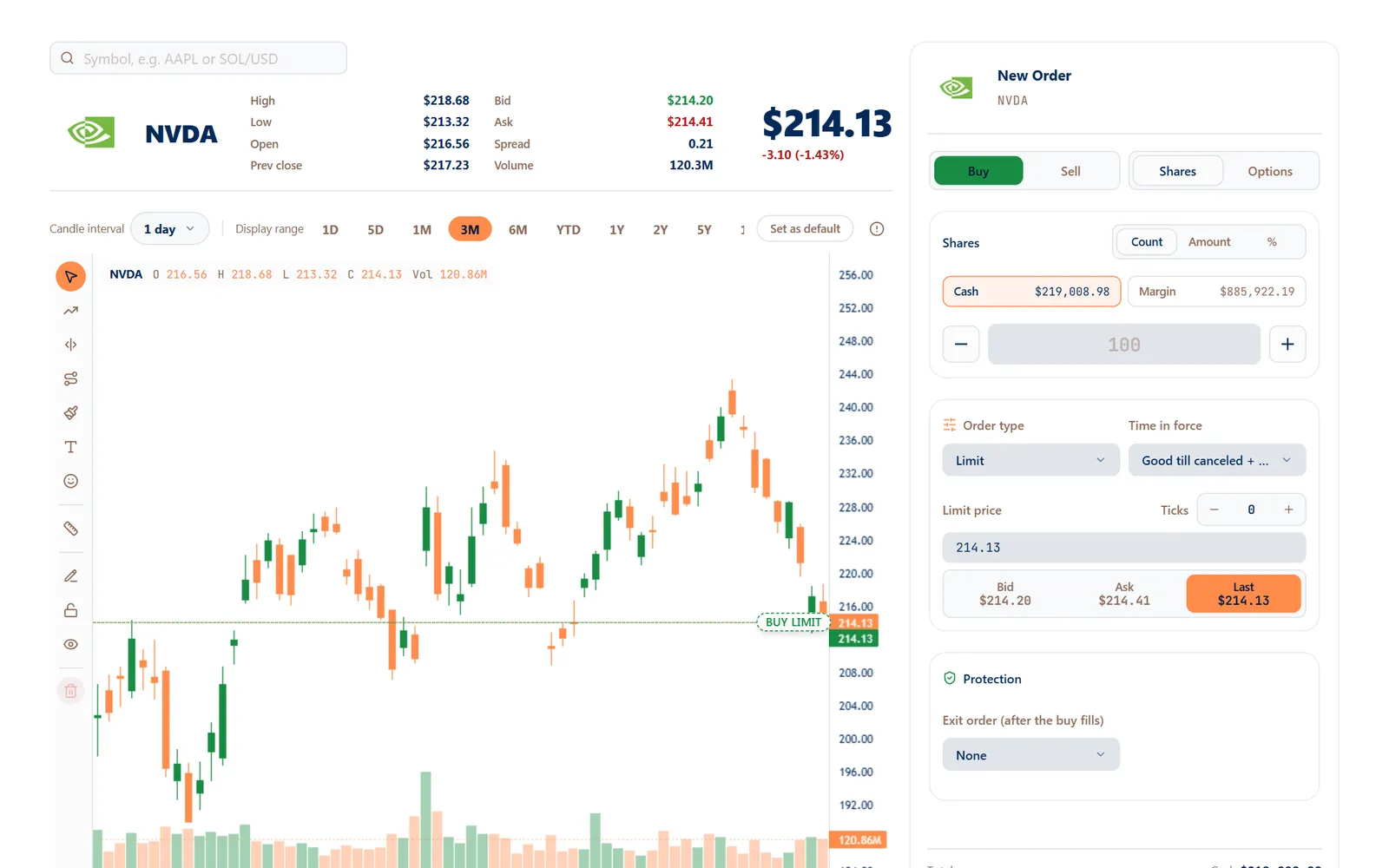
One fast ticket for stocks, ETFs and options at your own broker — live quote, order on the chart, and take-profit and stop-loss attached before you press Buy.
- Shares, dollars or %
- Drag orders on the chart
- Same account as AutoTrade
01The ticket
Everything a trade needs, on one screen.
The chart, the quote and the ticket sit side by side, so you size, protect and send without opening another window.
- Order ticket
Size it the way you think
Enter shares, a dollar amount or a percent of buying power — the ticket shows the cost against your cash and margin before you send.
- Market, limit and stop orders
- Time in force, including extended hours where your broker allows
- Limit price from bid, ask or last in one tap
- Live chart
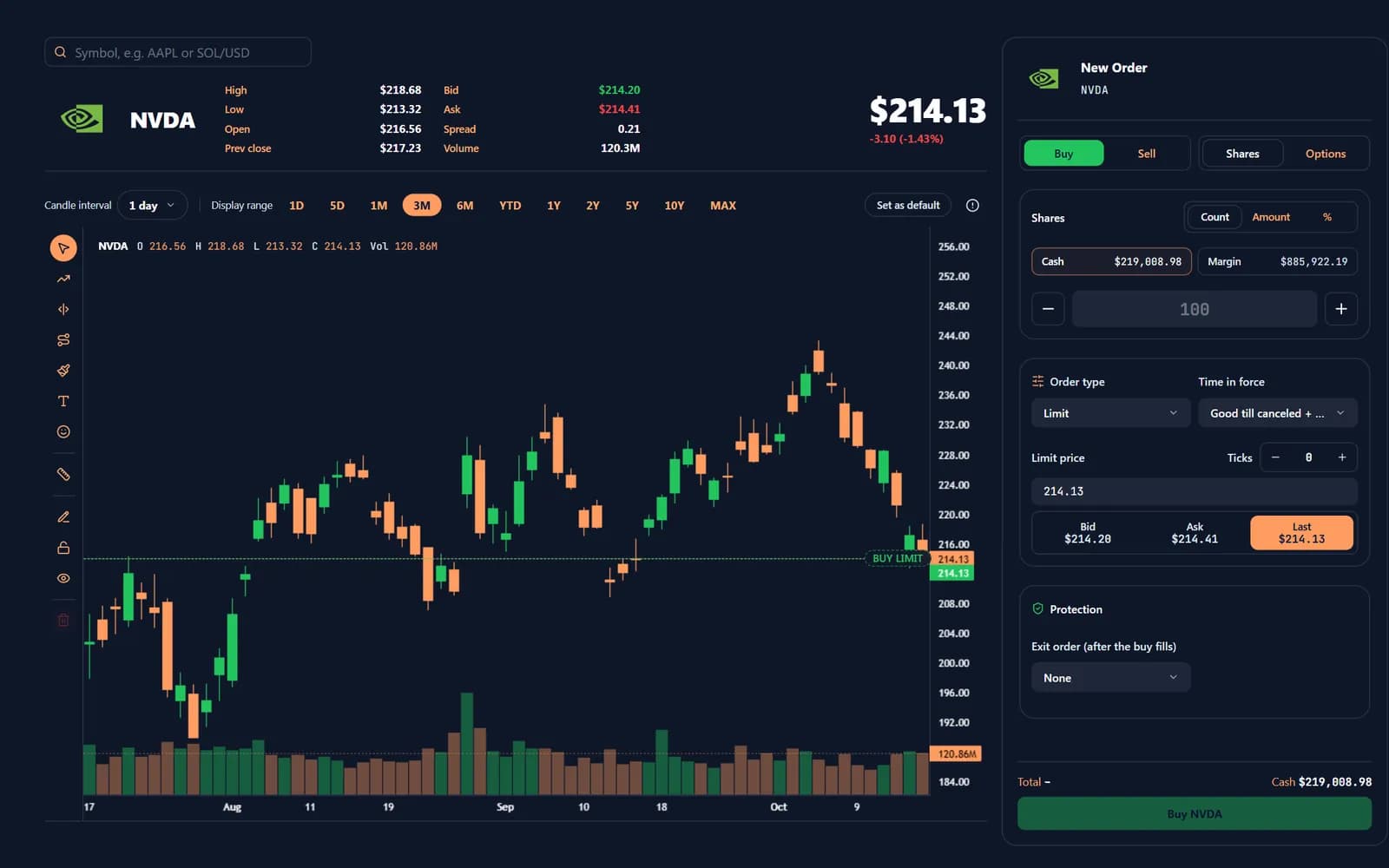
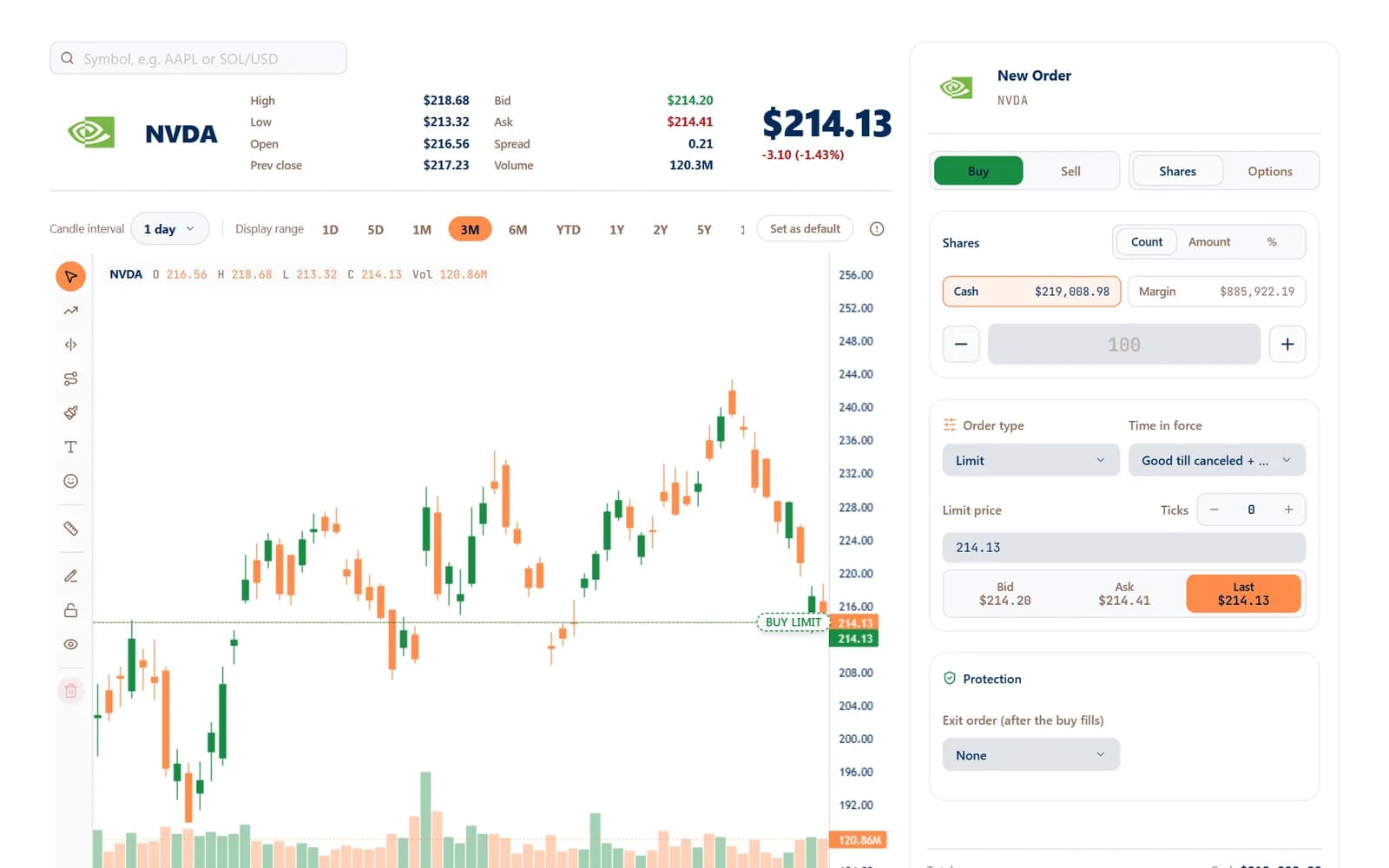
Your orders live on the chart
Every working order is a line on the chart. Drag it to a new price, confirm, and the order is replaced at your broker.
- Intervals from minutes to years
- Drawing tools and a saved default range
- Right-click a line to edit or cancel
- Protection
Take-profit and stop-loss on every entry
Choose the exits before you buy; they're placed the moment the entry fills, so no position is ever left unprotected.
- Take-profit, stop-loss and OCO brackets
- Only the exits your broker can really place
- Portfolio with open positions, orders and closed trades
02Why traders switch
Fast where it matters, careful everywhere else.
Manual Trade sits beside AutoTrade in one account, so your hand-placed trades and automated ones never step on each other.
One-click buy, sell and short
Switch side and instrument in a tap; shorting appears only where your broker allows it.
Charts and live quotes
Candles, volume, bid, ask and spread for every instrument your broker supports.
Sizing in $, shares or %
Trade a fixed dollar amount or a slice of buying power, and the ticket does the maths.
Protection built in
Exits ride with every entry and are checked against what your broker can actually place.
Options chain
Pick a contract off the chain by expiry and strike, then see its own chart before you trade.
Separate from AutoTrade
A manual close never sells the shares AutoTrade is managing, and the reverse — each product owns its legs.
03Get started
Your first manual trade in three steps.
- 1
Create a free account
Sign up in a minute with no card.
- 2
Connect your broker
Link the brokerage account you already own on its secure page.
- 3
Open the ticket
Search a symbol, size it, attach your exits and send.
04FAQ
Questions, answered.
What can I trade with Manual Trade?
Stocks, ETFs and options — whatever your connected broker supports. The ticket shows only the order types and exits your broker can really place.
Can I edit an order after I send it?
Yes. Drag its line on the chart and confirm, or right-click it to edit price, size and type. The order is replaced at your broker.
Will a manual sell close my AutoTrade positions?
No. Each product owns its own legs: a manual sell draws on your manual shares and the broker's own, never on positions AutoTrade is managing.
Are take-profit and stop-loss placed automatically?
Yes. Choose them on the ticket before you buy; they're placed the moment the entry fills.
Does it cost extra?
Manual Trade is part of your Algomatex account. See the pricing page for what each plan includes.
05Keep exploring
One account. Every way to trade.
 AI Connect
Ask any AI about your trades
ChatGPT, Claude, Gemini and any MCP app read your accounts — read-only, revocable.
Learn more: AI Connect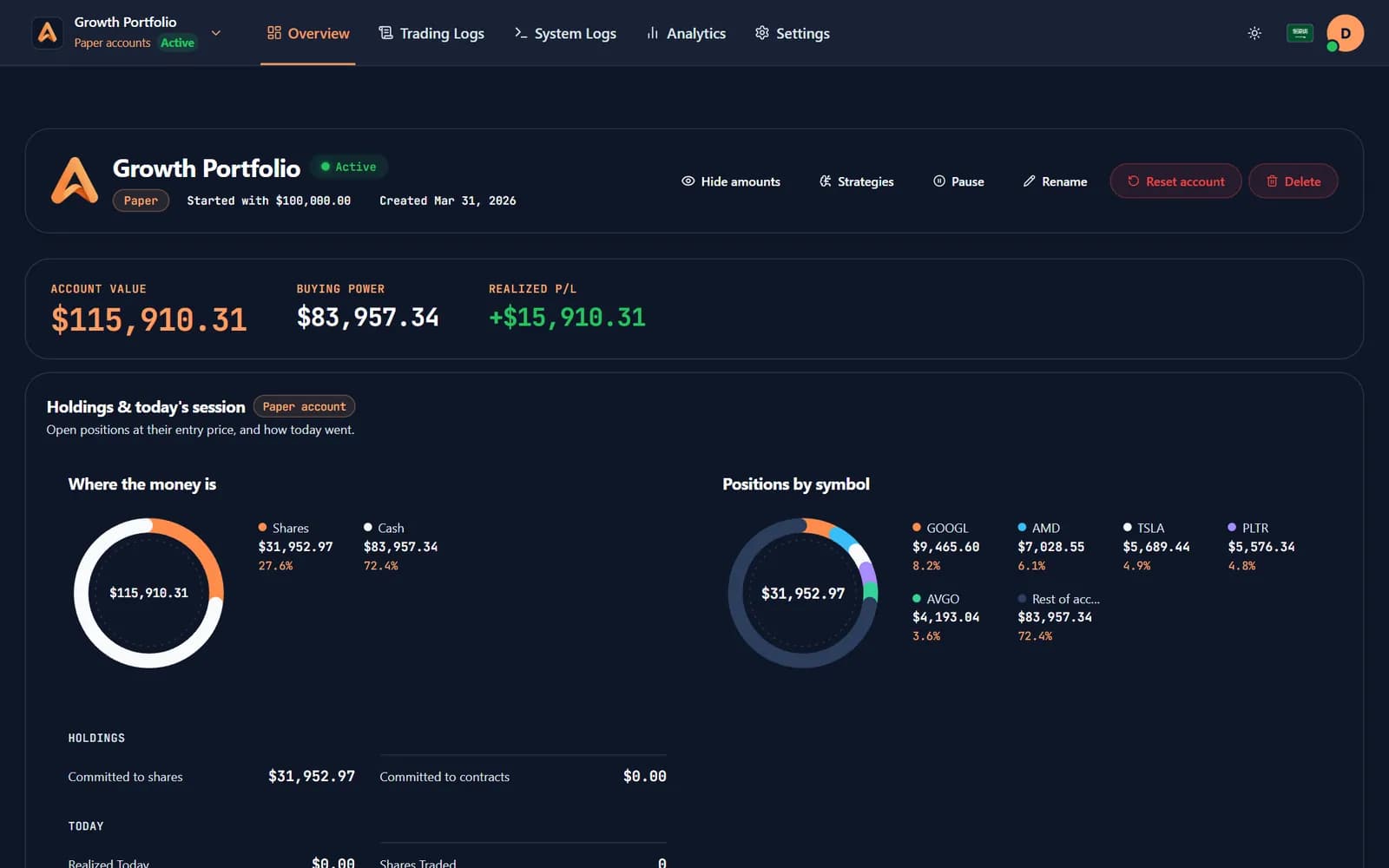
 Paper trading
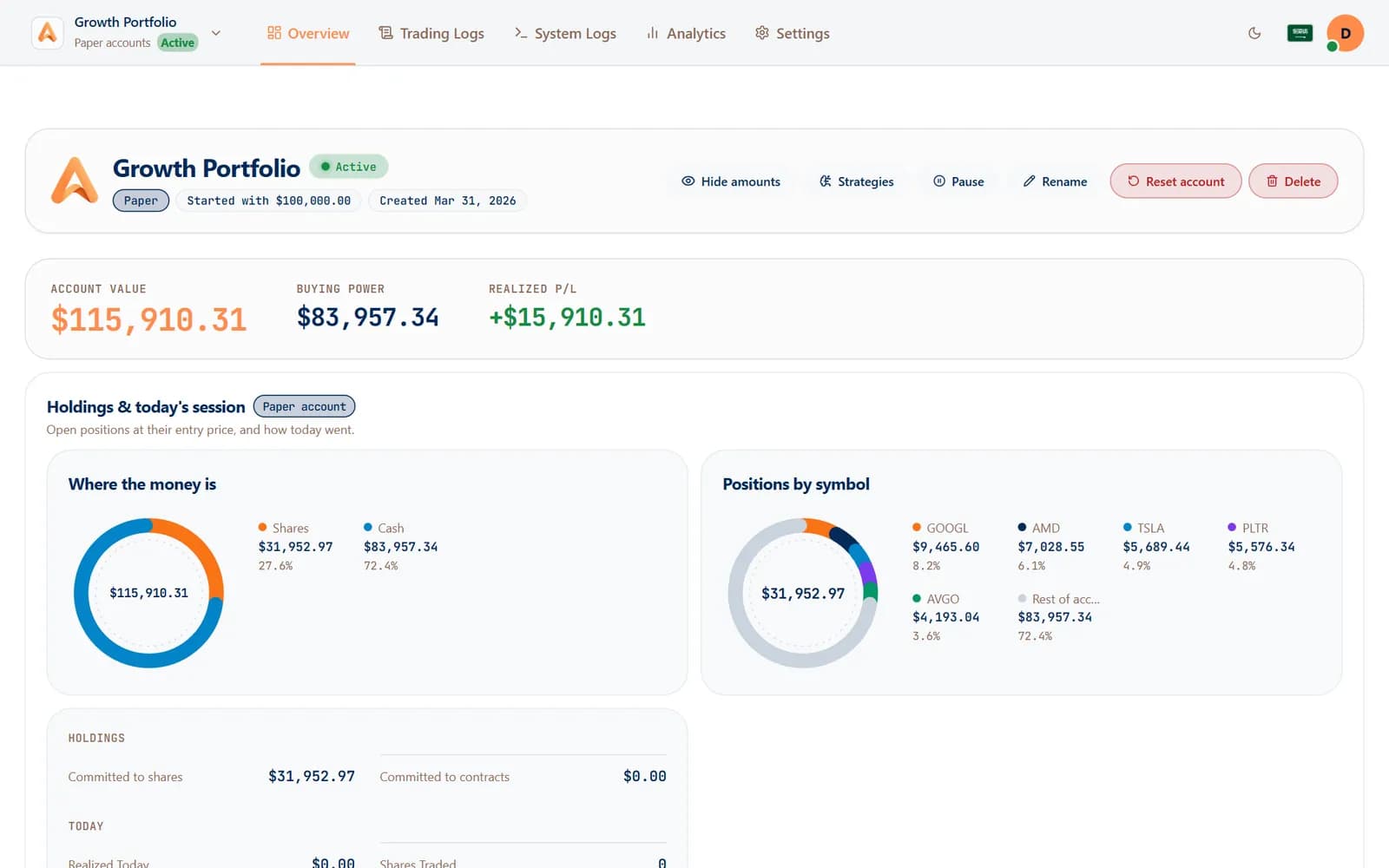
Prove it before real money moves
Paper accounts run the same engine on virtual money, so a strategy earns its place first.
Learn more: Paper trading- Analytics & journal
Know which strategy pays
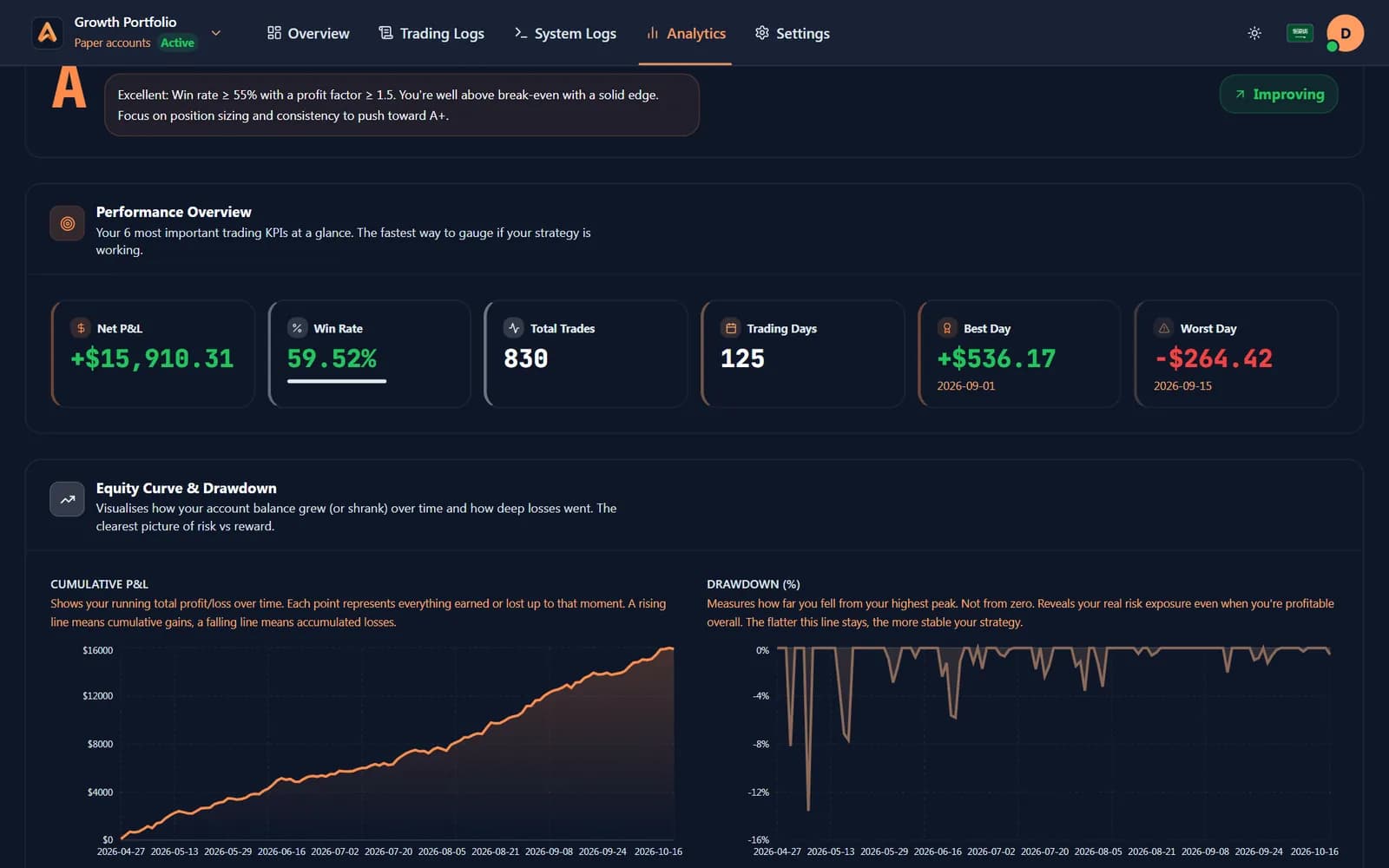
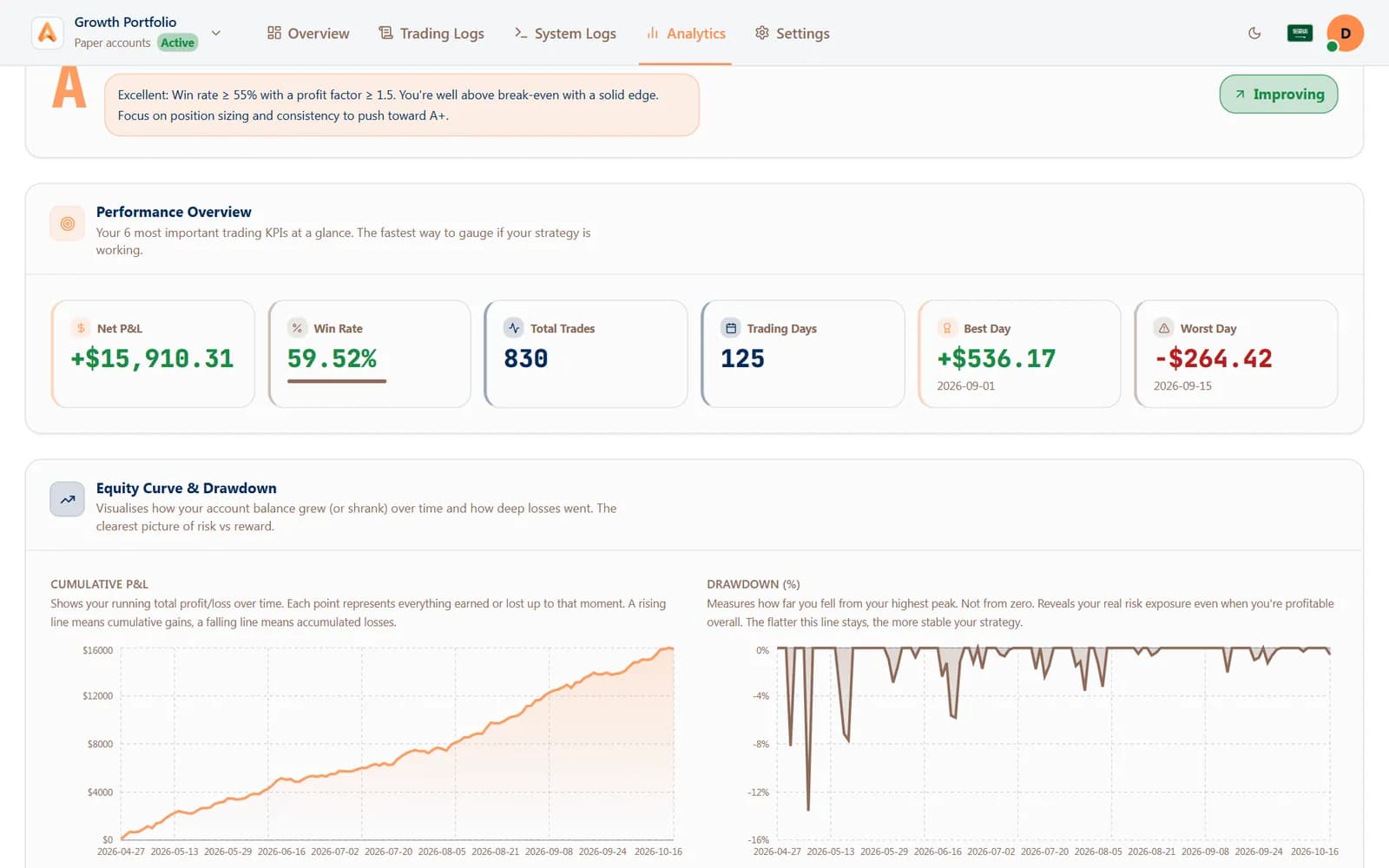
Every fill turned into win rate, profit factor and P&L by strategy, by day and by hour.
Learn more: Analytics & journal
Trade by hand with protection on every click.
Connect your broker and place your first protected trade in minutes.
Free paper trading · No card needed