
TradingView indicator limit
Two indicators aren't enough? Use 20 per chart, free.
TradingView's free plan allows 2 indicators per chart. Algomatex Chart allows up to 20 indicators on one chart — 28 built in plus your own Pine scripts — free with a free account.
- 20 indicators per chart
- Your own Pine scripts
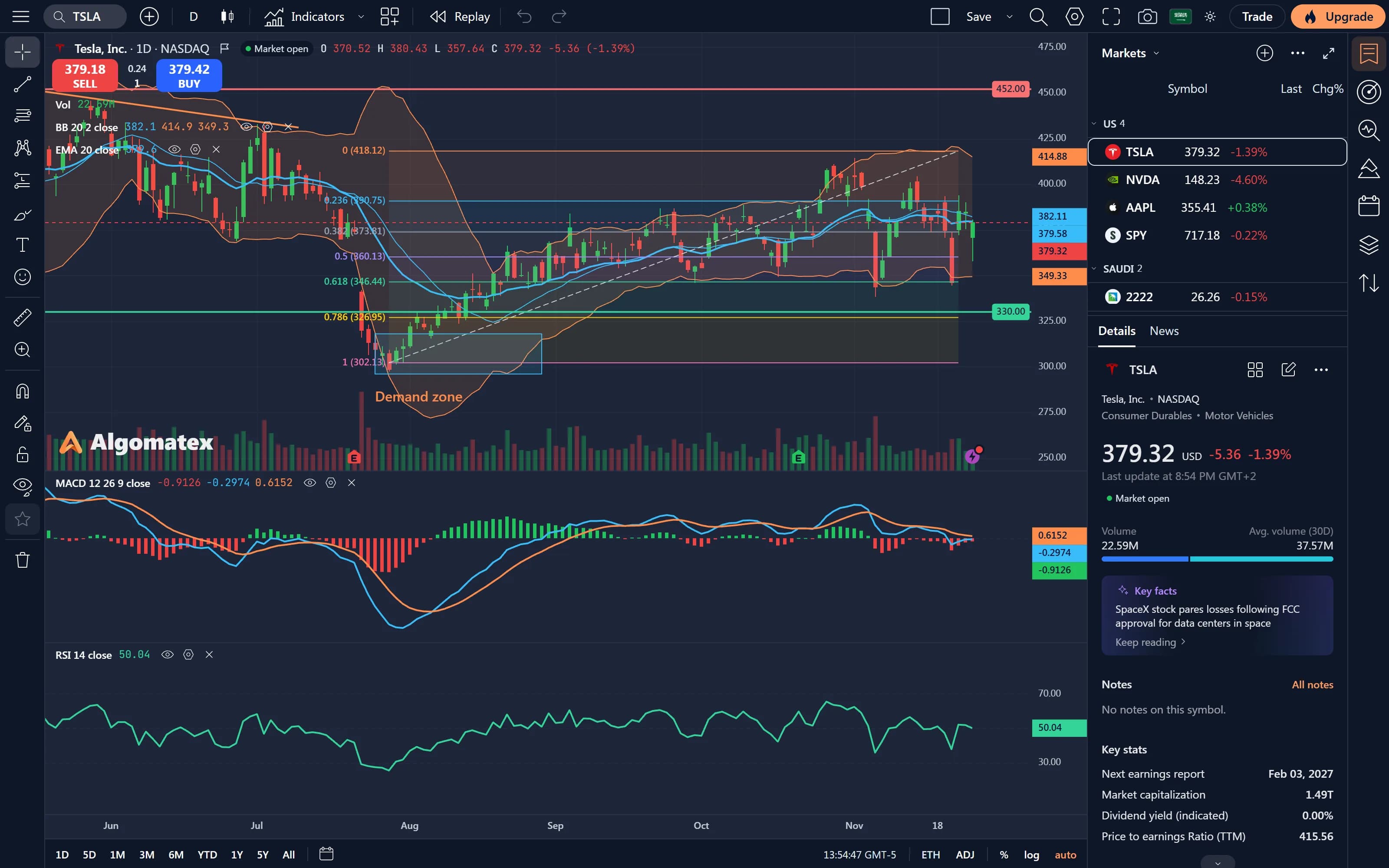
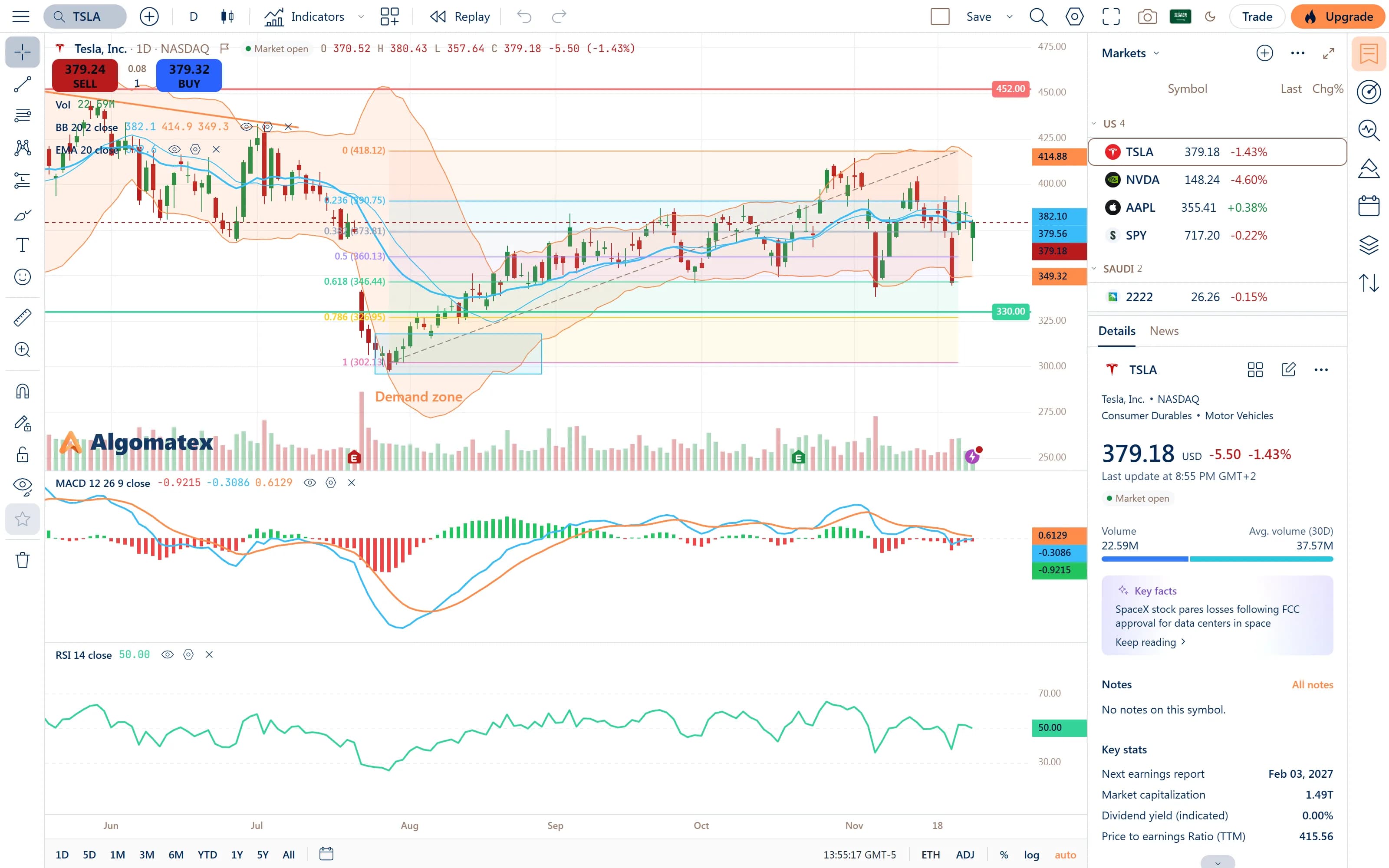
| Algomatex Chart | Basic | |
|---|---|---|
| Indicators per chart | 20 | 2 |
| Charts per layout | 16 | 1 |
| Price | Free | Free |
Facts checked November 25, 2026
01The short answer
How many indicators can I use on TradingView for free?
TradingView's pricing page lists 2 indicators per chart on the free Basic plan, then 5 on Essential, 10 on Plus, 25 on Premium and 50 on Ultimate.
Algomatex Chart allows up to 20 indicators on one chart, free, with 28 ready indicators and a Pine Script editor for your own. TradingView's top plan still allows more per chart, at $199.95 a month billed annually.
02Plan by plan
Indicators per chart, every TradingView plan.
TradingView prices are per month billed annually, from its pricing page on November 25, 2026.
| Feature | Algomatex Chart | Basic | Essential | Plus | Premium | Ultimate |
|---|---|---|---|---|---|---|
| Price | Free | Free | $12.95 | $29.95 | $59.95 | $199.95 |
| Indicators per chart | 20 | 2 | 5 | 10 | 25 | 50 |
| Charts per layout | 16 | 1 | 2 | 4 | 8 | 16 |
03The indicators
Stack what you need, write what you miss.
Everything below is on the free chart.
28 built-in indicators
Moving averages, Bollinger Bands, RSI, MACD, VWAP, ATR, Ichimoku, Keltner and more, computed in your browser.
Your own Pine scripts
A Pine Script editor with version history; up to 50 saved scripts of 20,000 characters each.
Indicator templates
Save a set of indicators with their settings and apply it to any chart in one click.
16 charts at once
Put different indicator sets on up to 16 charts in one layout.
04Get started
Open it in three steps.
- 1
Create a free account
Sign up in a minute — no card, no trial clock.
- 2
Open the chart
Search a symbol and pick a layout.
- 3
Start working
Draw, add indicators or run a screen; it all saves to your account.
05FAQ
Questions, answered.
Is there a way around TradingView's indicator limit?
Within TradingView the limit is set by your plan. Algomatex Chart is a separate free chart that allows up to 20 indicators per chart.
How many indicators can I add on Algomatex Chart?
Up to 20 on one chart, from 28 built-in indicators and your own scripts, the same on every account.
Can I run my TradingView Pine scripts?
Algomatex Chart's editor runs a subset of Pine Script. Many indicators run as they are; some need small changes.
Does an indicator on an indicator count?
Every indicator on the chart counts toward the 20, wherever it is drawn.
Which TradingView plan allows more than 20?
Premium allows 25 indicators per chart and Ultimate 50, according to TradingView's pricing page.
06Chart guides
More answers about Algomatex Chart.
Each guide answers one question with figures, a table and its sources.
Free TradingView alternative
Every free-plan limit side by side, and where TradingView is still ahead.
Read the guideTradingView's 30-drawing limit
What the cap is, who it hits, and a free chart with 1,000 drawings.
Read the guideFree stock screener
20 filters, 50 saved screens and auto-refresh, beside the chart.
Read the guideSaudi stock chart
Tadawul symbols with the full drawing set, in Arabic.
Read the guideEgyptian Exchange chart
EGX symbols with indicators, drawings and the screener.
Read the guide
Sources
Facts checked November 25, 2026. TradingView is a trademark of TradingView, Inc.; Algomatex is not affiliated with it.
Add the indicators you actually use.
Open Algomatex Chart with a free account — up to 20 indicators on every chart.
Free paper trading · No card needed