
AutoTrade
Your alert fires. Your broker fills it.
AutoTrade turns every TradingView or webhook alert into a real order at the broker you already use — sent with its take-profit and stop-loss, checked by 14 risk gates, in under 400 ms.
- No code to write
- Funds stay at your broker
- Stocks, ETFs and options


01How AutoTrade works
Set it up once. Every alert after that trades itself.
Describe the trade, link your broker, paste one webhook. From then on each alert is checked, sized, protected and logged without you.
- Signal Builder
Describe the trade once — no code
Pick the account, the side and the size, then the exits. The Signal Builder writes the alert message for you while you click.
- Size by shares, dollars or % of buying power
- Take-profit, stop-loss, trailing and range exits per leg
- Trading hours, Auto-Close and news blackouts per signal
- Your broker
Connect the account you already own
Algomatex places and manages orders at your broker; it never holds your money and cannot withdraw it.
- Stocks, ETFs and options brokers
- Sign in on the broker's own secure page
- Credentials encrypted with a key made for your account
- Trade log
Watch every fill land — live
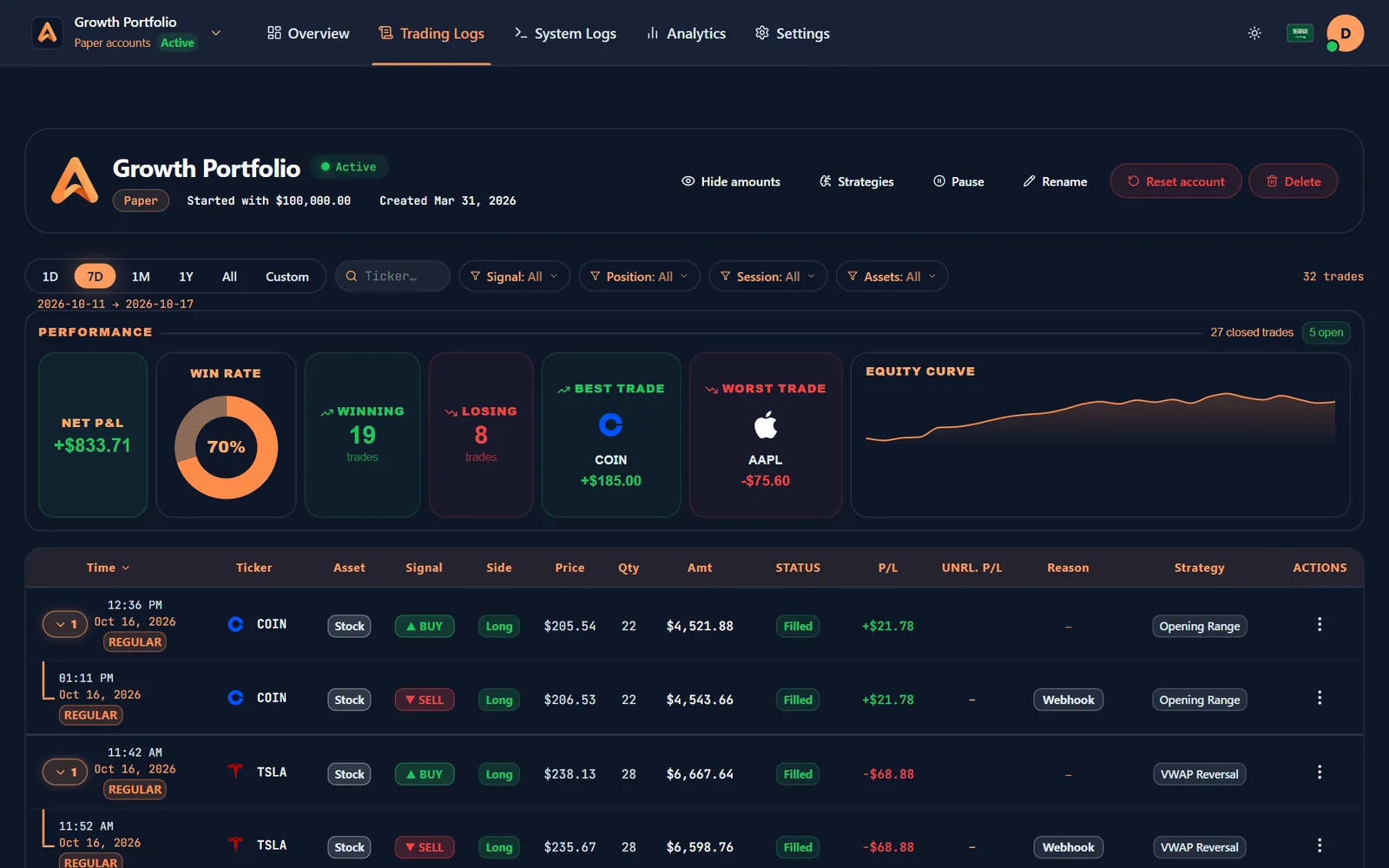
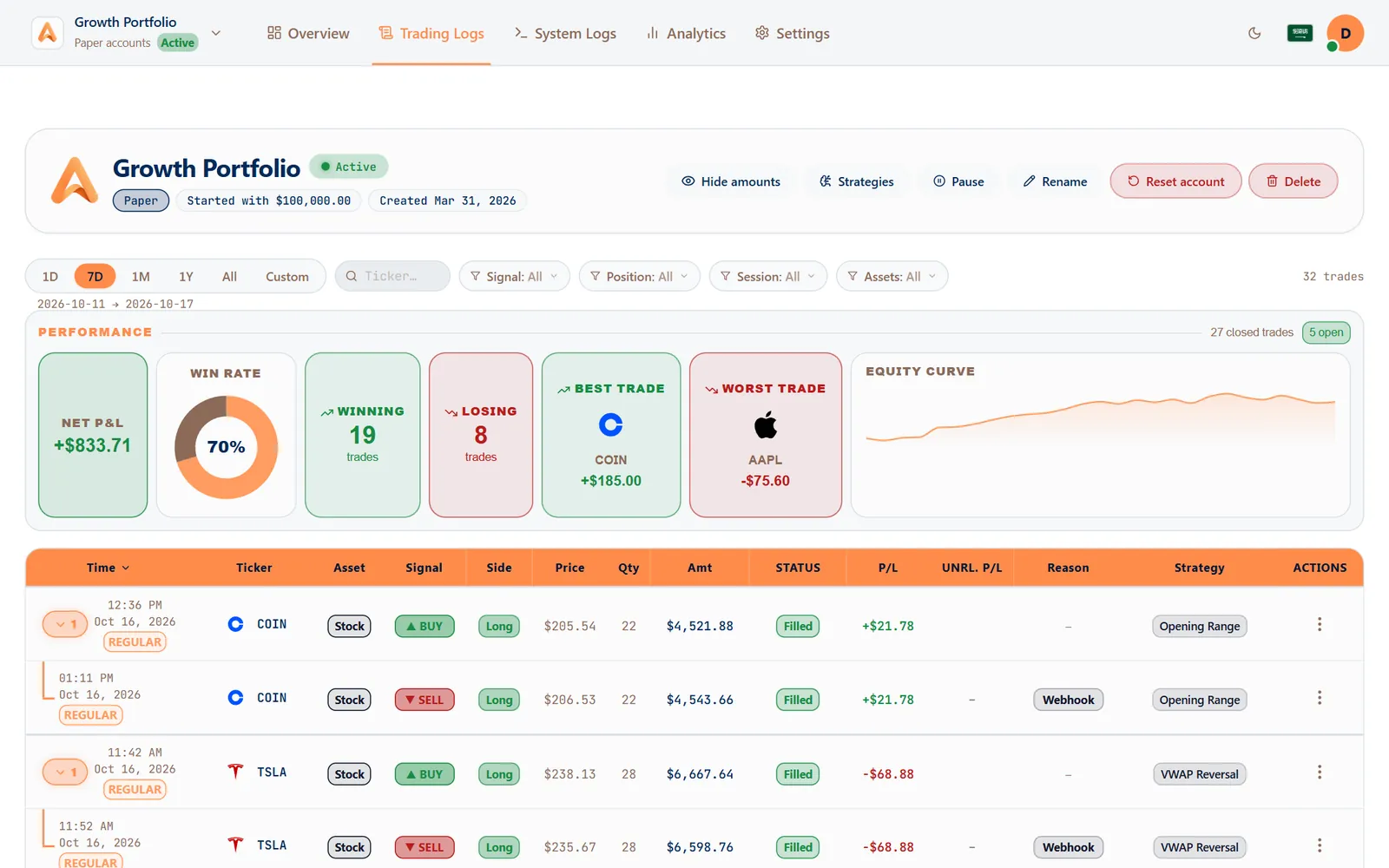
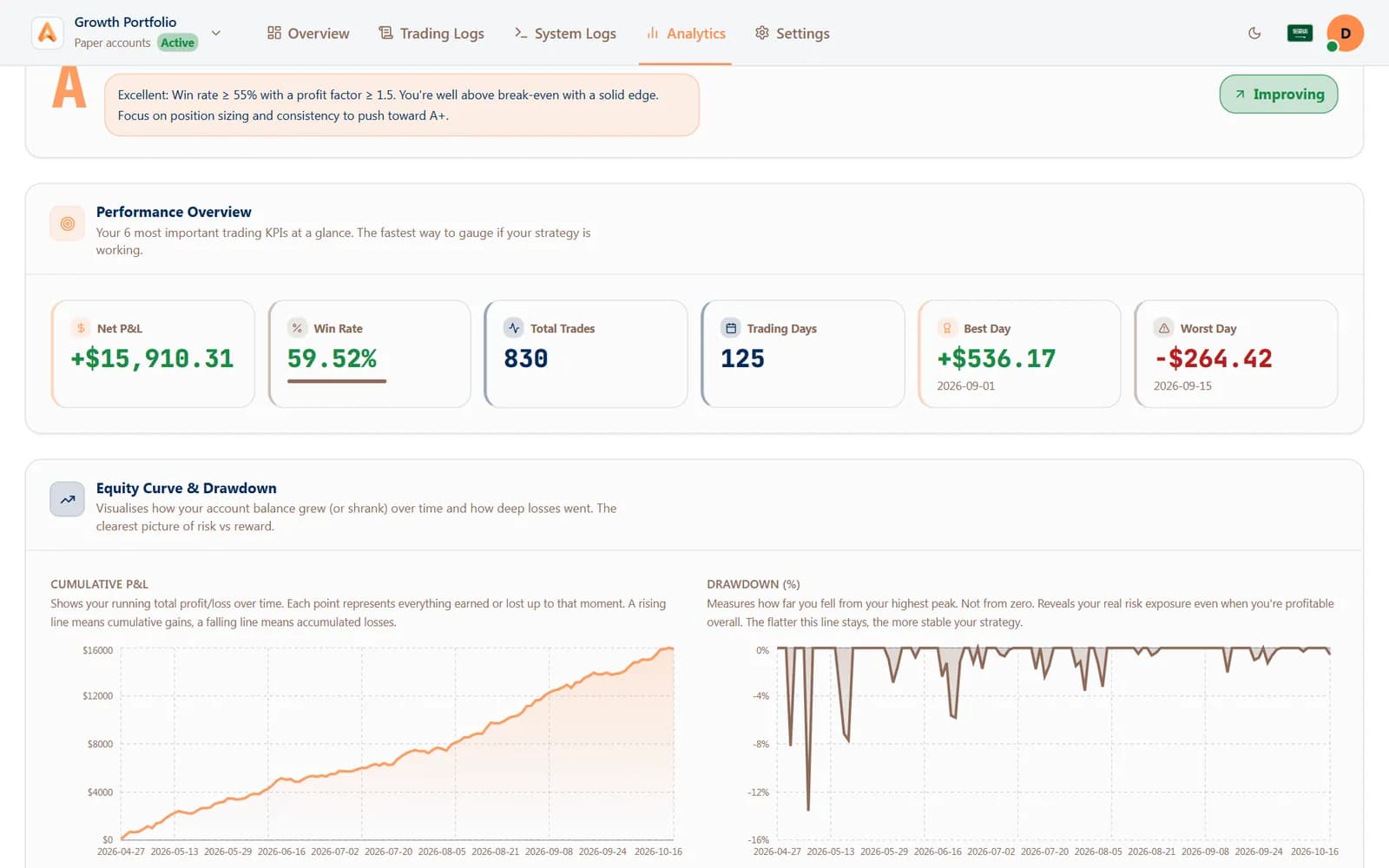
Each alert becomes a row in your trading log with its strategy, price, quantity and P&L, and the performance band updates as it fills.
- Win rate, best and worst trade, equity curve
- Filter by signal, position, session and asset
- Telegram and phone alerts the moment it fills
 tastytrade


02Built-in safety
Every entry is checked before it trades.
A bad alert, a duplicate or a signal at the wrong hour never reaches your broker. These checks run on every entry, in milliseconds.
14 pre-trade gates
Daily trade counts, P&L limits, open positions and opposite sides are all checked before an order leaves.
Daily limits and Auto-Close
Stop a strategy after its daily target or loss, and close its positions automatically when it's reached.
Trading hours you choose
Regular session, extended hours or your own windows — and no new buys in the minutes before the close.
News blackouts
Skip new entries around high-impact economic events like CPI, FOMC and payrolls.
Duplicate protection
The same alert sent twice, or a sell with nothing to sell, is caught and explained instead of traded.
Approve on Telegram first
Hold any signal for your OK: approve or reject it from Telegram or the app before it's placed.
03Get started
Live in three steps.
- 1
Create a free account
Sign up in a minute — no card. Start on a paper account if you want to practise first.
- 2
Connect your broker
Link the brokerage account you already own on the broker's secure page.
- 3
Paste the webhook
Build the signal, copy the webhook URL and message into your TradingView alert. Done.
04FAQ
Questions, answered.
How does AutoTrade turn a TradingView alert into an order?
You paste your Algomatex webhook URL and the JSON message from the Signal Builder into a TradingView alert. When the alert fires, Algomatex checks it against your limits and places the order at your broker together with its take-profit and stop-loss — usually in under 400 ms.
Do I need to know how to code?
No. The Signal Builder writes the alert message for you: choose the account, size and exits, then copy it into TradingView.
Which signal sources work with AutoTrade?
TradingView, TrendSpider, Trade Ideas, Chartink, no-code tools like Zapier, Make and n8n, your own AI agent — anything that can send a webhook.
What stops a bad signal from trading?
Every entry passes 14 pre-trade gates: daily trade and P&L limits, trading hours, news blackouts, duplicate signals, opposite positions and more — plus a kill switch you control and optional approval on Telegram.
Does Algomatex hold my money?
No. Your funds stay in your own brokerage account. Algomatex can place and manage orders, but it never holds funds and cannot withdraw.
Can I test AutoTrade without real money?
Yes. Free paper accounts take the same alerts, pass the same gates and book trades at the alert's price, so a strategy can prove itself before it touches your broker.
05Keep exploring
One account. Every way to trade.
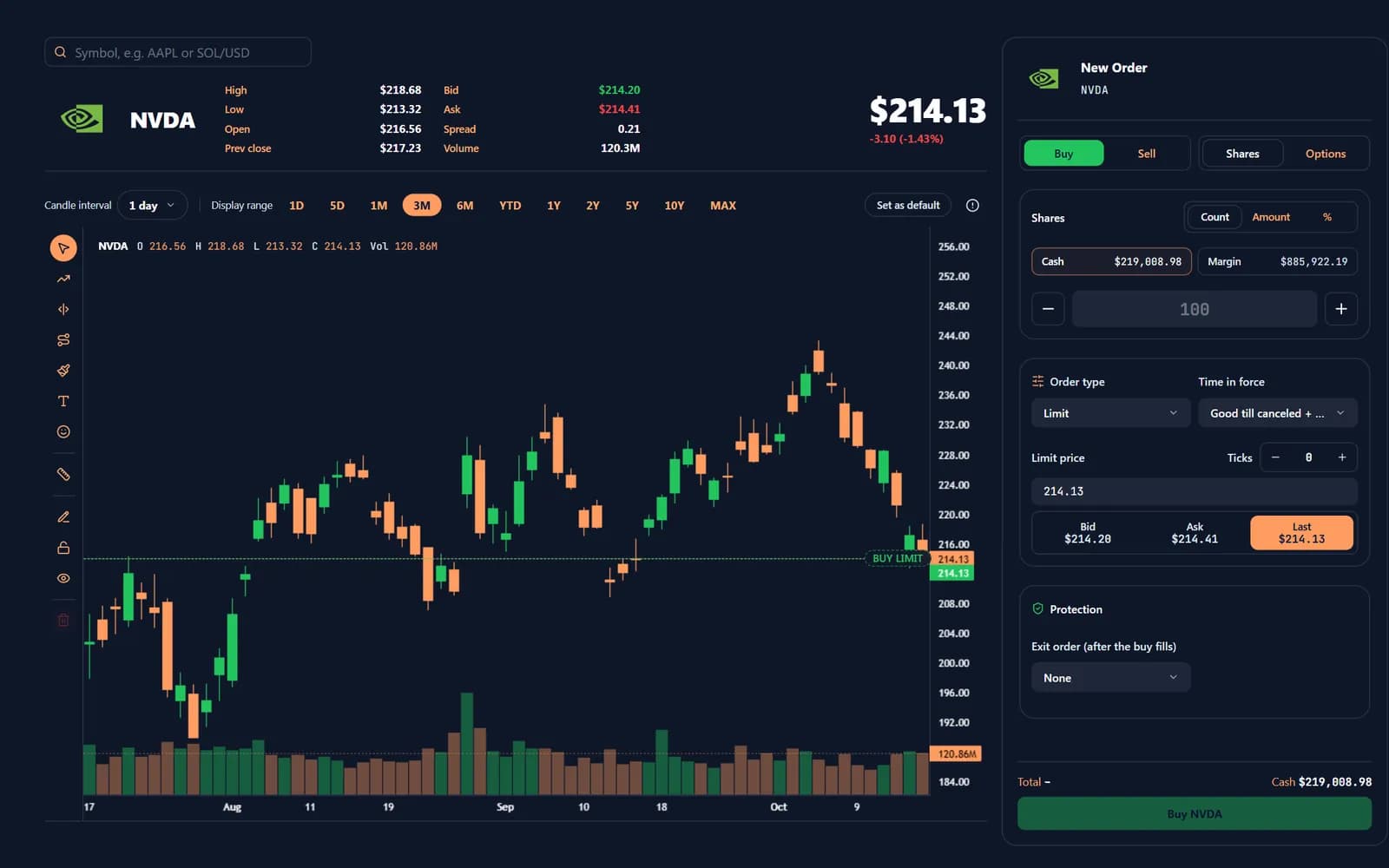
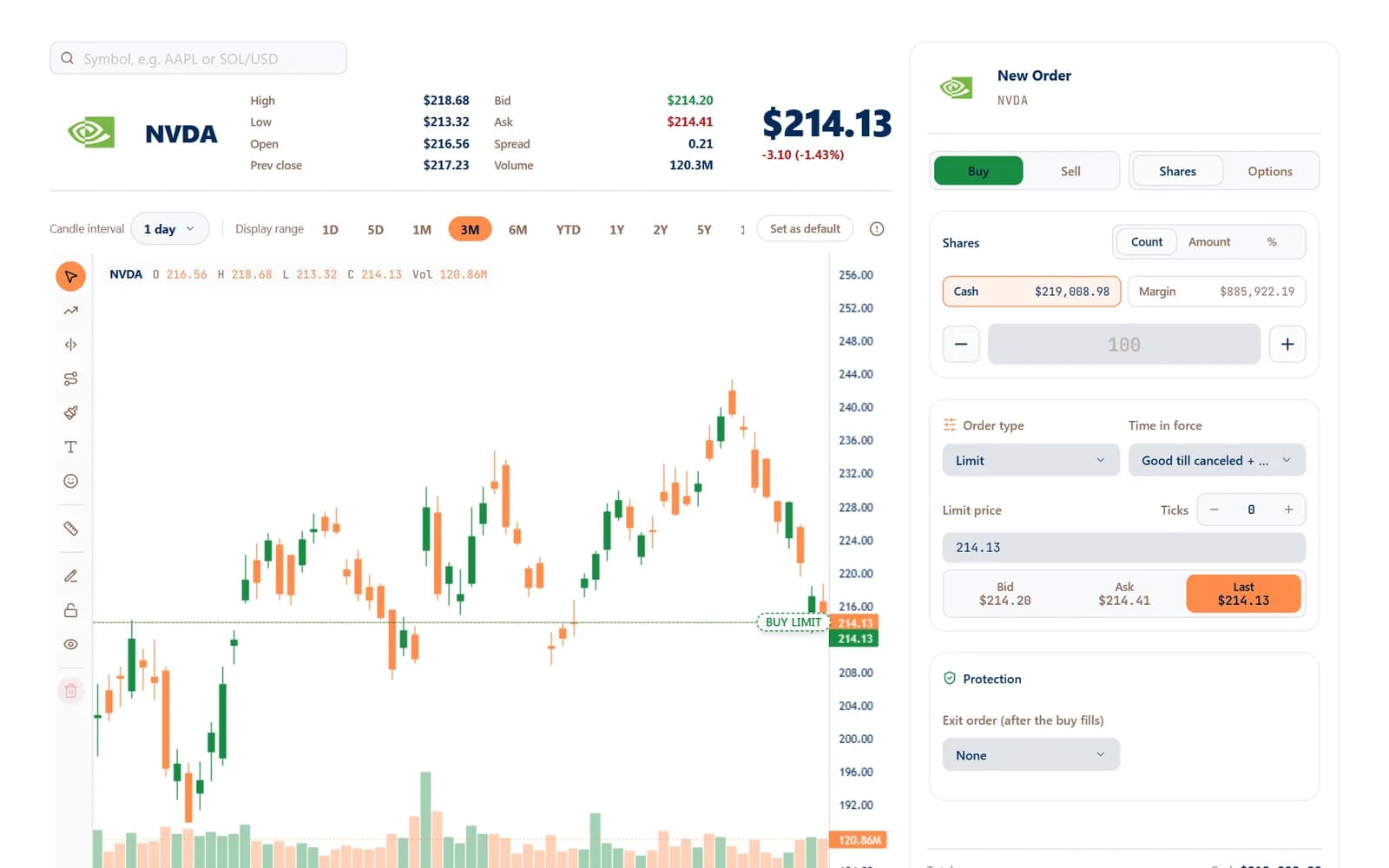 Manual Trade
Click the button yourself
A fast ticket, a live chart and drag-to-edit orders — with protection on every entry.
Learn more: Manual Trade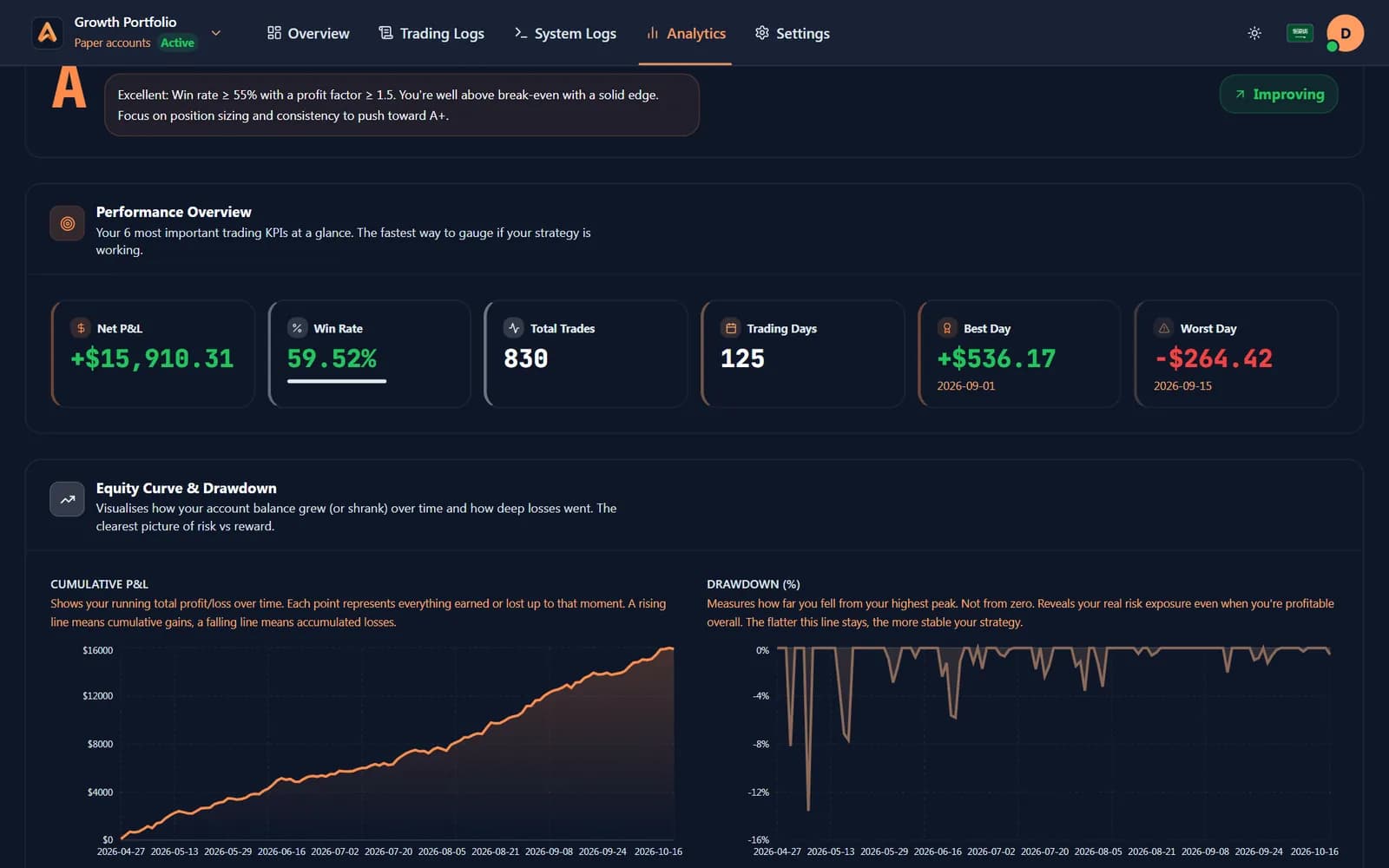
 AI Connect
Ask any AI about your trades
ChatGPT, Claude, Gemini and any MCP app read your accounts — read-only, revocable.
Learn more: AI Connect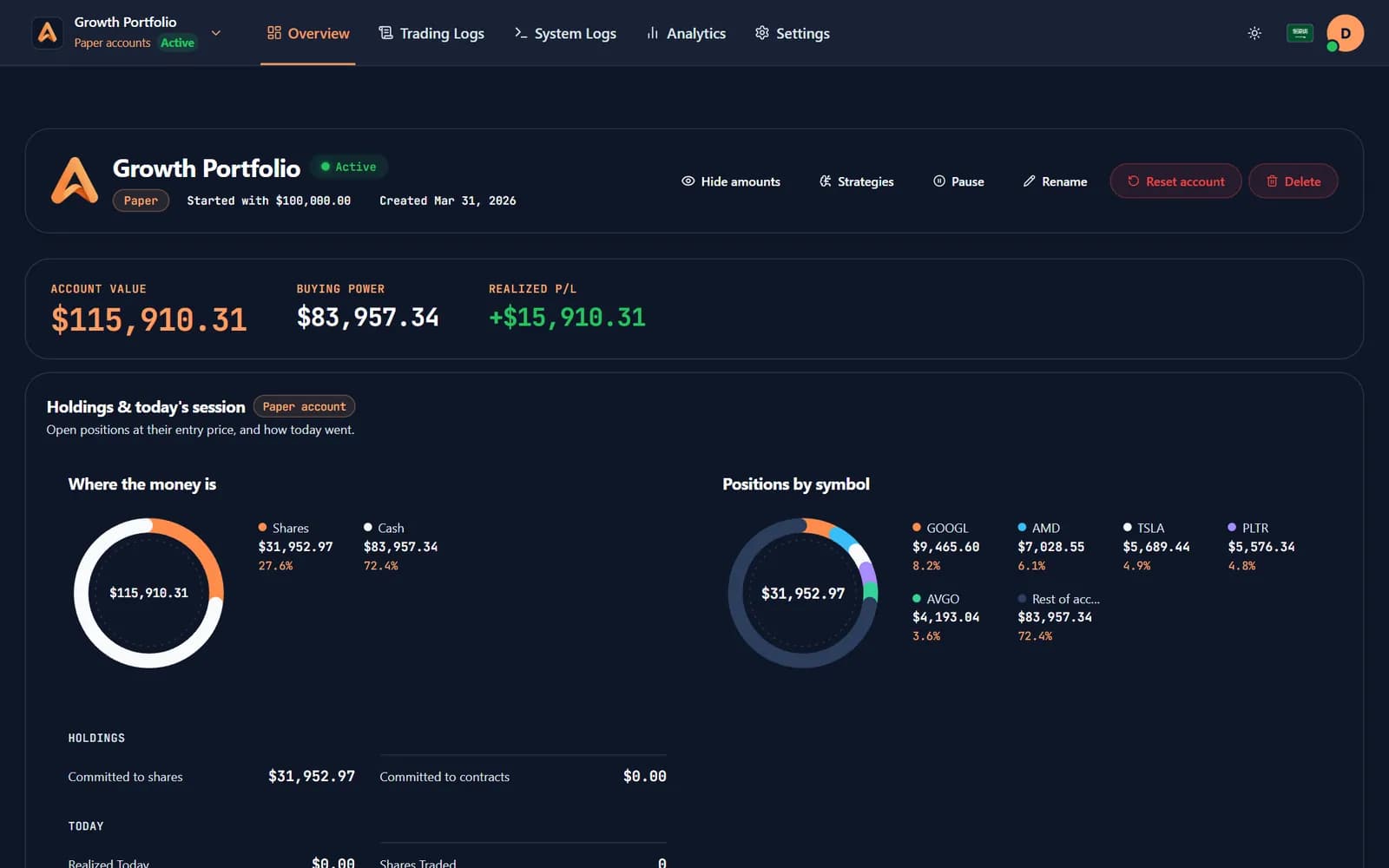
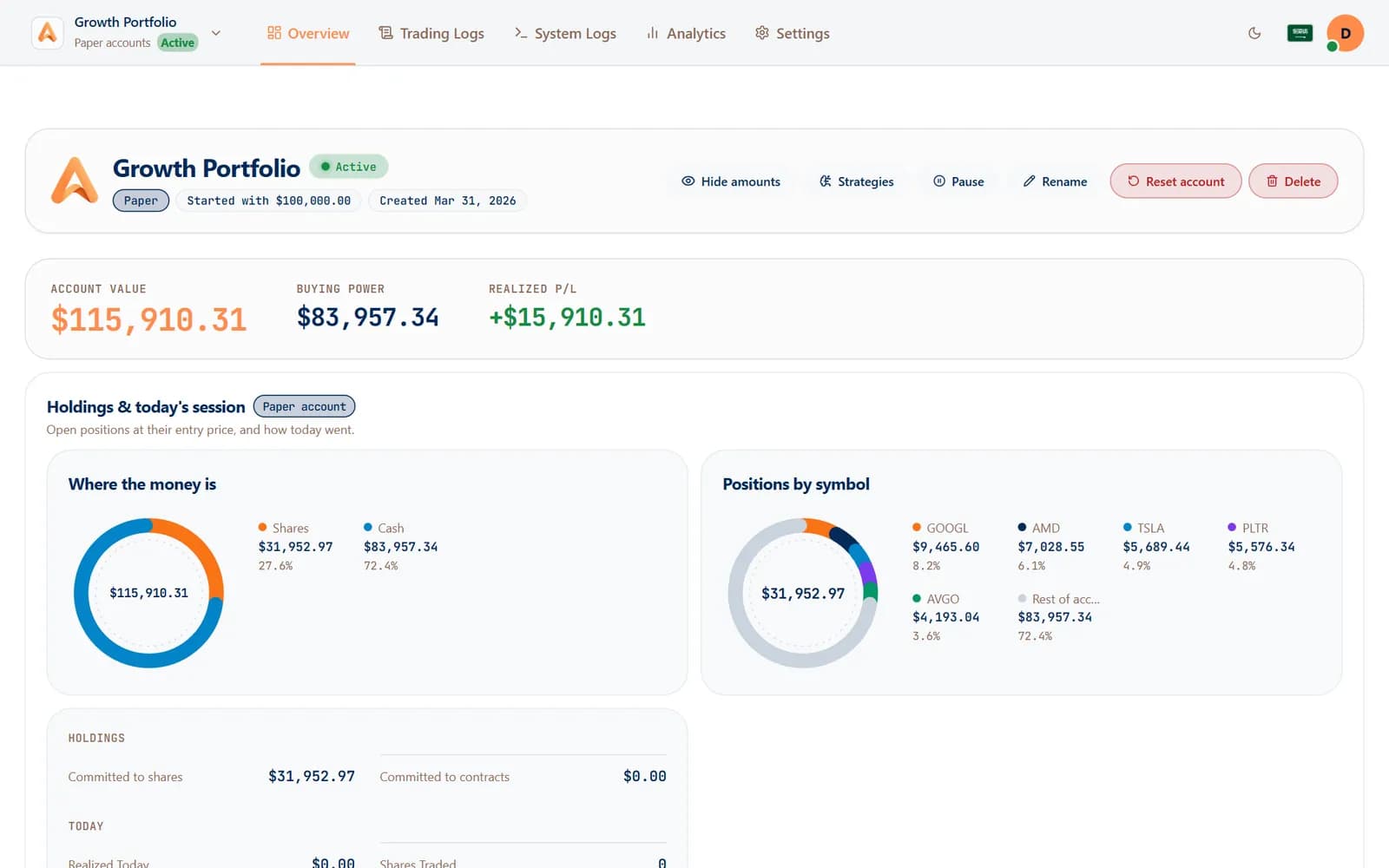 Paper trading
Prove it before real money moves
Paper accounts run the same engine on virtual money, so a strategy earns its place first.
Learn more: Paper trading
Your next alert could be your first automated trade.
Connect a broker, paste one webhook into TradingView and watch the next signal fill — or practise on a free paper account first.
Free paper trading · No card needed