
AI Connect
Ask any AI about your trades.
Connect Algomatex to ChatGPT, Claude, Gemini and every AI app that speaks MCP. Ask how each strategy performed, why a week went red or what AutoTrade did today — it reads your accounts but can never place an order.
- Read-only by design
- Revoke any app any time
- Works with any MCP app


01What your AI sees
Your real numbers, in any chat.
AI Connect hands your AI app the same figures you see in Algomatex — nothing more — so its answers are about your trades, not guesses.
- Performance
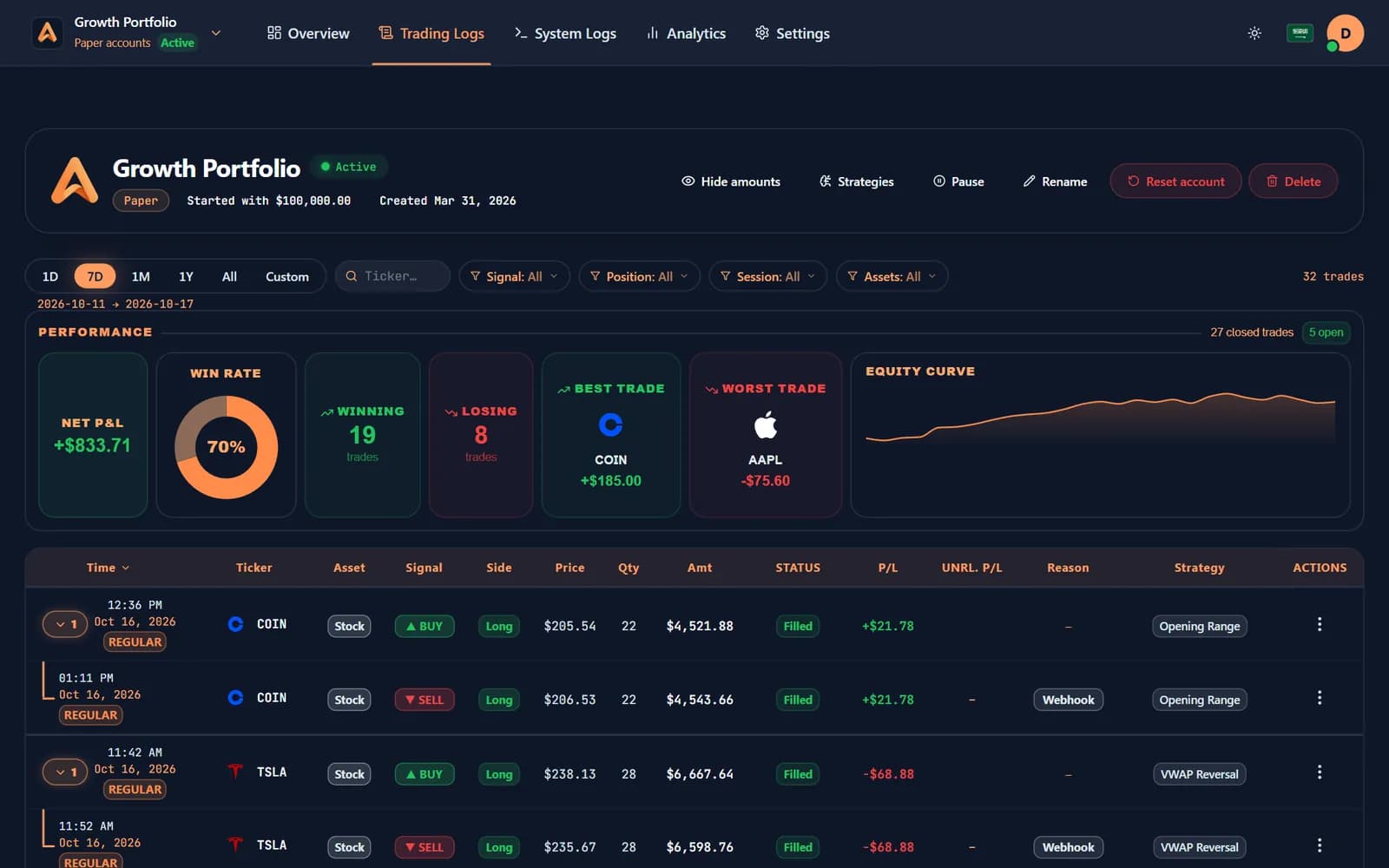
Performance it can reason about
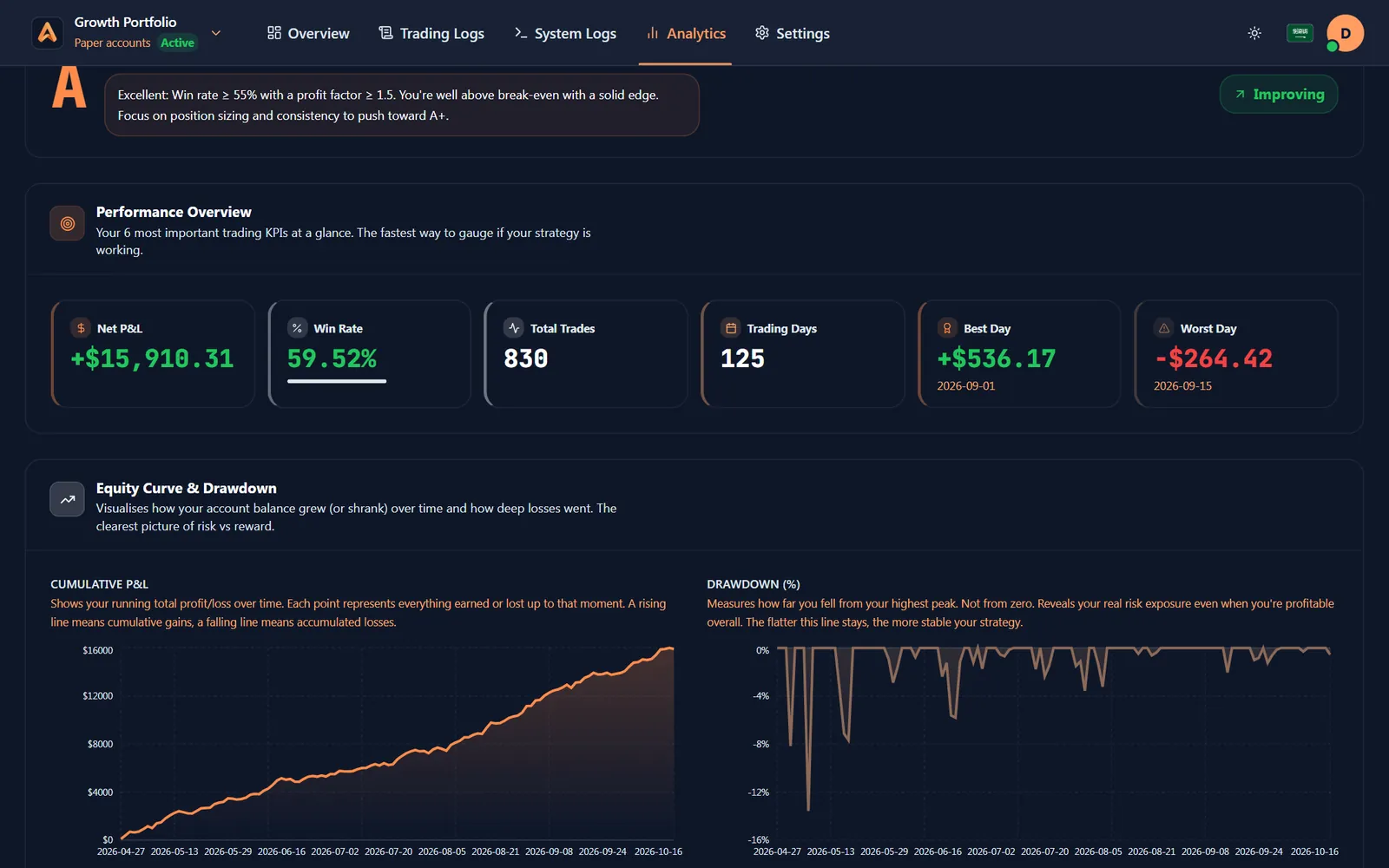
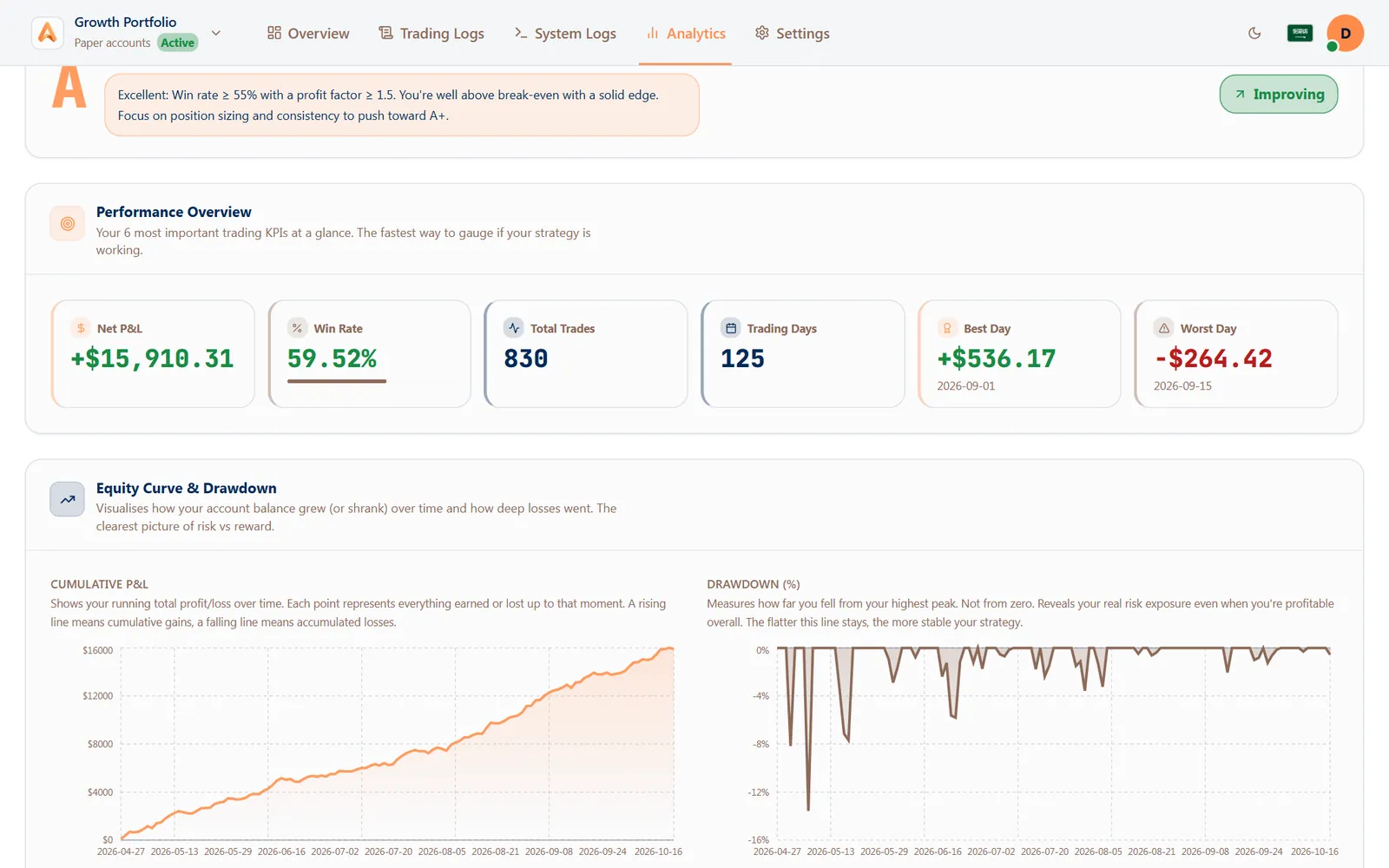
Net P&L, win rate, profit factor and drawdown by account and strategy, so the AI can compare and explain.
- Breakdowns by strategy, weekday and hour
- Closed trades with their exits
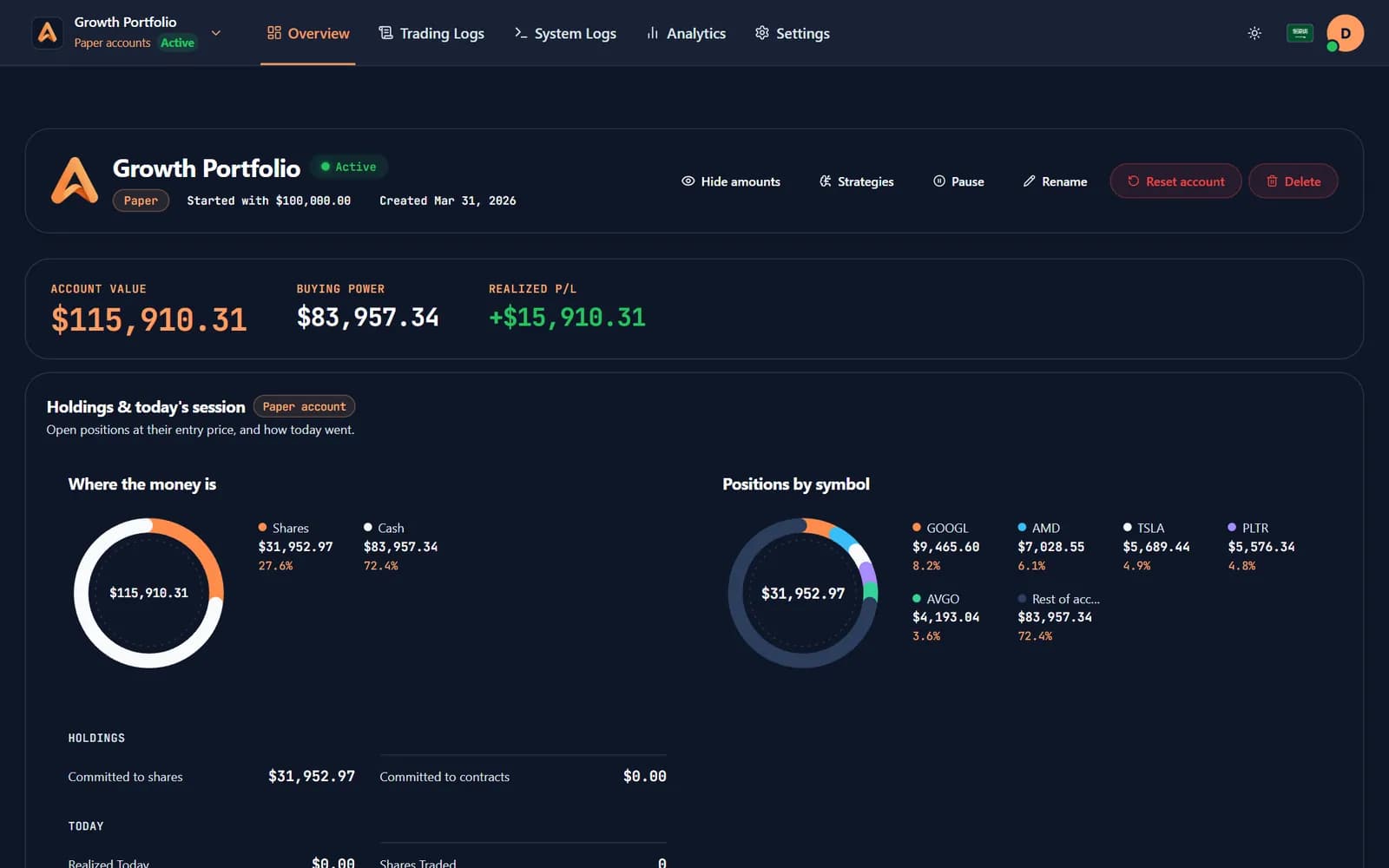
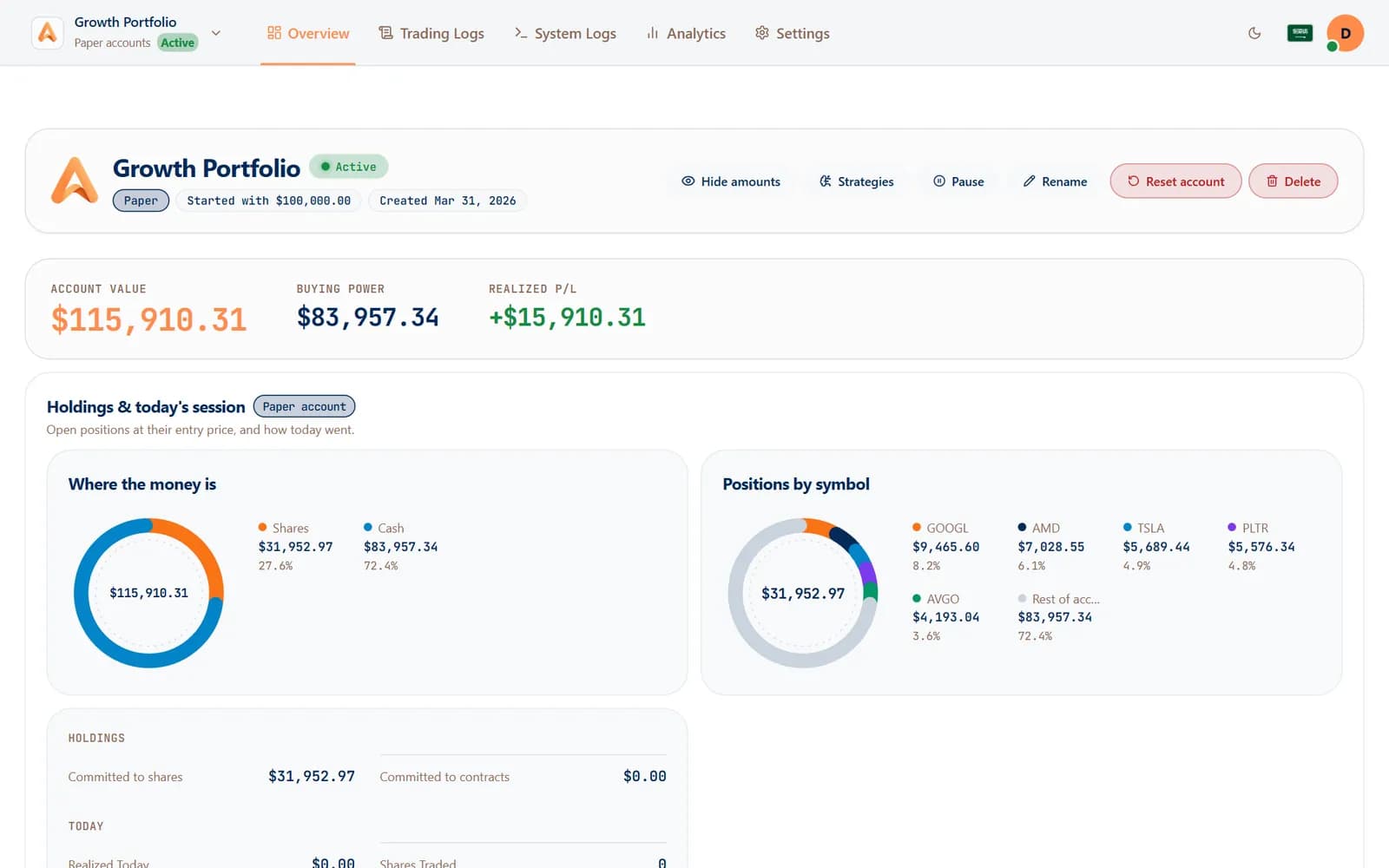
- Account summaries and open positions
- Trades
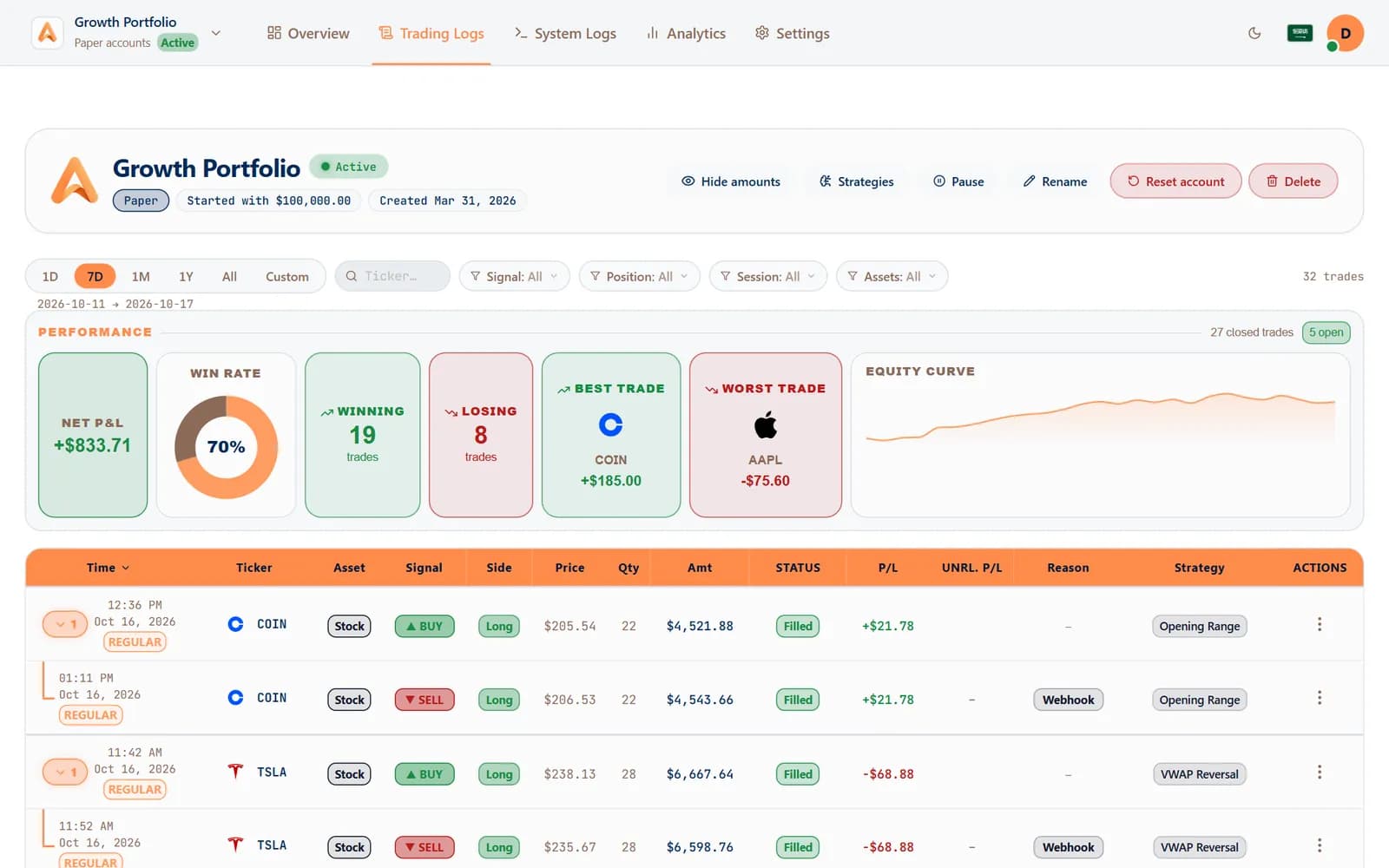
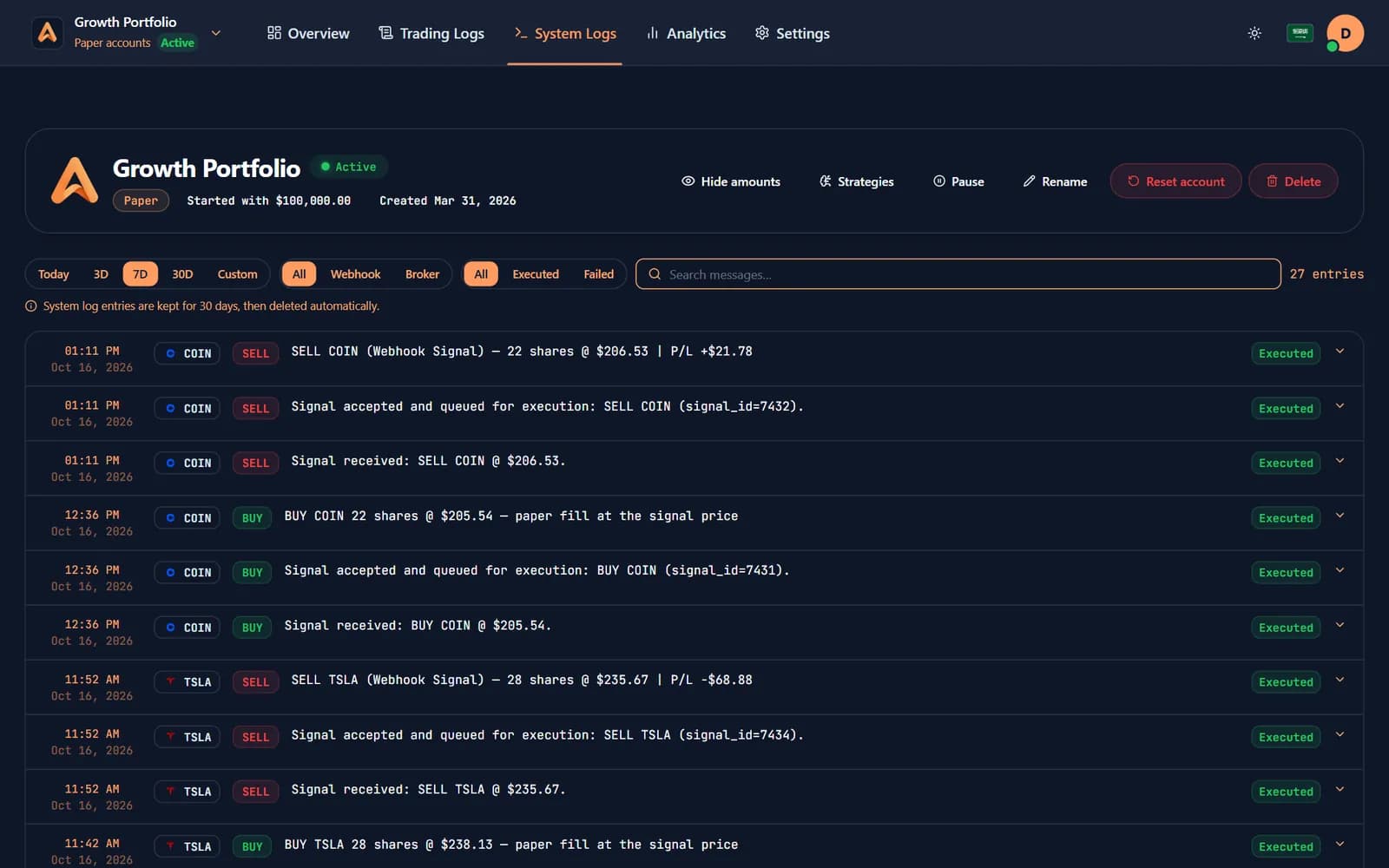
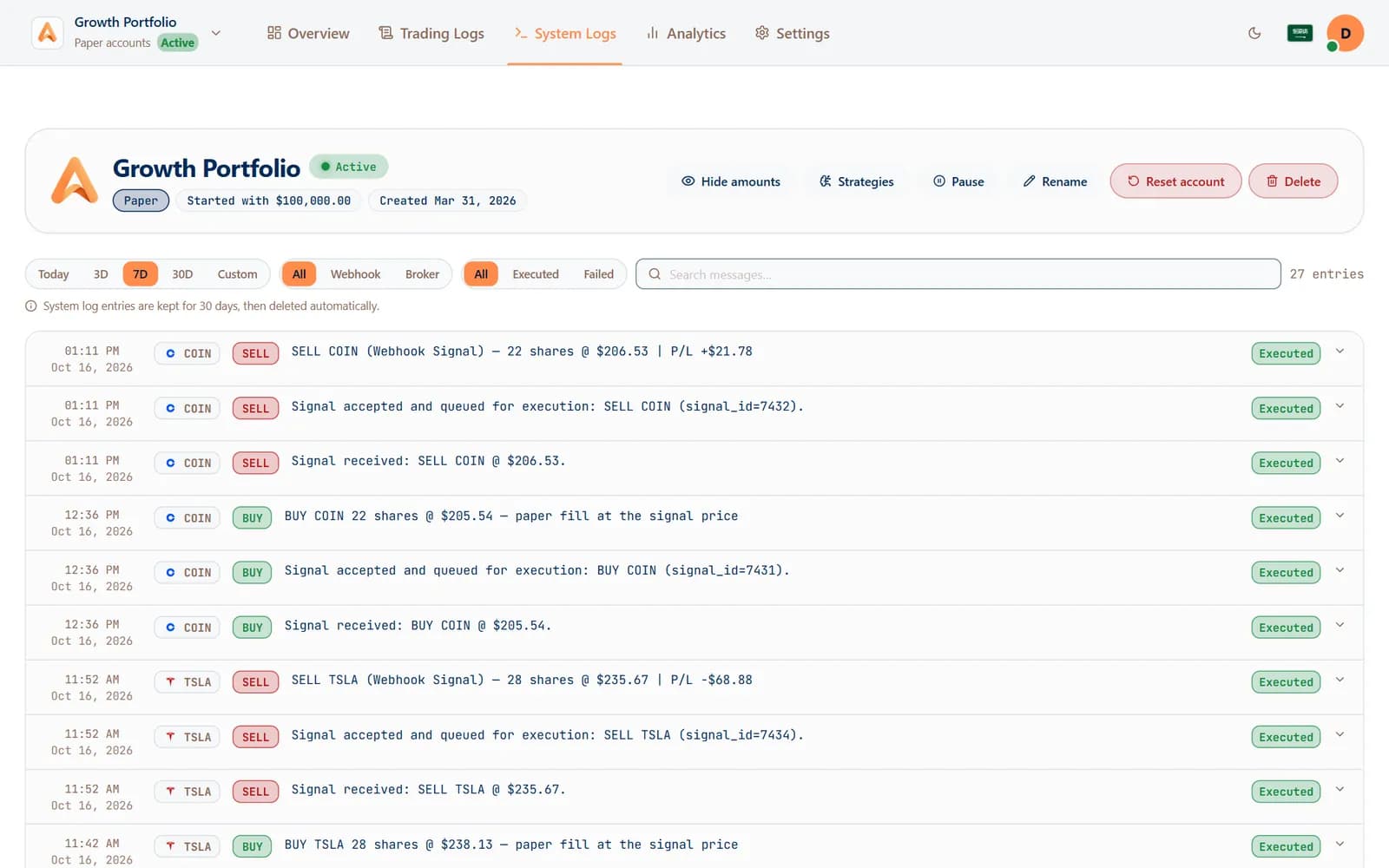
Every fill, with its reason
The AI reads your trading log — entries, exits, strategies and signals — to find what works and what doesn't.
- Signals received and how they ended
- Working orders across accounts
- Your trading journal notes
- Safety
Read-only, on your terms
You approve each app on a consent screen and can revoke it in one click. No AI app can ever place, edit or cancel an order.
- Sign in with OAuth or a personal key
- An alert the moment a new app connects
- Revoke any connection from your profile
02Built for trust
Useful answers, zero trading access.
AI Connect was designed read-only from the first line: an AI app can look, never touch.
Never places an order
No tool can trade, edit or cancel — the connection can only read.
Sees only your data
Every answer is scoped to your own accounts, nobody else's.
OAuth or personal key
Approve an app on a consent screen, or paste a personal key into tools that need one.
Revoke in one click
See every connected app in your profile and cut any of them off instantly.
A read tool for every view
Accounts, positions, orders, closed trades, performance, signals and journal.
Any MCP app
ChatGPT, Claude, Gemini, Copilot, Cursor, Perplexity and every app that speaks MCP.
03Get started
Connected in three steps.
- 1
Open AI apps in your profile
Copy the Algomatex MCP address, or create a personal key.
- 2
Add it to your AI app
Paste it into ChatGPT, Claude or any MCP app as a new connector.
- 3
Approve and ask
Approve the read-only access, then ask about your trades.
04FAQ
Questions, answered.
What is AI Connect?
A read-only connection that lets AI apps such as ChatGPT, Claude and Gemini read your Algomatex accounts over MCP (Model Context Protocol), so you can ask them about your trades and performance.
Can an AI app place trades on my account?
No. Every AI Connect tool is read-only. An AI app can read accounts, positions, orders, trades and performance, but it can never place, edit or cancel an order.
Which AI apps work?
Any app that supports MCP connectors, including ChatGPT, Claude, Gemini, Copilot, Cursor, Perplexity and Windsurf.
How do I stop an app reading my data?
Open AI apps in your profile and revoke it. Access ends immediately.
What can I ask?
Anything about your own trading: which strategy has the best profit factor, why last week lost money, which hours you trade best, or a summary of today's AutoTrade fills.
05Keep exploring
One account. Every way to trade.
 Paper trading
Prove it before real money moves
Paper accounts run the same engine on virtual money, so a strategy earns its place first.
Learn more: Paper trading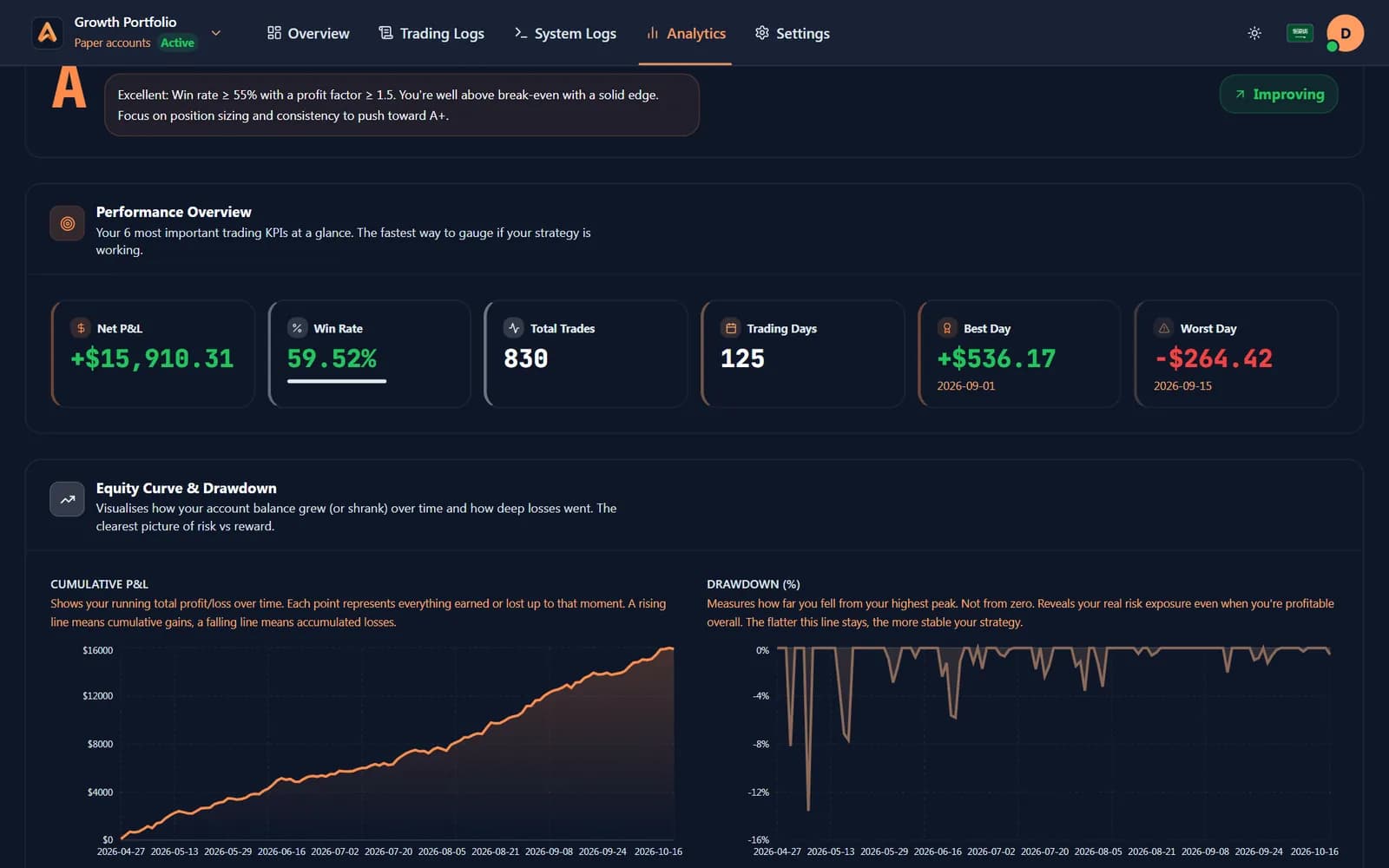
 Analytics & journal
Know which strategy pays
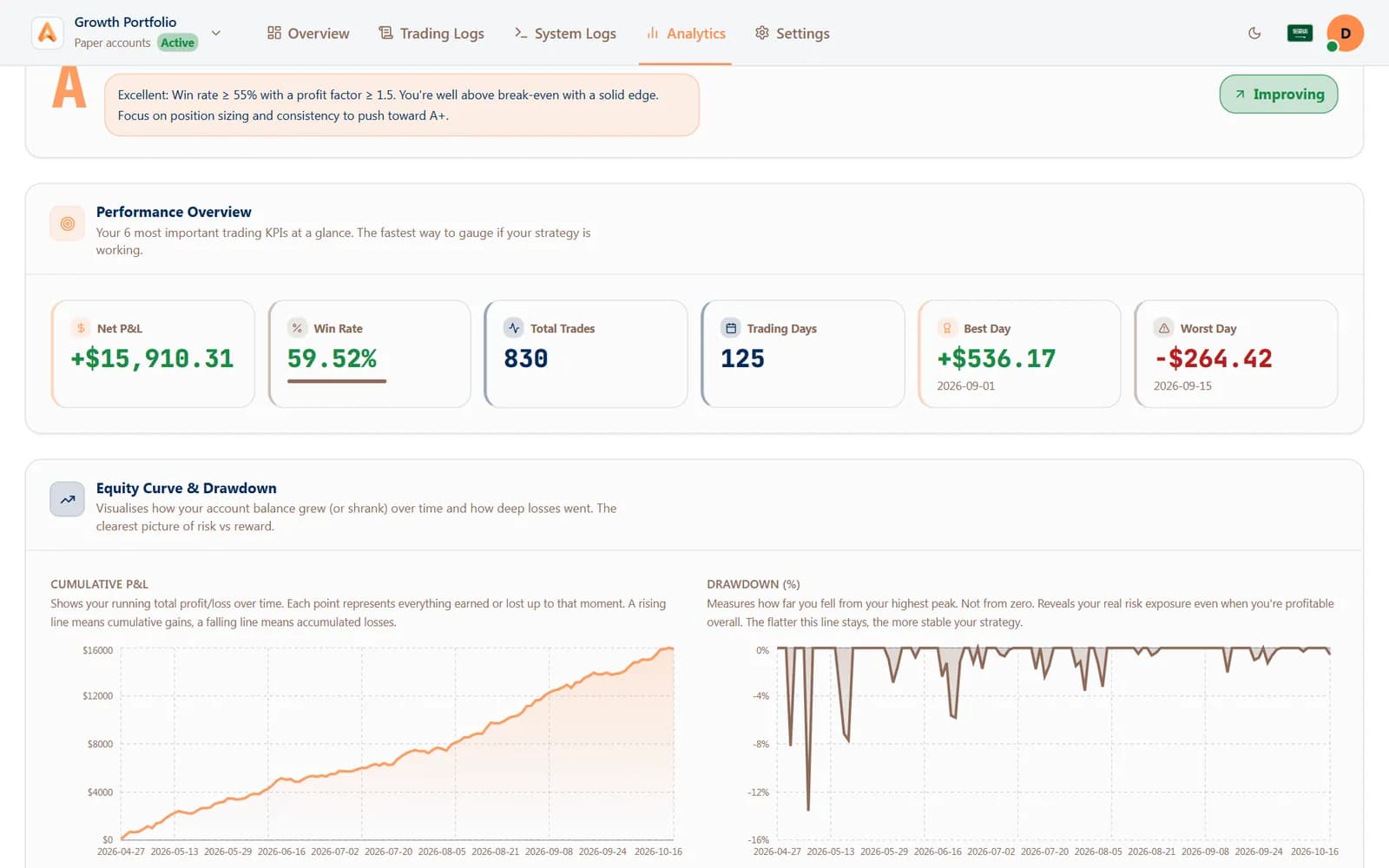
Every fill turned into win rate, profit factor and P&L by strategy, by day and by hour.
Learn more: Analytics & journal- Logs & alerts
Know exactly what happened
Every signal logged step by step, and the same moments on Telegram or your phone.
Learn more: Logs & alerts
Let your AI review your trading.
Connect ChatGPT, Claude or Gemini in minutes. Access is read-only and you can revoke it at any time.
Free paper trading · No card needed